EXFO EX10 11
3 Getting Started
This section describes the EX10 device setup, smart device software
installation, then a quick procedure to initiate a test.
Turning the EX10 Device On
Note: Make sure the EX10 device is fully charged, refer to Recharging the Battery
on page 30.
Turn the EX10 device on by pressing the on/off switch for 1 second (refer to
On/Off Switch and LED on page 4).
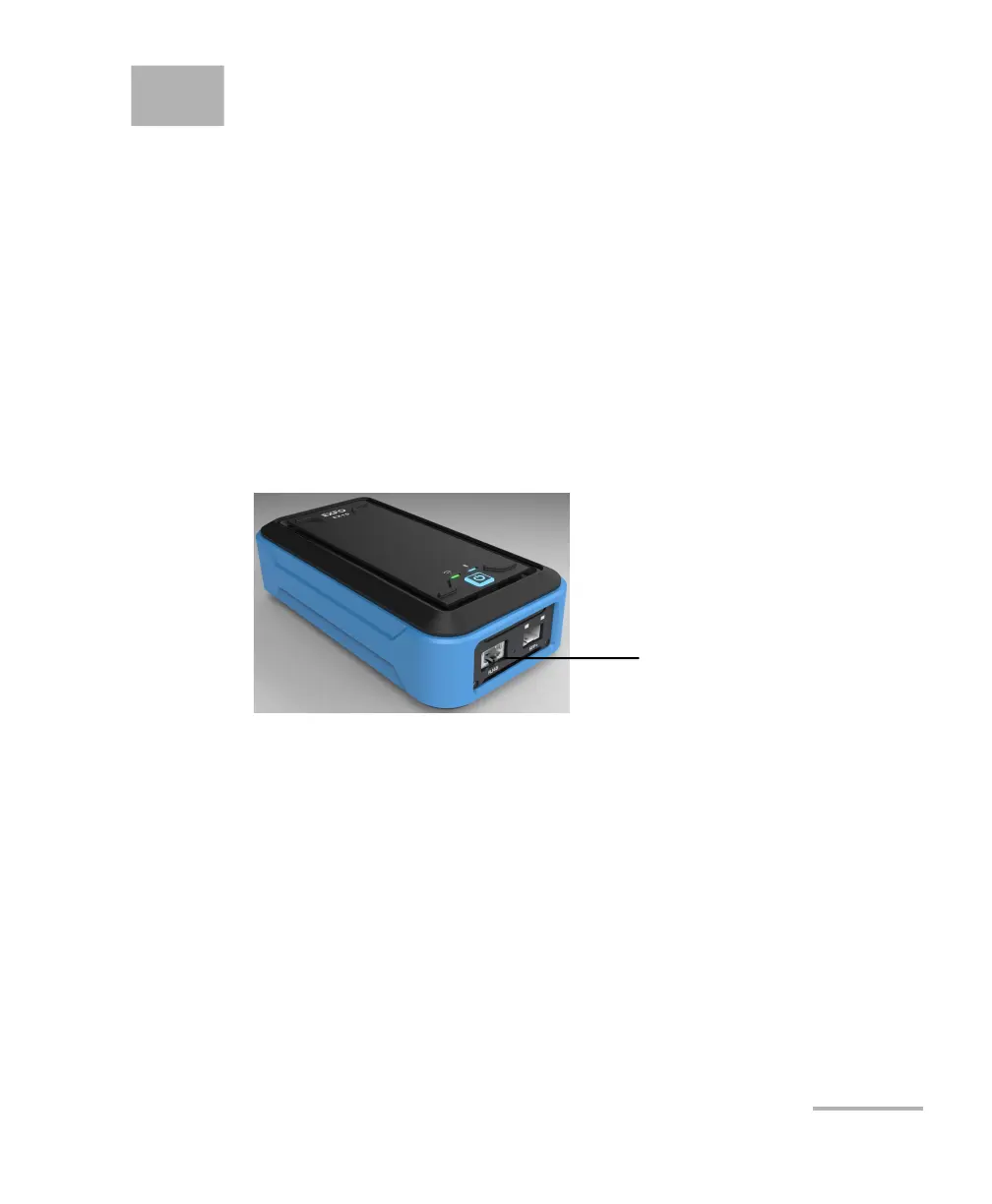
Connecting the RJ45 Port
RJ45 Port
The RJ45 port is used for testing the Ethernet network using a wired
electrical connection.
Connect the RJ45 port of the EX10 device to the Ethernet network and
make sure the link is up (refer to RJ45 Port and LEDs on page 5).
RJ45 Port



 To Next Page