Speedtest
EXFO EX10 21
Client/Server Information
Client/Server Information
Single Connection / Multi Connections indicates respectively that one or
multiple TCP connections are used. Refer to Speedtest Settings on page 25.
Client/Server Information displays the client and server information as
follows:
Expandable Status Bar
The status bar is an expandable area that is collapsed by default.
The collapsed view displays the following information:
Once the test is completed, the status bar is automatically expanded. The
expanded view displays the following additional information:
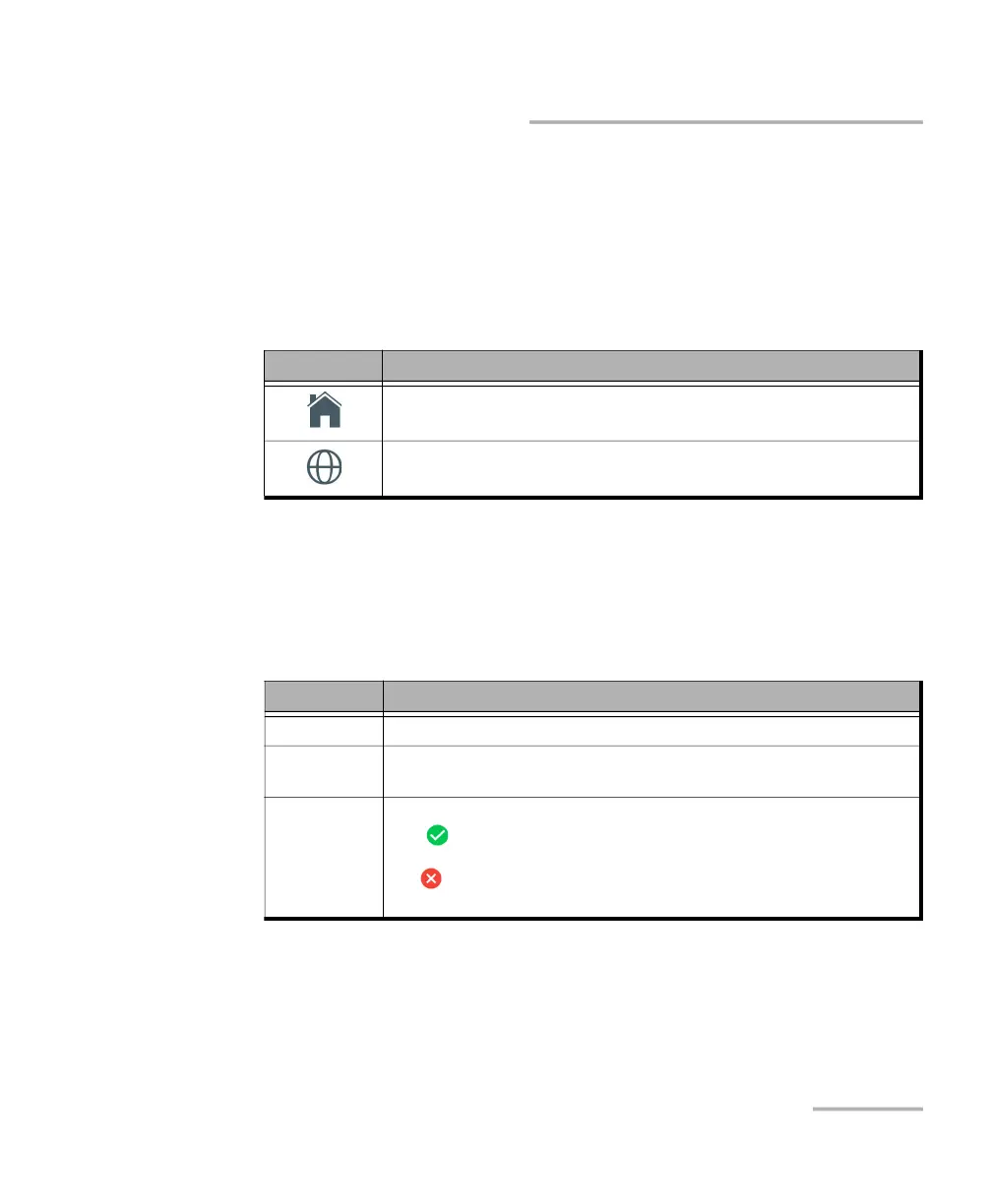
Icon Information
The name of the Internet Service Provider.
The WAN client IP Address.
The name of the host server.
The IP address of the host server.
Information Description
Link Indicates the auto-negotiated rate: 100M, 1GE, or 2.5GE.
Current
alarms/errors
Indicates if a Link Down alarm occurred during the last second.
Global Pass/Fail
verdict
Displays the global test pass/fail verdict icon, when enabled.
Pass indicates that all result values meet the configured threshold
criteria.
Fail indicates that at least one result value does not meet the
configured threshold criteria, an alarm is detected, or the test is aborted.



 To Next Page