EXFO EX10 Main Menu
EXFO EX10 15
Speedtest
Speedtest
Note: The Speedtest by Ookla is only available when connected to an EX10
device.
From the Speedtest page it is possible to start the test, see the test
in-progress, results/verdicts, and access the test report. Refer to Speedtest
on page 19 for more information.
Reports
Note: The Reports page is only available when connected to an EX10 device.
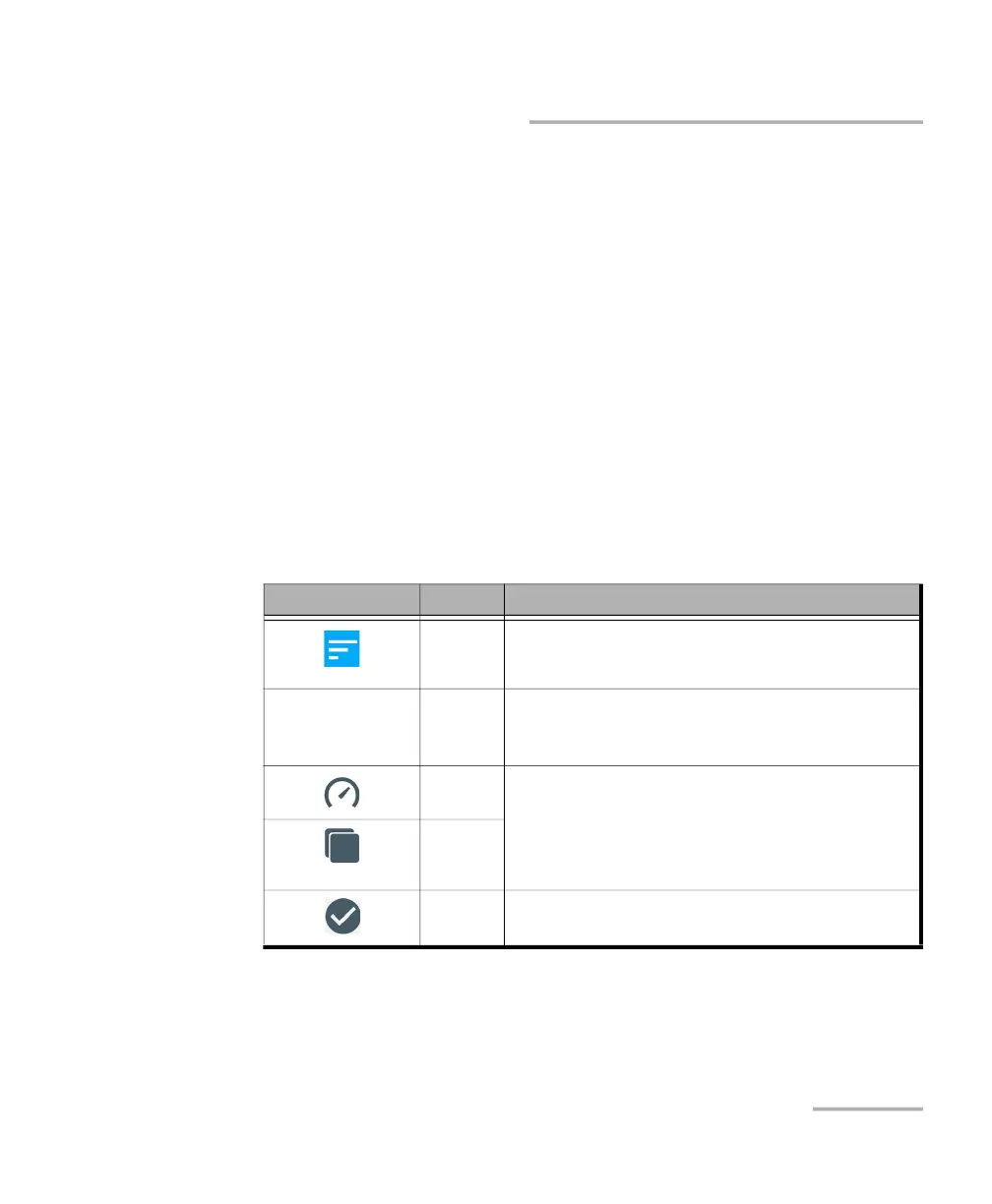
The Reports page lists the EX10 test reports and allows report file
management as follows:
Icon/Label Action Description
Sort Tap to change the report sorting oder. Reports are sorted
by their file name either ascending or
descending (default).
Speedtest
<Report File Name>
<Report Tag>
Open Tap on a report file name to open the report file.
<Report File Name> is the report file name.
<Report Tag> is an optional report tag name.
Select
Report
Tap on either icons to select the report or combined
report. When at least one report is selected, the report is
in the selection mode allowing additional controls as
described in the following table. The number of selected
reports is displayed next to the back button.
Select
Combined
Report
Cancel the
selection
Indicates that the report is selected.
Tap on this icon to cancel the selection.



 To Next Page