Using a Light Source (FLS-600 and FOT-600) or VFL
Power Meter/Light Source/Optical Loss Test Set 35
Using Auto-Switching Mode
Note: Auto-switching mode is a special signal detected by compatible units (see
Using Auto-Switching Mode on page 35).
To change the signal modulation:
1. Activate the source.
2. Press to switch between available
modulations.
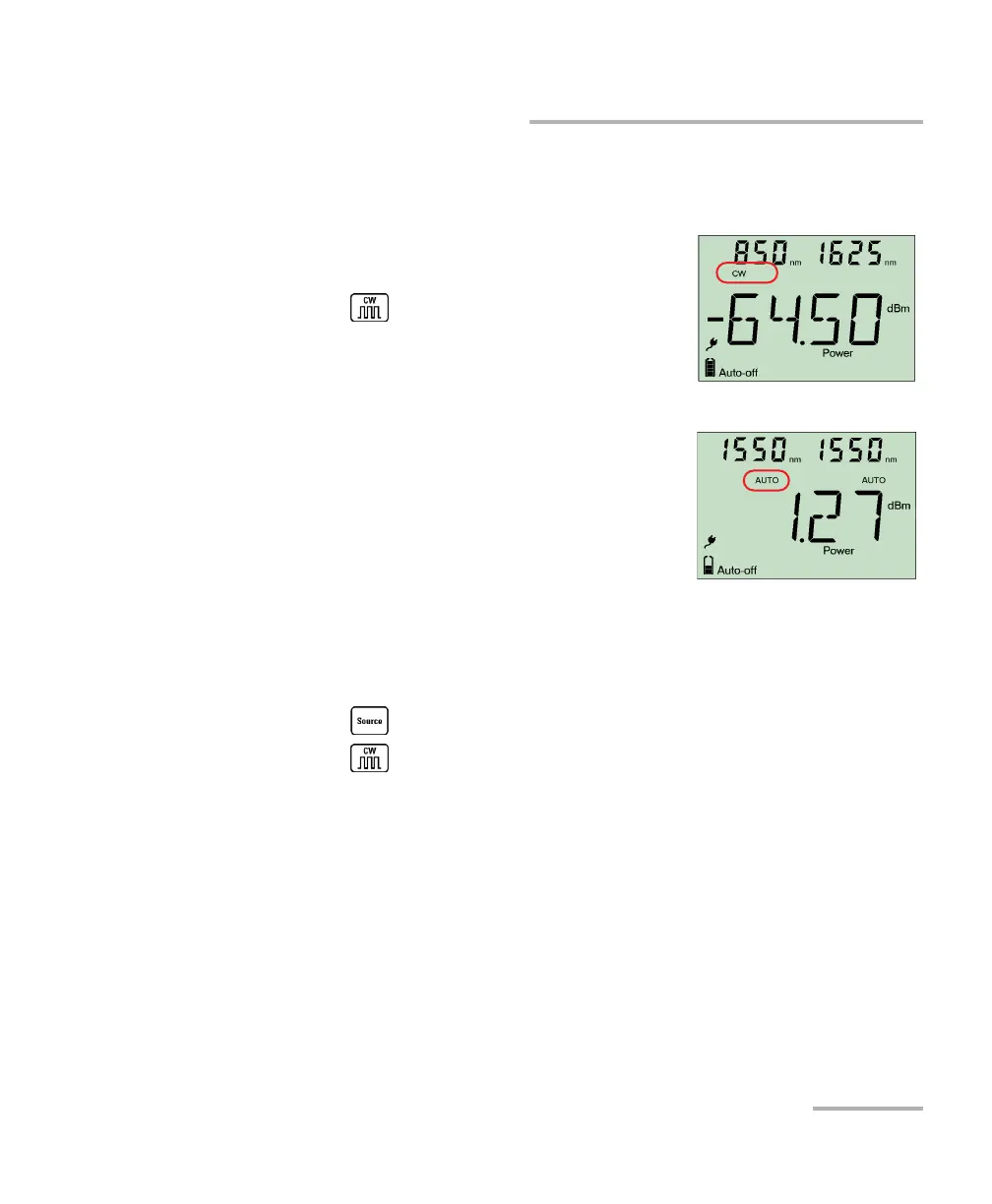
Using Auto-Switching Mode
In auto-switching mode, your source
automatically switches from one wavelength to
another. When connected to the light source, a
compatible power meter displays the power
value for each wavelength one at a time. The
wavelength value appearing on the display
changes every two seconds.
The unit will show the source's favorite wavelengths one at a time (see
Defining a List of Favorite Wavelengths on page 33).
To activate auto-switching mode:
1. Press to activate the source.
2. Press to switch between available modulations until the Auto
indicator blinks on your display.



 To Next Page