Using a Light Source (FLS-600 and FOT-600) or VFL
38 FPM/FLS/FOT-600
Sending Source Power Value with Signal
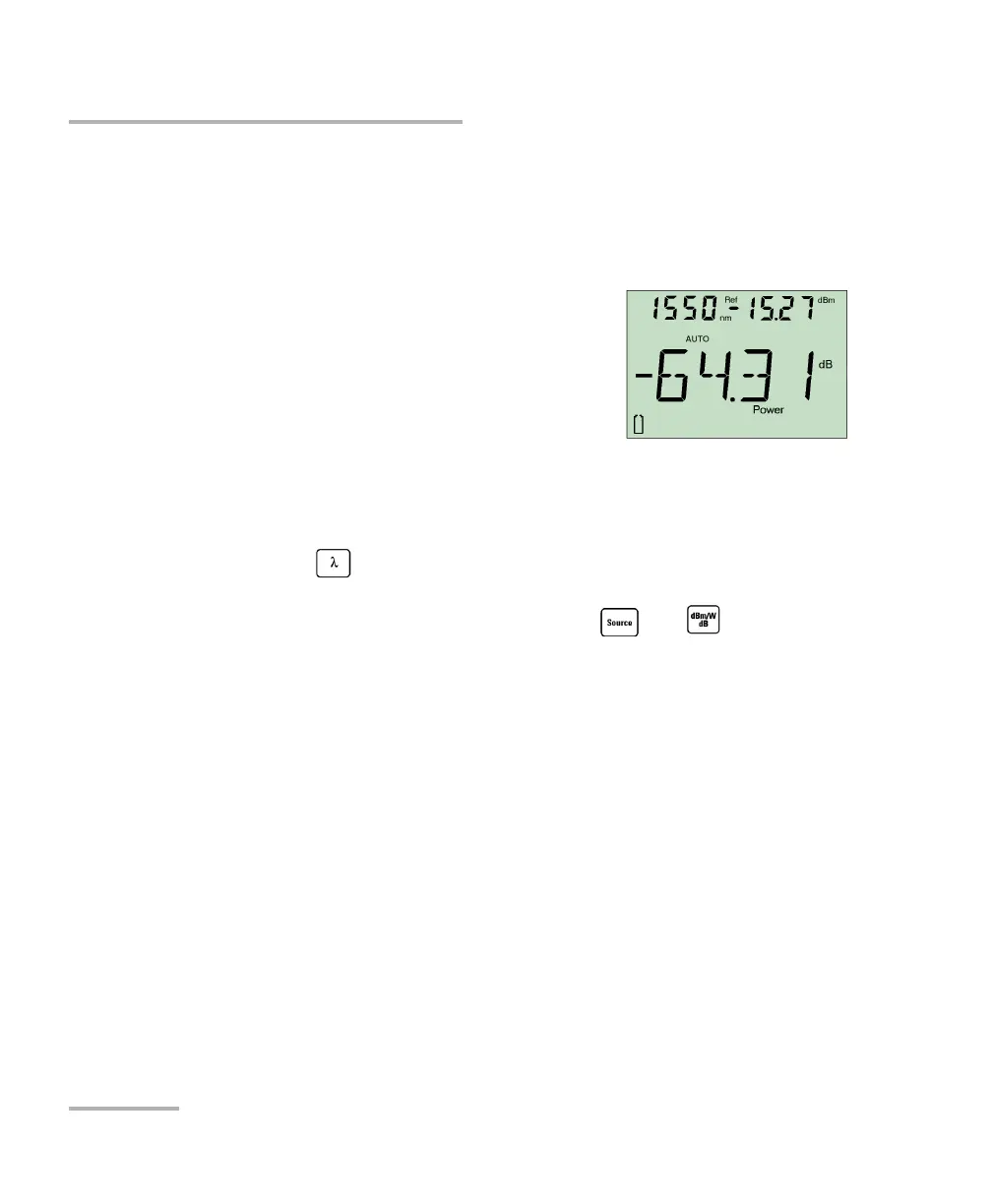
To use the source’s actual output power as reference (FOT-600
only):
1. Connect a fiber between the source and power meter of same unit.
2. Activate the source at the desired wavelength.
3. Match the source and power meter
wavelengths:
If the source emits an auto-wavelength
signal or is in auto-switching mode (see
Automatically Detecting Wavelength on
page 29 and Using Auto-Switching Mode
on page 35), the power meter automatically matches the source
wavelength.
OR
Press to switch between pre-selected wavelengths (see
Defining a List of Favorite Wavelengths on page 22).
4. From normal operating mode, hold down and . The unit
displays PREF for a few seconds while saving the value, then returns to
normal mode.
To send the source power value:
1. Activate the source.
2. Change the modulation signal to AUTO or auto-switching.
If you use auto-switching mode, the power value of each wavelength
will automatically be sent.



 To Next Page