Getting Started with Your Chromatic Dispersion Analyzer
6 FTB-5800
Inserting and Removing Test Modules
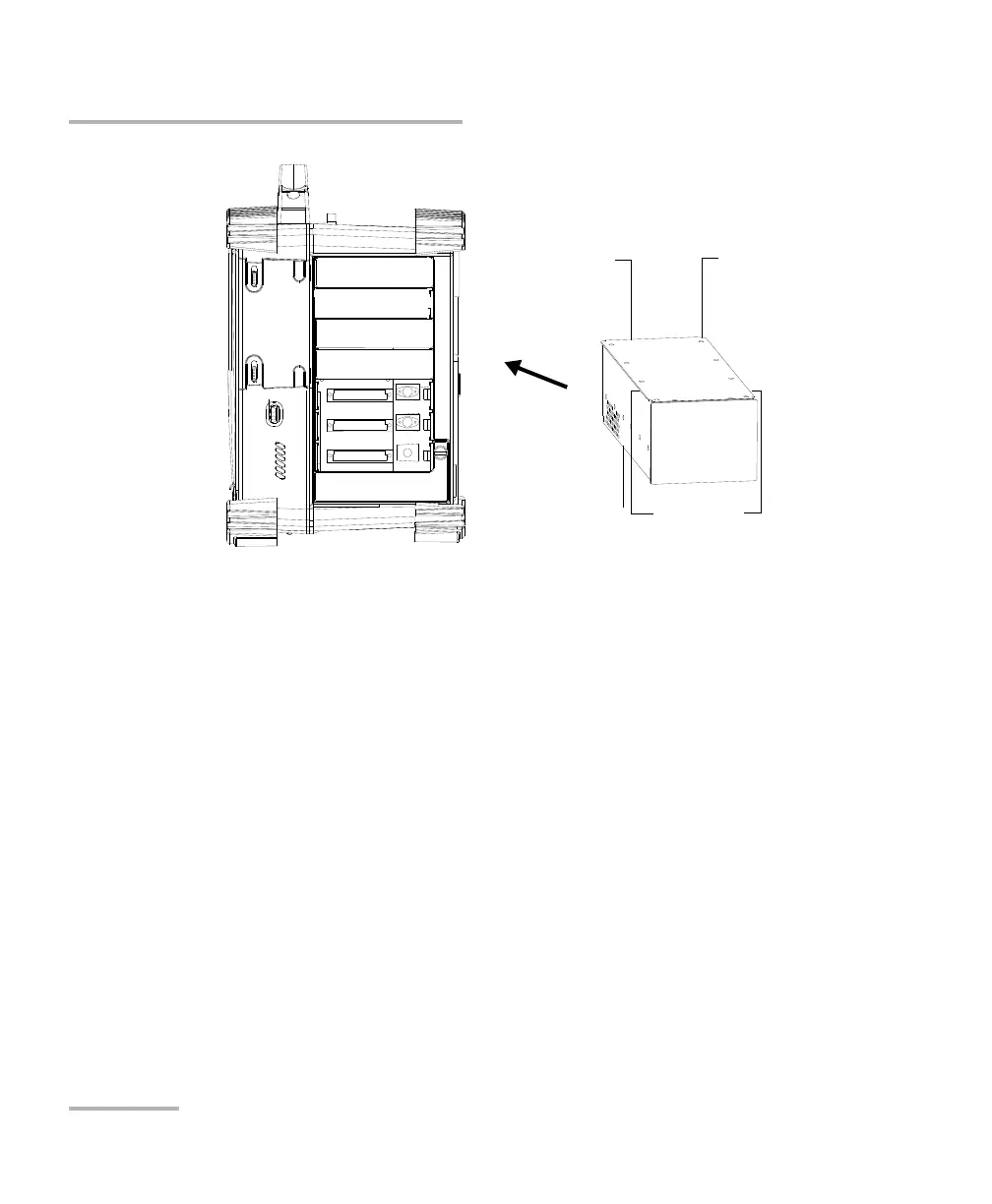
4. Insert the protruding edges of the module into the grooves of the
receptacle’s module slot.
5. Push the module all the way to the back of the slot, until the retaining
screw makes contact with the receptacle casing.
6. Place the FTB-400 so that its left panel is facing you.
FTB-400 right panel
(7-slot receptacle
shown)
Protruding
edges on top
Retaining screw
hole at the
back
Connector
pins at the
back
Identification sticker
facing down



 To Next Page