Getting Started with Your Chromatic Dispersion Analyzer
Chromatic Dispersion Analyzer 7
Inserting and Removing Test Modules
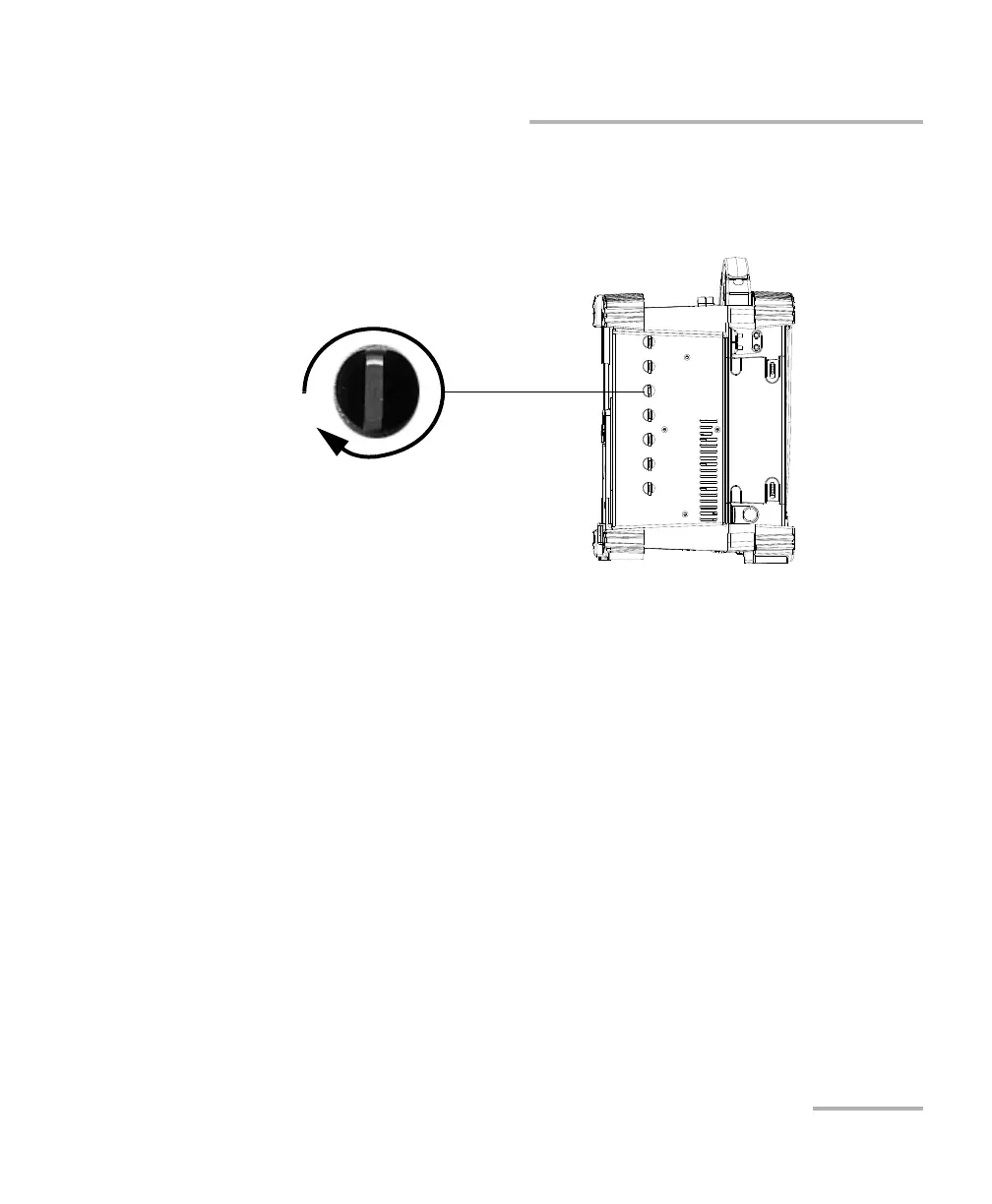
7. While applying slight pressure to the module, turn the retaining screw
clockwise until it is tightened. This will secure the module into its
“seated” position.
When you turn on the unit, the startup sequence will automatically detect
the module.
Turn retaining screw knob
clockwise
FTB-400 left panel
(7-slot unit shown)



 To Next Page