Test Results
254 MAX-800 Series
Alarms/Errors Overview
Inject Button
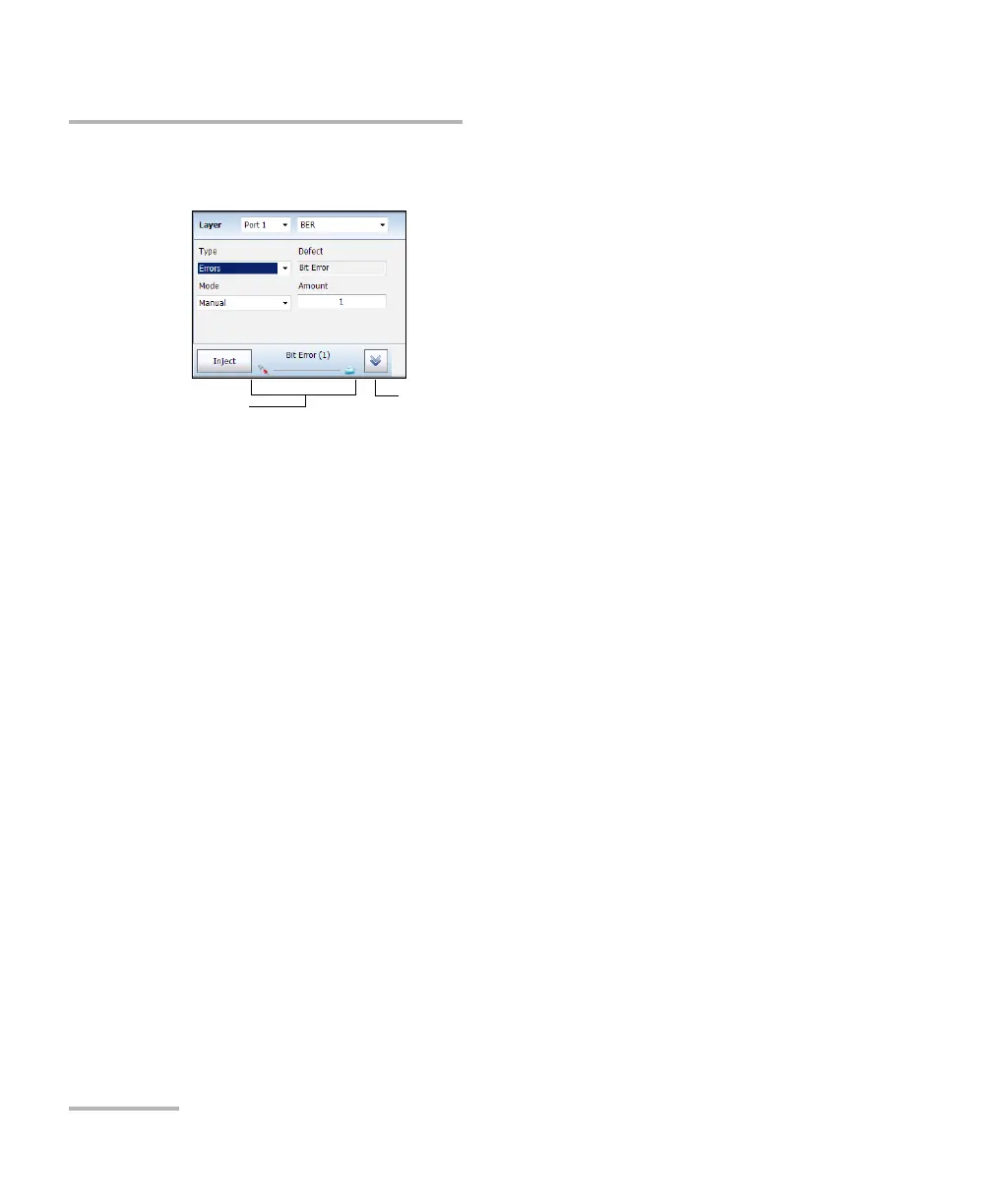
Layer: Allows selecting on which layer is the alarm/error to be
generated. Choices depend on the test application and its interface.
The port selection available with Dual Port topology, allows selecting
the port used for alarm/error injection.
Type: Allows selecting the type of injection, either Alarms or Errors.
Defect: Allows the selection of the alarm/error defect to be generated.
Choices depend on the selected Layer and Type. Refer to
Alarms/Errors on page 205 for more information.
Mode and Rate/Amount
Manual allows entering the amount of error to be generated:
1 (default) through 50 or 100 (depends on the selected error).
Rate allows the selection of the error injection rate. The rate must
be within the minimum and maximum values specified.
Max Rate generates the error to its theoretical maximum rate.
Open/Close pop-up button
Selected Alarm/Error
and status










 To Next Page