Test Control
MaxTester 381
Discover Remote Button
The discovered units are listed in the table with their IP Address,
Remote ID, Capabilities, and Status information. Remote ID,
Capabilities, and Status are only available for remote MAX-800 Series,
FTB-700G/800 Series, FTB-800v2 Series, and 88000 Series units.
Capabilities indicates the loopback capabilities of the remote unit
using the following test application icons: Smart Loopback,
RFC 2544, and/or EtherSAM.
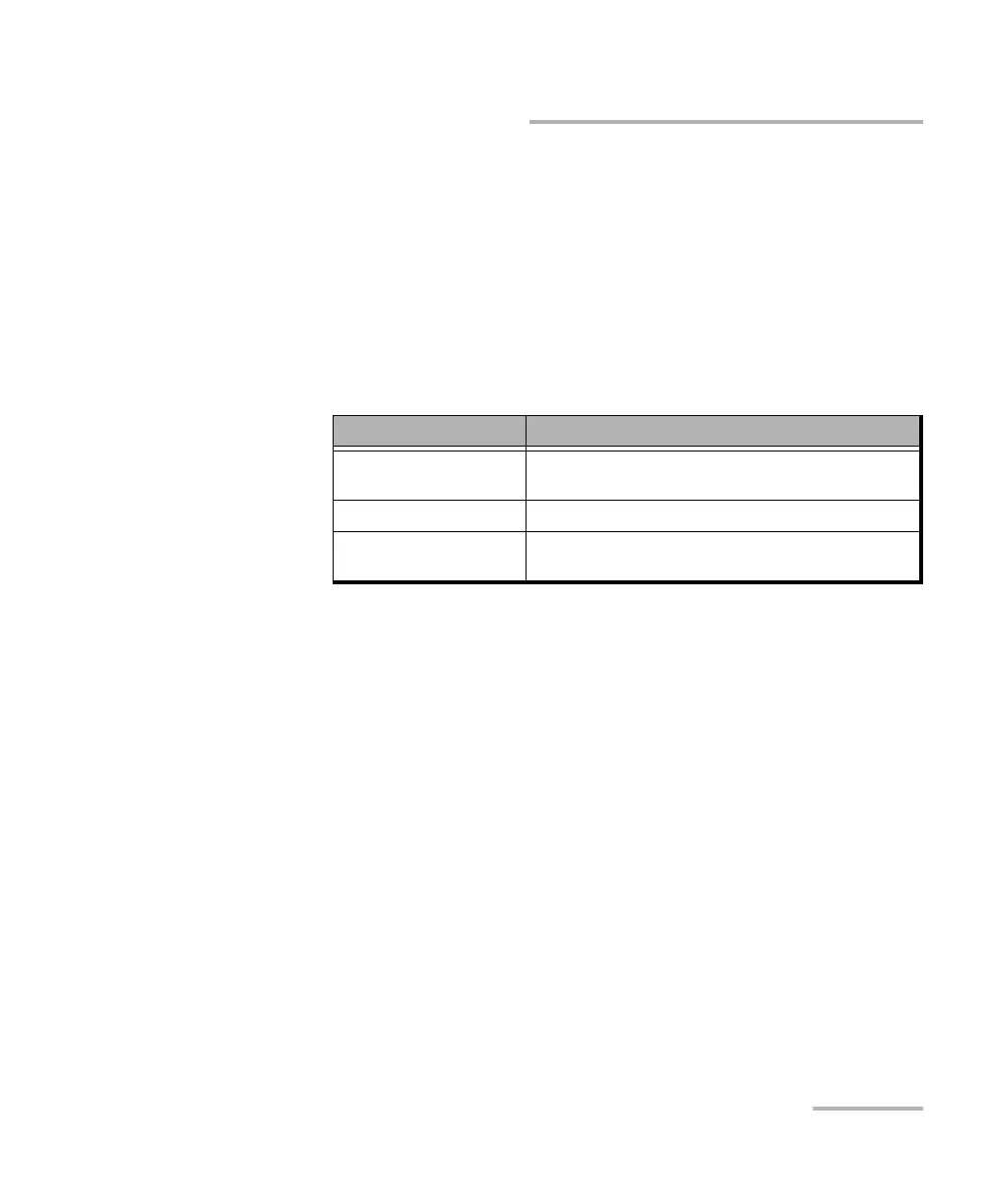
Status indicates the status of the remote unit.
Status Description
Idle-<test application>
a
a. Possible test applications: EtherSAM, RFC 2544, EtherBERT, Traffic Gen & Mon,
Smart Loopback, Through Mode, or Cable Test.
The specified test application is selected but not
running.
Busy-<test application>
b
b. Possible test applications: EtherSAM, RFC 2544, EtherBERT, Traffic Gen & Mon,
or Smart Loopback.
The specified test application is running.
Not Responding No response from the specified IP address (only
possible when Ta r g e t is set to Specific IP).










 To Next Page