PON Power Meter 19
3 Getting Started with Your PON
Power Meter
Turning the Unit On and Off
When you turn the PON Power Meter off, it saves the current settings,
which include the measurement mode and active test configuration.
Note: When the unit is turned on, offset nulling values are returned to factory
settings and the ONT CW mode is switched to OFF.
To turn the unit on:
Press . The unit displays EXFO for a few seconds and then the
measurement page along with the settings saved before the unit was
powered off. You may use your unit immediately under normal conditions.
To turn the unit off:
Hold down a few seconds. The unit saves the current settings
automatically.
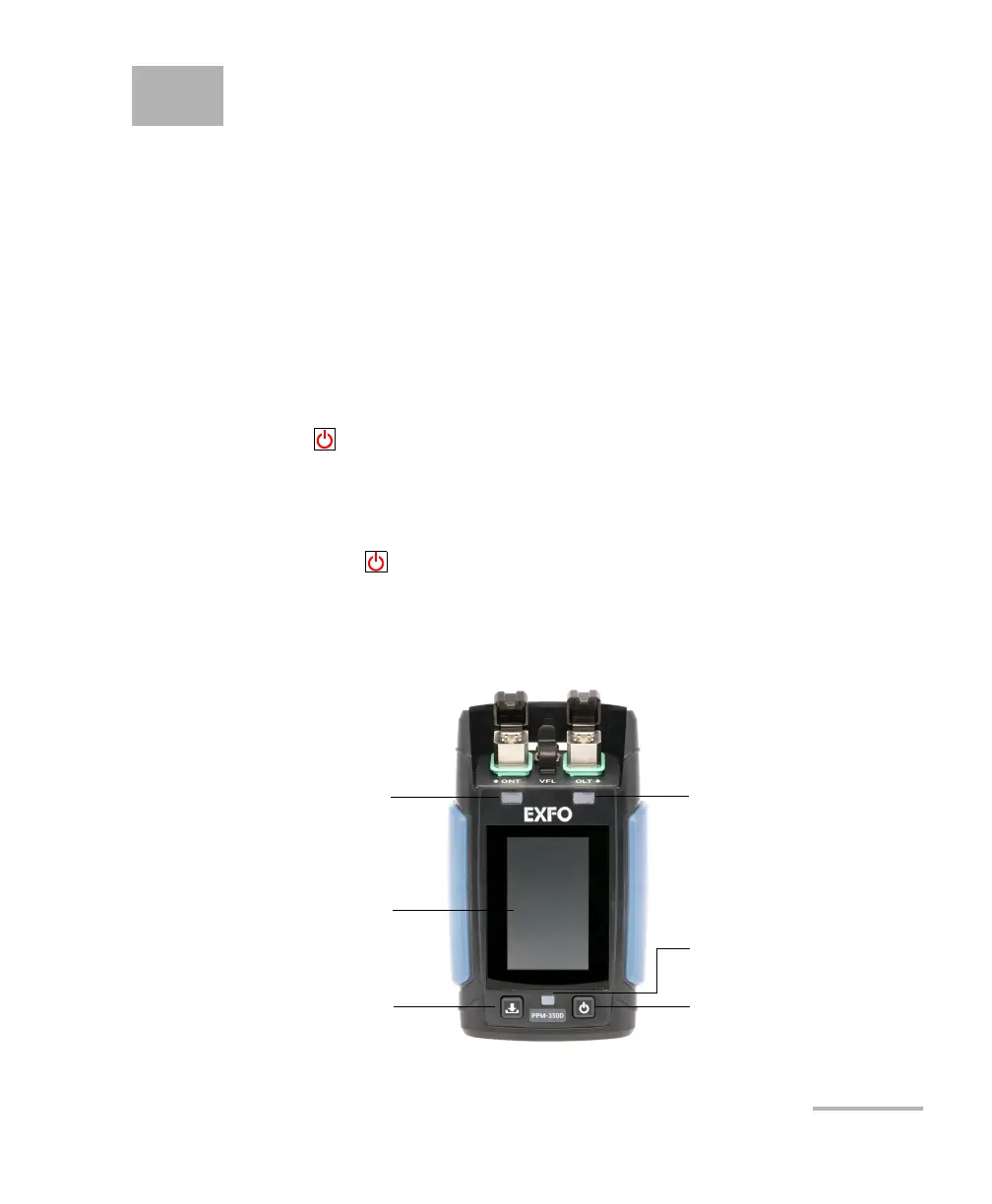
Physical Interface
Pass/fail LED for upstream
Store button Power on/off button
Battery-charging status LED
Pass/fail LED for downstream
Touchscreen interface



 To Next Page