Managing Test Results
38 PPM-350D
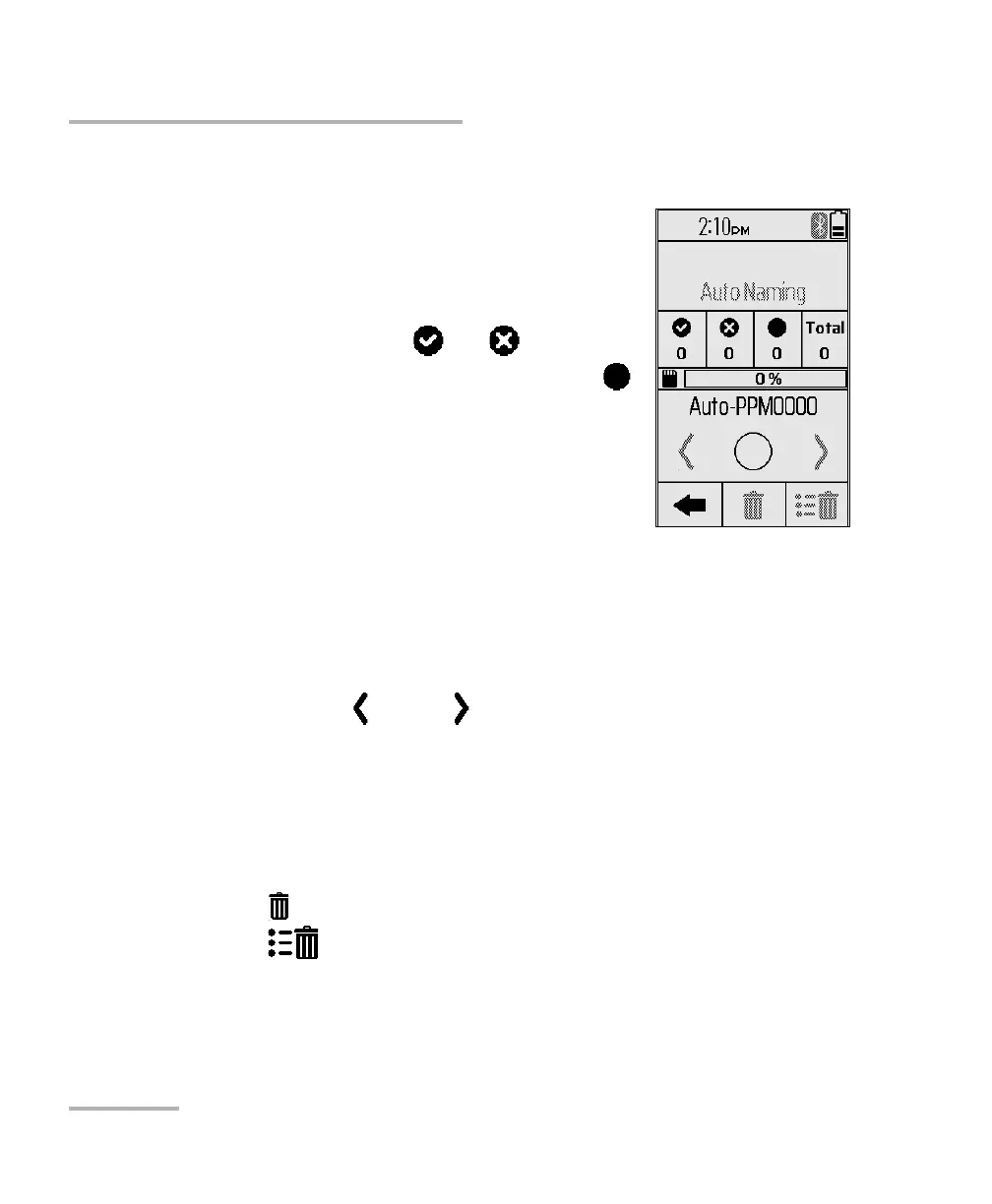
Results Navigator
Results Navigator
Test data can be viewed and managed from the
measurements page by providing the following
features:
View measurements saved (Auto)
The number of pass /fail
The number of non-status measurements
ID of the next available measurement data
Status of the selected measurement
Delete one/all measurements
Note: You can only view the overall status of a
measurement, not the details (individual power level or individual pass/fail
status).
To navigate test measurements:
1. Tap a results ID to open the measurements page.
2. Tap previous or next to navigate to more IDs.
Deleting Data
You can delete unwanted data directly from the unit when viewing your
stored data.
To delete data:
1. Tap to delete the current measurement.
2. Tap to clear all results.



 To Next Page