Getting Started with Your PON Power Meter
26 PPM-350D
Measurement Status and Icons
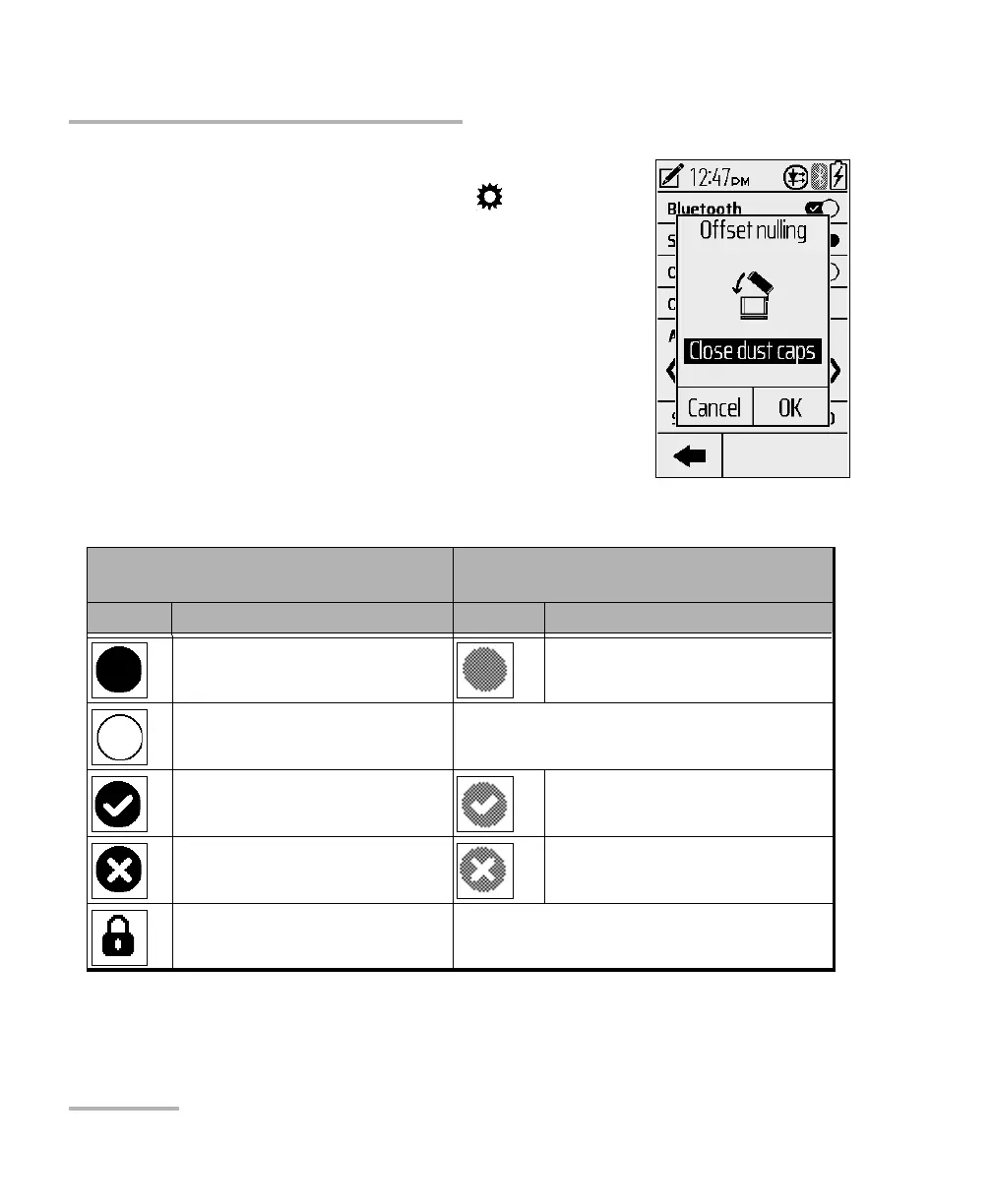
To perform an offset nulling:
1. From the menu screen, tap .
2. In the list of tools, tap Offset nulling....
3. Close dust caps and tap OK. If no Light
Detected, the unit displays a check mark,
indicating the nulling is completed.
4. Tap OK to return to the tools list screen.
Measurement Status and Icons
Active Layers and Test Results
Navigation
Inactive Layers (not considered for
Global Pass/Fail)
Button Description Button Description
Done - no threshold
(measurement exists)
Done (Inactive upstream)
Not done (no measurement)
Pass Pass
Fail Fail
Lock - during burst detection



 To Next Page