Performing FTTx Measurements
PON Power Meter 33
Performing a Measurement
Performing a Measurement
At startup, the unit uses the same configuration that was used during the
last test session.
Pass/Fail status is indicated directly (screen and LEDs). Status is
determined according to the current threshold set (see Selecting a
Threshold Set on page 31).
If no thresholds are present in the configuration in use, only the power
levels are shown and LEDs are off.
Measurements on the ONT side are designed for burst measurements
coming from ONTs that respect known standards of duration. For CW
measurements, activate the ONT CW option as shown in Setting
Parameters on page 24.
To test in Pass/Fail or Normal mode:
1. Inspect your fibers and clean them properly if needed (see Cleaning
and Connecting Optical Fibers on page 21 for details).
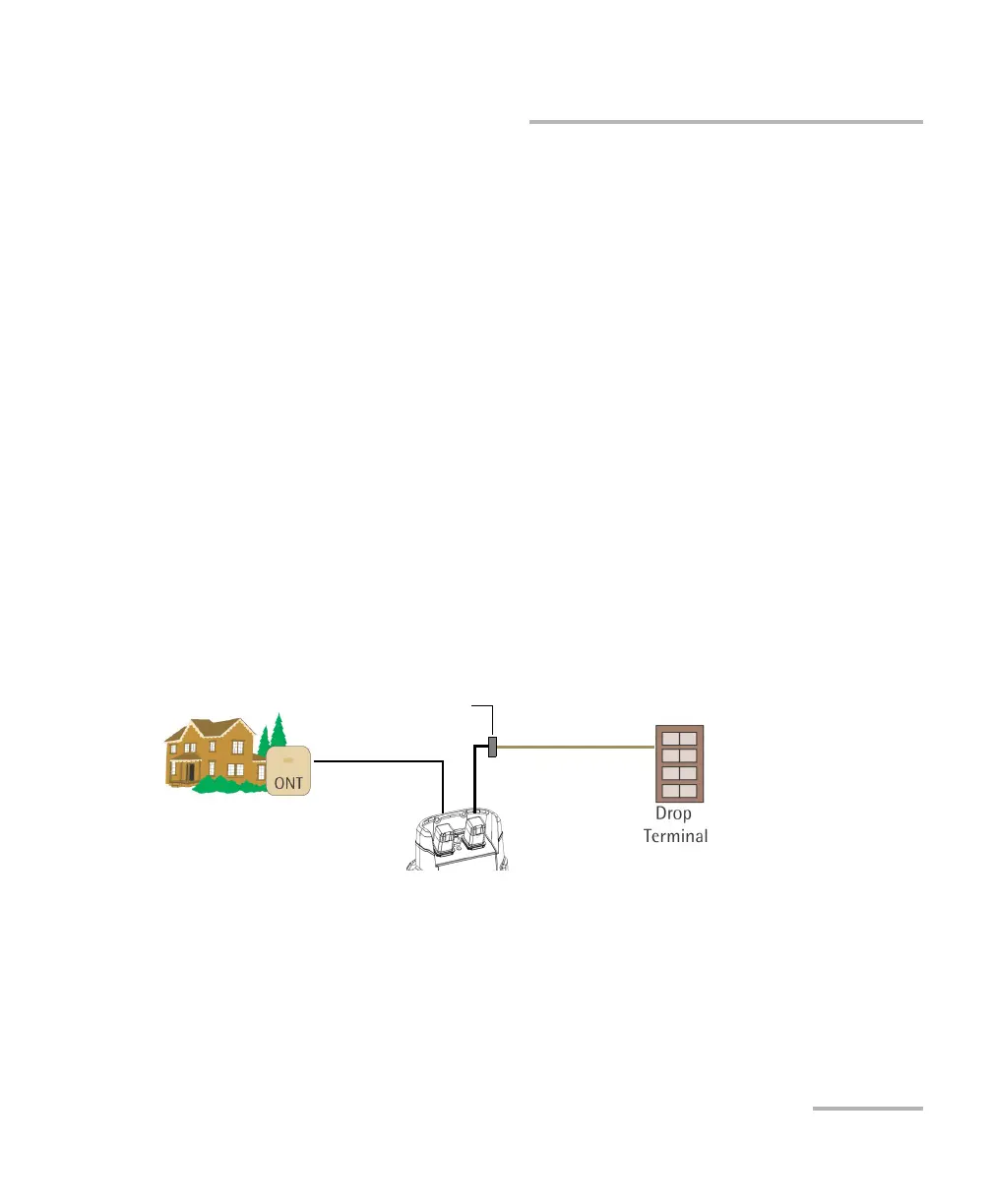
2. Connect as shown:
Test at the premises
Te s t jum p e r
OLT/video port
Te s t jum p e r
ONT port
Drop cable
Bulkhead connector



 To Next Page