PON Power Meter 39
7 Identifying Fiber Faults
Visually
Note: This feature is available only if your unit is equipped with a VFL port.
The VFL (visual fault locator) helps you identify
bends, faulty connectors, splices, and other causes
of signal loss.
From its dedicated port, the VFL emits a red signal
which becomes visible at the location of a fault on
the fiber. This signal can be continuous (default) or
blinking (1 Hz).
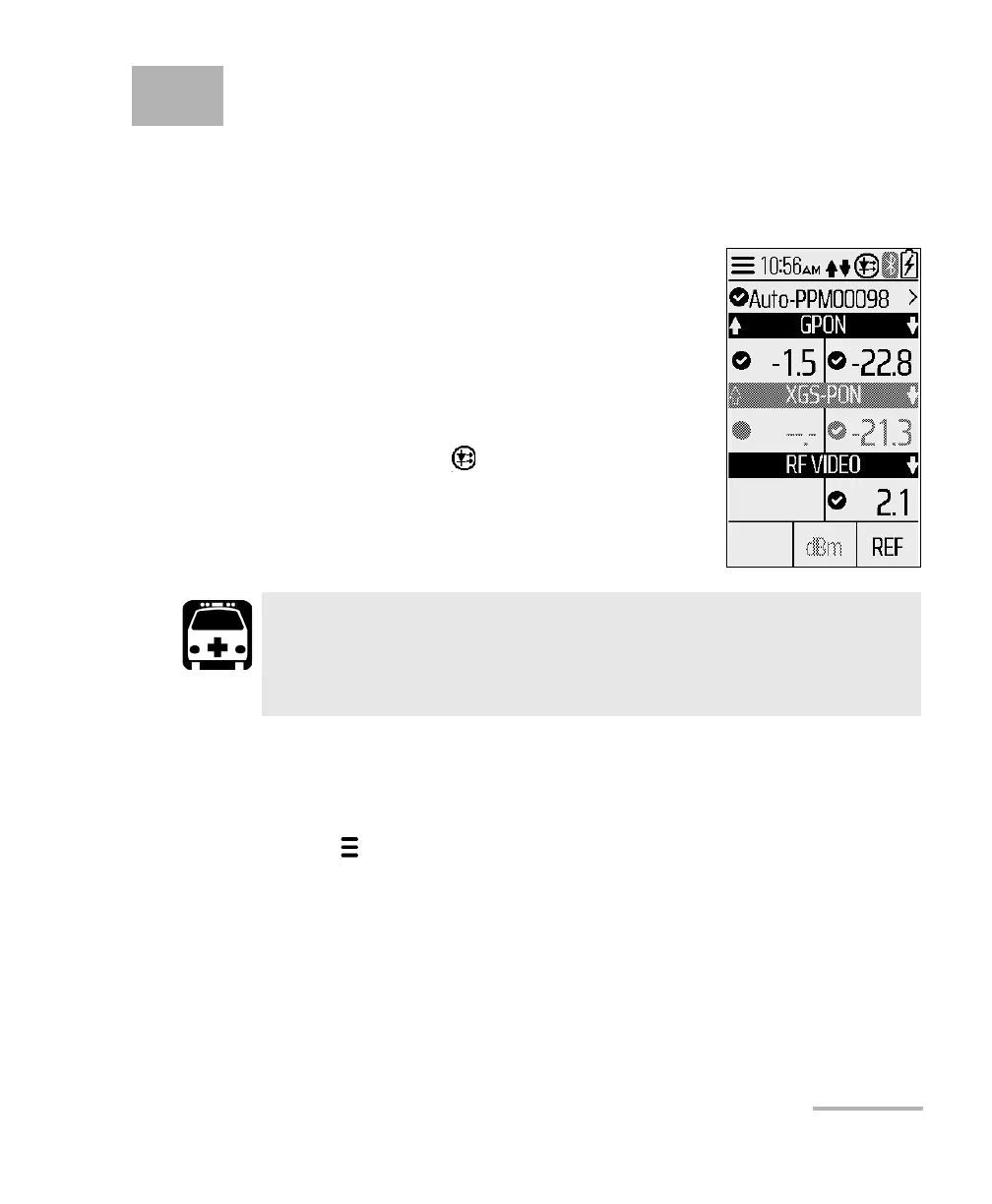
When the VFL is on, is displayed at the
top-right of the screen.
To activate the VFL and inspect a fiber:
1. Connect the fiber under test to the VFL port (see Cleaning and
Connecting Optical Fibers on page 21).
2. Tap to open the menu page.
WARNING
When the VFL is active, the VFL port emits visible laser radiation.
Avoid exposure and do not stare directly into the beam. Ensure that
any unused port is properly protected with a cap.



 To Next Page