Identifying Fiber Faults Visually
40 PPM-350D
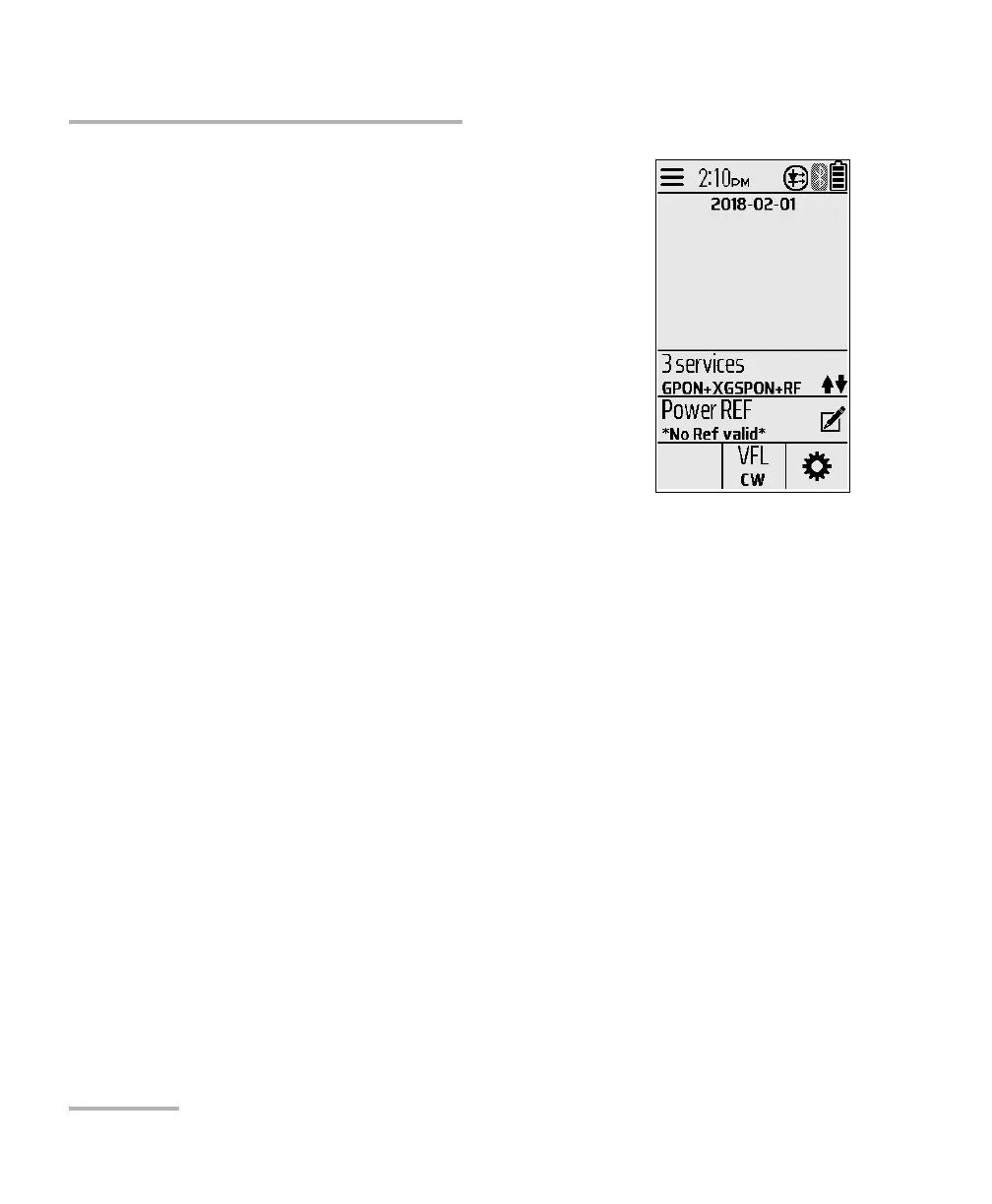
3. Tap VFL from the menu to toggle between CW
(continuous signal) and 1Hz (blinking signal).
4. Without looking directly into the beam,
examine the fiber. If light is coming out of the
rubber jacket or on the side of the ferrule, the
fiber is defective.
5. Deactivate the VFL by toggling to OFF.



 To Next Page