SAIC Exploranium – GR-135 System Manual page: 59
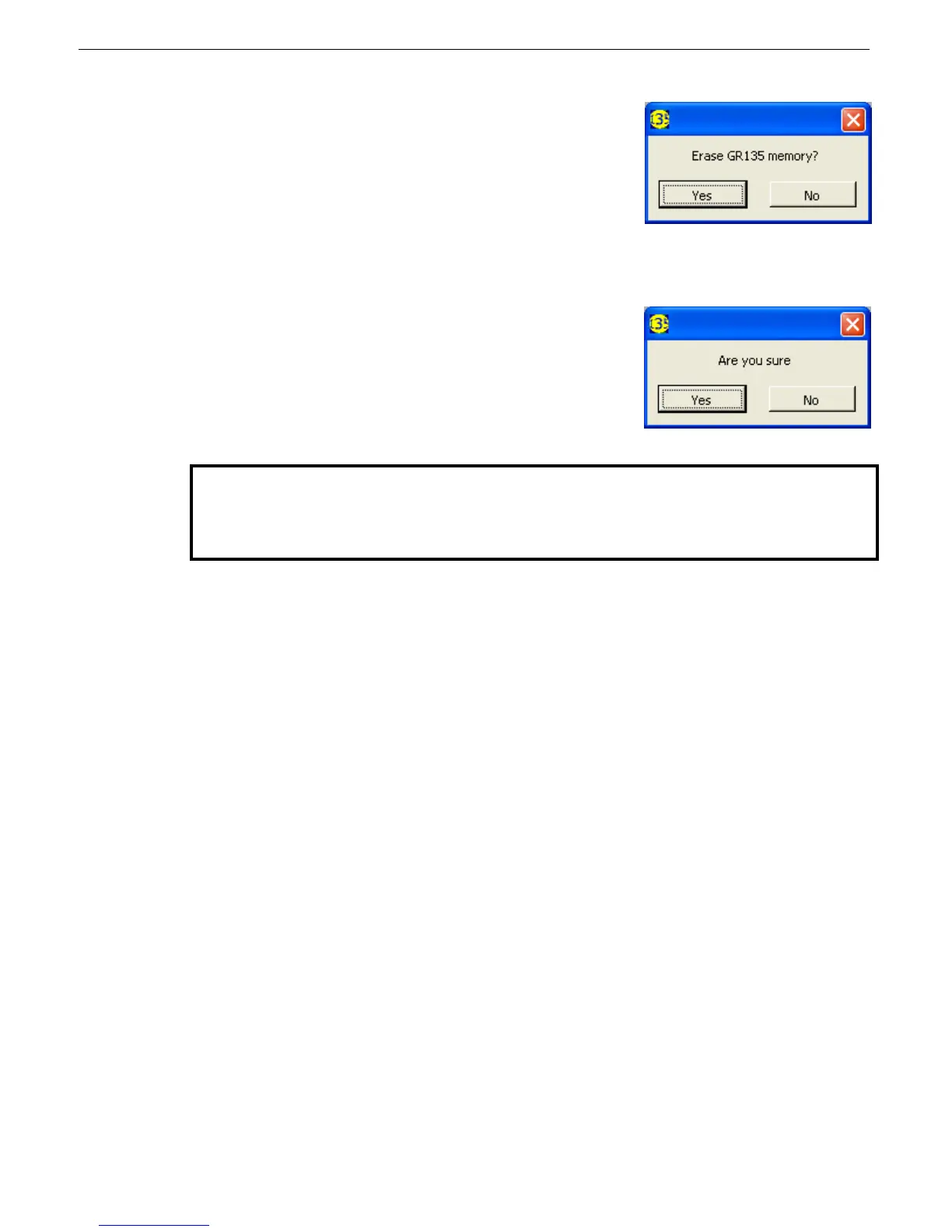
- Once the data is saved a new message appears. This
permits the user to erase all the spectra in the data
memory of the GR135. This is usually a good idea as
once the data is transferred then it is not really necessary
to keep it in the 135. In addition if the memory is not
cleared then next time data is transferred the same
spectra will be downloaded again (plus any new spectra
recorded since the last download). Eventually data transfer will be very time consuming
as the system memory can accommodate 187 spectra (187 secs to download!).
- If YES is selected a second message appears to ensure
that this is the preferred action
- Click “NO” to NOT erase the memory
- Inspect the data
- Once you are confident all is OK, select “Data Memory Erase” from the main menu and
erase the data.
Checksum
Checksum is a simple error-detection scheme in which each transmitted message is accompanied by a
numerical value based on the number of set bits in the message. The receiving station then applies the
same formula to the message and checks to make sure the accompanying numerical value is the same.
If not, the receiver can assume that the message has been garbled.
IdentiView has two checksum processes:
• Transfer — occurs during RS232 download only. A transfer error can occur due to improper
packet transfer action. If this happens, you can recover from the error: don’t erase or download
the data again.
• Data record — occurs when opening a data file or while viewing a data record after downloading
it. A data checksum error can occur if the data inside the GR-135 memory already has this error.
This rarely happens and it would usually be isolated to one record. In this case, the data is not
recoverable. If this error occurs frequently, reload the default configuration.
A data checksum error, transfer checksum error, or both can occur during the checksum process.
NOTE: Normally, erasing the data is the correct action. However, these spectra are
important evidence of an event, so the following procedure is recommended.



 To Next Page