SAIC Exploranium – GR-135 System Manual page: 61
3.3 SETTING IDENTIVIEW OPTIONS
IdentiView lets you do the following tasks through the Options menu on the main IdentiView screen:
• Set the signal to noise thresholds
• Retrieve data from a previous IdentiView version
• Select the time and date format
Setting signal to noise thresholds
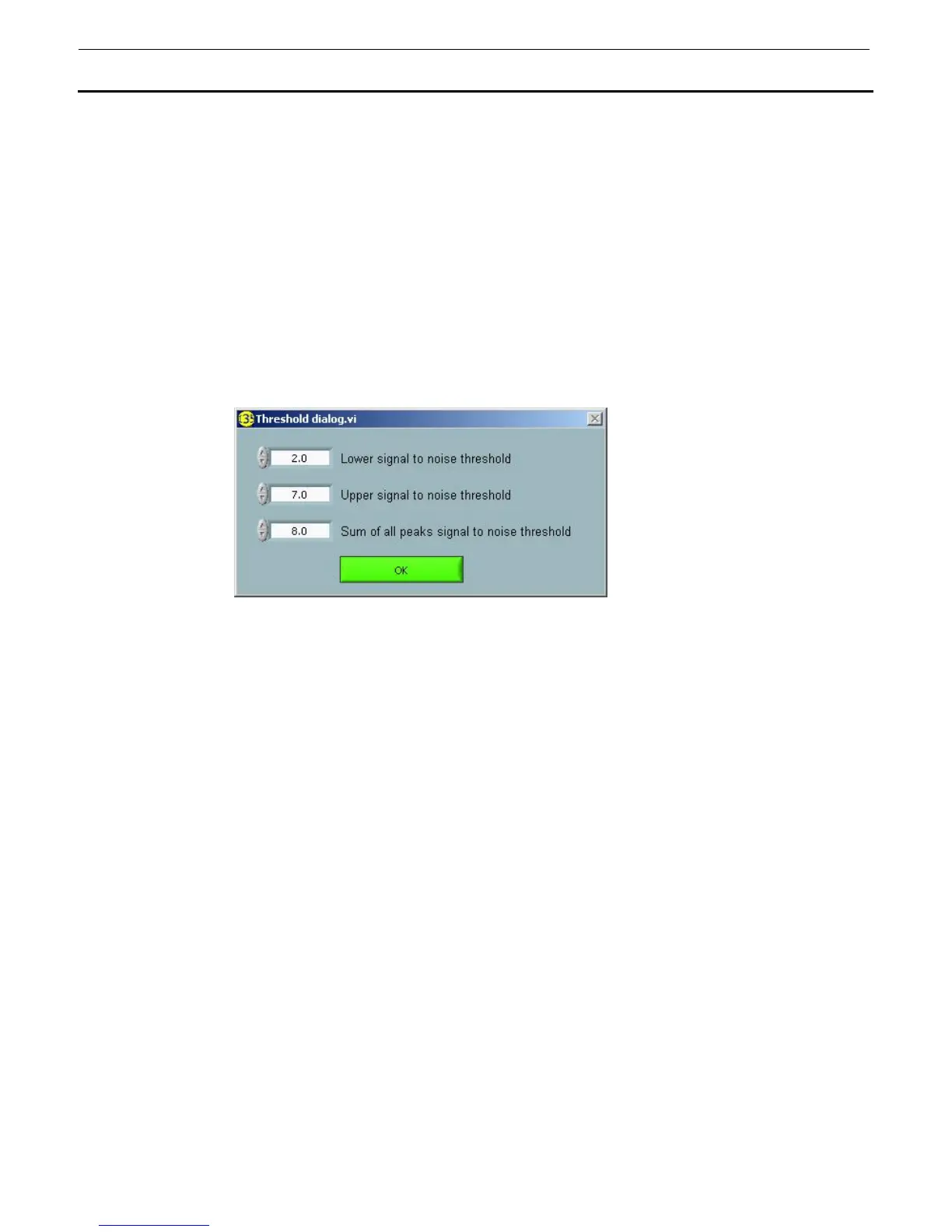
You can set the signal to noise thresholds by selecting Threshold Settings from the Options menu. The
following dialog box appears:
Set values for the following thresholds using the up or down arrows:
• Lower signal to
noise threshold
- This is the level at which peaks are considered to be “real” or significant and
can be used to identify isotopes. Unidentified peaks above this level but
below the upper threshold are shown as a blue line. The default value is 3.0.
• Upper signal to
noise threshold
- This is the level at which peaks are considered to be significant and can be
used to identify isotopes. Unidentified peaks above this level are shown as a
red line. The default value is 6.0.
• Sum of all peaks
signal to noise
threshold
- This is a threshold that will reduce the number of false positives by requiring
that for each isotope identified the total sum of all peaks’ signal to noise ratio
is greater than this number. To disable this feature for maximum sensitivity,
change this threshold to 3.0 (the same as the lower threshold). The typical
range would be 4.0 to 9.0.
Retrieving data from a previous IdentiView version.
If you have a data file that was created and saved using a previous version of the IdentiView software,
you can retrieve it using the latest version as follows:
1. Select Advanced from the Options menu.
2. From the submenu, select Open 1v16 file. A dialog box appears.
3. Select the file to be opened.



 To Next Page