SAIC Exploranium – GR-135 System Manual page: 67
This process is carried out as follows:
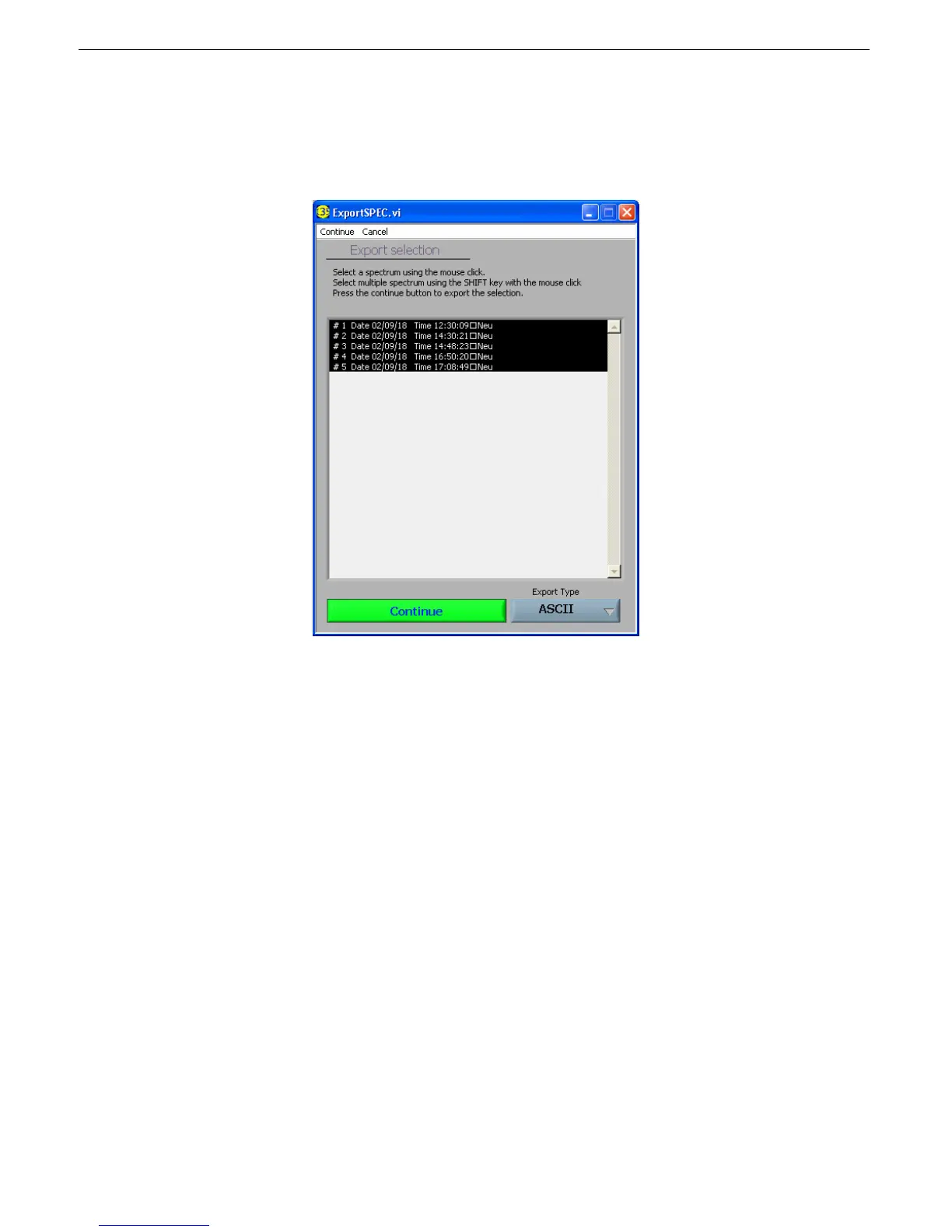
- Press the “Export” button and a new display appears:
-
- As the display above shows, the mouse is used to select a single spectrum or SHIFT-click
to select multiple spectra. Note that the date and time of when the spectra was stored is
also displayed, which helps in data selection.
- The button labeled “ASCII” permits ASCII or GBS. GBS data is a standard used by the
IAEA for data analysis. ASCII is text data that can be easily imported into any
spreadsheet.
- Click “Continue” to save the data to any required location. We recommend a *.txt file
extension if ASCII format is selected to make it easier to import into Excel as required.
However, since this will be an ASCII file then the user can use it as required.
- The saved file can then be attached to an email as required and sent to experts for further
analysis.
- Exported dose and scan data are the same (see the following illustration of exported dose
data).



 To Next Page