CHAPTER 28
PAGE 26
MAINTENANCE MANUAL EXTRA 300/SC
PAGE DATE: 1. August 2014
28-40-01 Fuel Quantity Indicator
Removal/Installation
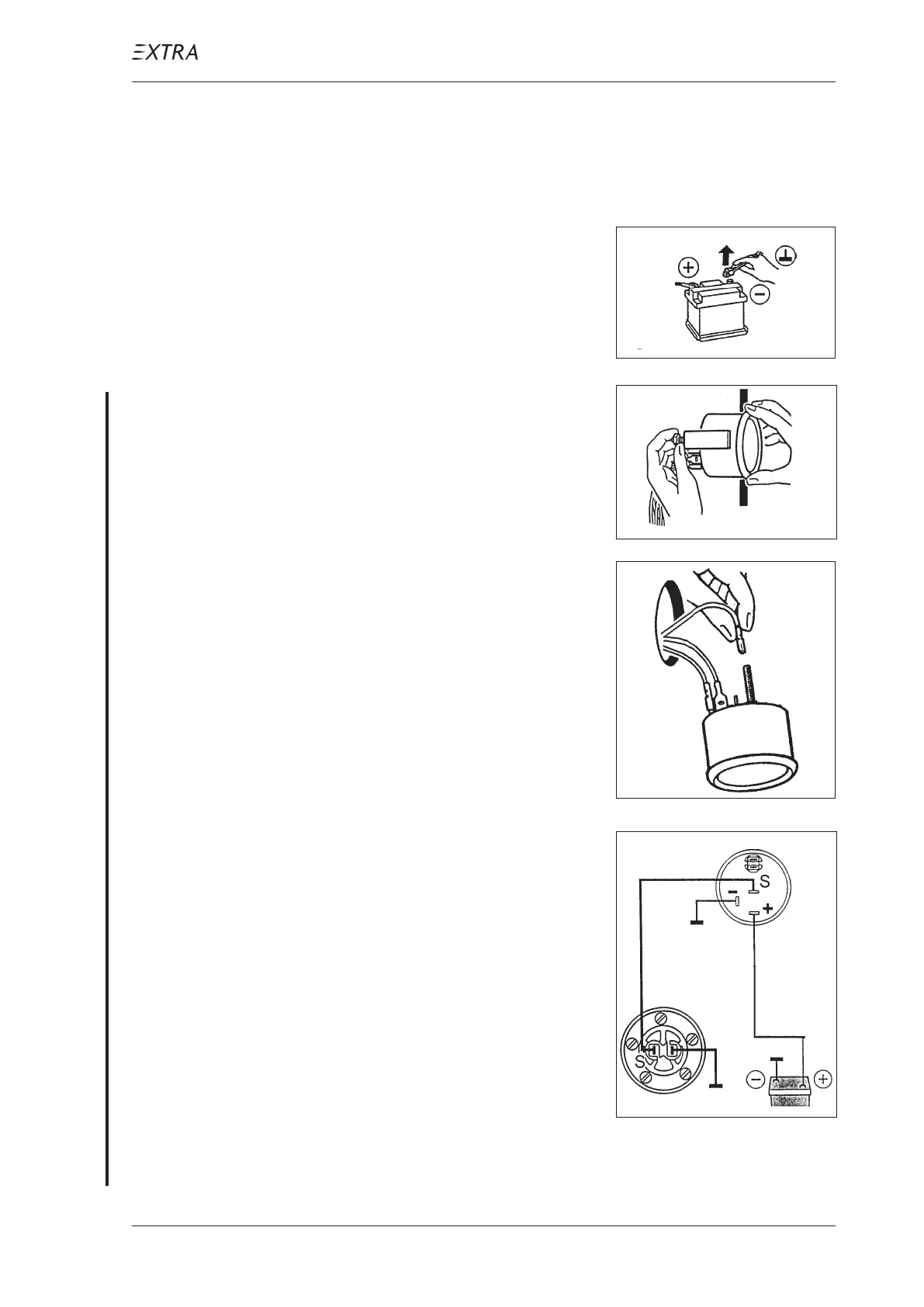
1 Disconnect battery.
2 Loosen the nuts, remove the
mounting bracket and re-
move the fuel quantity indi-
cator.
3 Disconnect the wiring (the
lamp is not used).
4 Install in reverse sequence
of removal.
For VDO system:
Observe the adjacent wiring
diagram ("S" = Signal).
For calibration refer to Sec-
tion 28-40-02.
For Datcon system:
Refer to Figure 12.
No calibration necessary.



 To Next Page