Pilot’s Operating Handbook Section 901
EXTRA 500 Avidyne IFDs and CDU
901.7.f Primary Navigation Source
The means of selecting which nav source is driving the
deviation indicators on the PFD Horizontal Deviation Indicator
(HDI), Vertical Deviation Indicator (VDI) and/or HSI. The
Primary Nav selection LSK selects the source driving the
autopilot when the autopilot is in NAV mode. Choices are
FMS,
Nav1 and Nav2.
The FMS automates much of the mode changing between FMS
and
Nav1/2 as soon as there is an active flight plan and the
autopilot has been engaged in NAV or NAV/GPSS modes. In
these cases, as the FMS automatically changes the primary nav
source, it commands the autopilot to do the same. Conversely, if
the mode was changed on the autopilot control head between
NAV and GPSS, the
Primary Nav LSK state on the PFD will
change to follow the autopilot mode.
901.7.g Sensors
External sensors (e.g. traffic, lightning, etc) can be connected to
the basic system via one of the I/O “blades” and again, all IFDs
have complete access to that information. For example, a traffic
system may be connected to one display via the I/O blade, but
all IFDs are able to use and display that traffic information.
901.7.h Caution and Advisory Messages
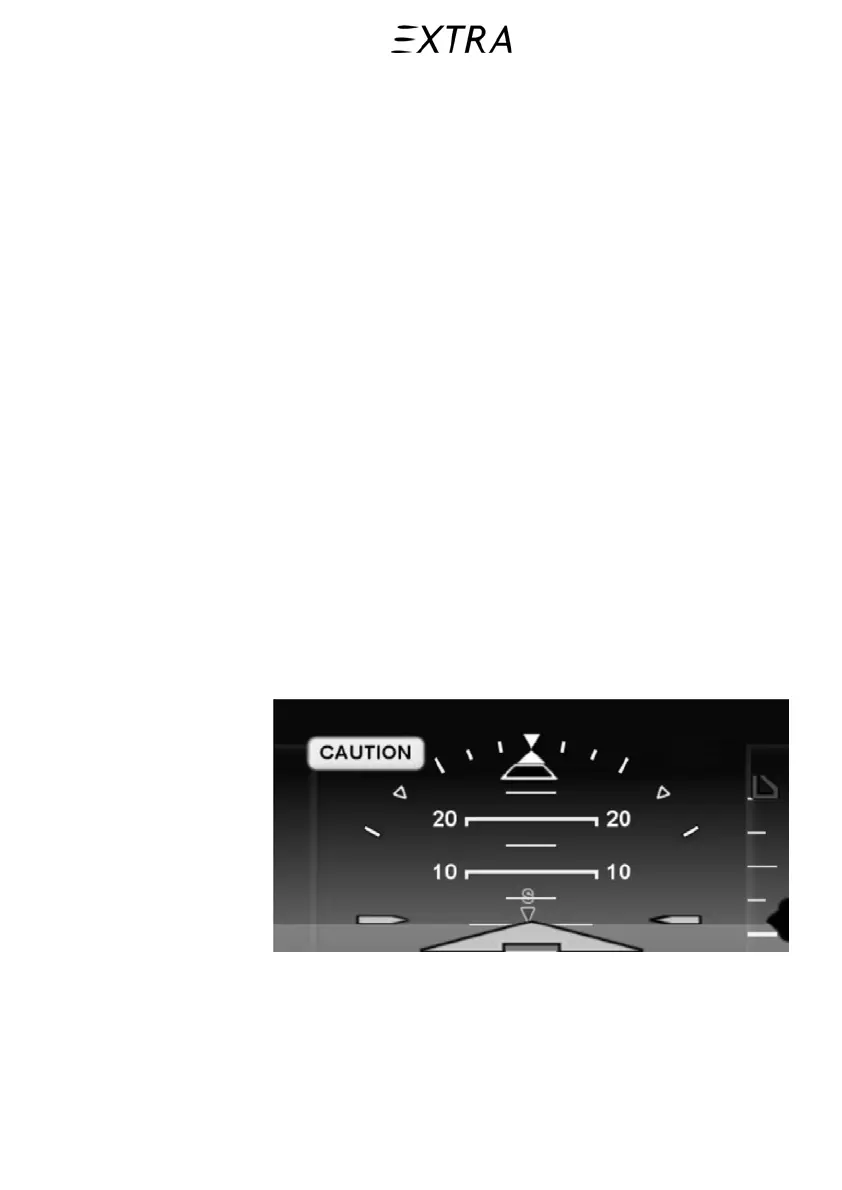
Figure 901-9
Caution Messages
Caution messages are presented in two ways: as a master
caution alert near the top of the ADI, and as a message box on
the lower right corner of each IFD.
26. January 2011
901-15



 To Next Page