Section 901 Pilot’s Operating Handbook
Avidyne IFDs and CDU EXTRA 500
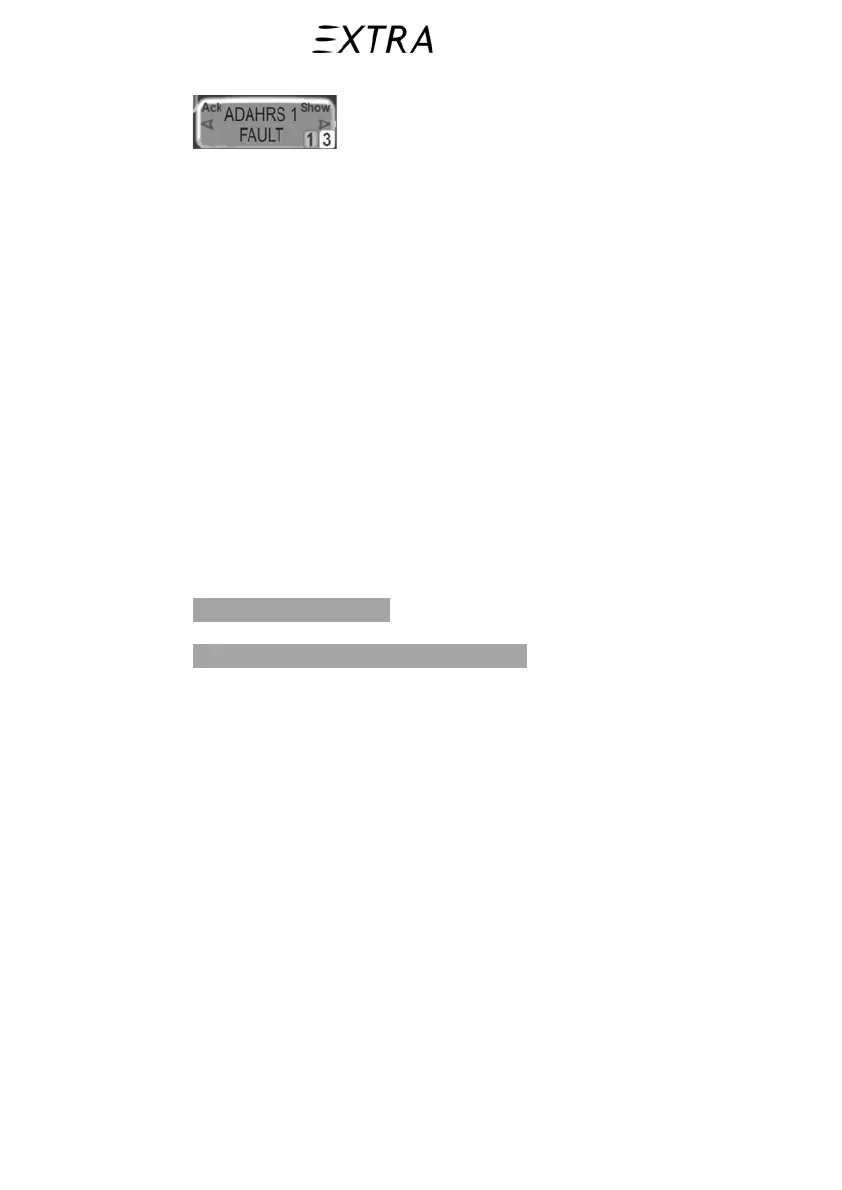
The top edge of each message box will either display Ack or
Show which is intended to describe the behavior of each side of
the LSK rocker key. Pressing the side of the LSK that is labeled
Ack will acknowledge the message but will not do anything
else. Pressing the side of the LSK that is labeled
Show will
change right IFD to display the most appropriate page available
to provide more details about the given message.
As active messages are acknowledged, a “Reminder tab” is left
displayed along with an indication of the number of active
caution or warning messages. In cases where no specific page is
appropriate, active Caution and Advisory messages can also be
seen on the System page, Alerts tab as seen in the figure below.
Due to interferences between the EXTRA 500 air conditioning
system, while operating, and the optional TWX670 weather
detection system, the accuracy of weather data indication can be
restricted in terms of direction, distance and range. In this case
the following advisory message is displayed on a cyan
background on the lower left corner of each IFD:
Lightning Sensor Error.
The related long text is:
Lightning sensor non-fatal error: Noise.
Temporarily deactivate the air conditioning system in case
accurate weather data shall be obtained.
901.7.i Miscompares
The IFDs share and compare much of their data for fault
detection purposes. If a miscompare occurs, both IFDs will
display the appropriate warning message adjacent to the
affected instrument. The following parameters are constantly
being compared:
• Pitch
• Roll
• Airspeed
• Altitude
• Heading
• Glideslope
• Localizer
• VOR deviation
901-16 26. January 2011



 To Next Page