P6
P2
P6
P2
10
CONTROLS ACTIVE
FIRMWARE VXX
PE00 ENCODER ON
PE01
ON
PE02 ON
PE03 SERIAL ON
CHIMNEY TYPE
FIRMWARE VXX
PA00 on
PA01 000
PA02 0,5
PA03 0,1
PA04
0,8
TECHNICIAN MENU
CONTROLS ACTIVE
CONTROLS PROCEDURE
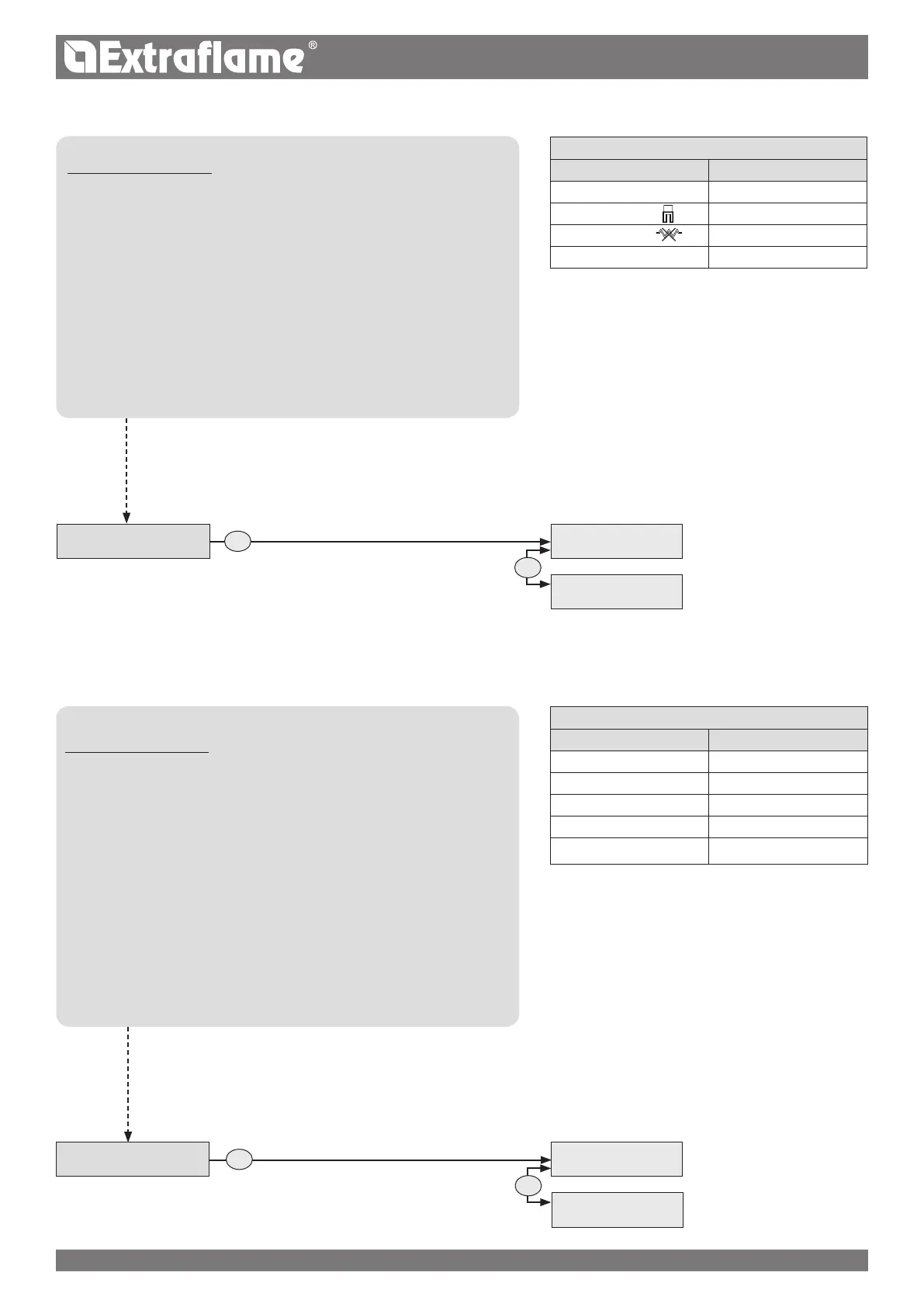
Press P6 and SET CLOCK will appear.
Press P2 several times until TECHNIC SET is displayed.
Press P6.
Hold key P4 down to reach the reserved code "A0"
When the code has been reached, conrm by pressing P6
"GENERAL DATA" will appear
Press P2 until CONTROLS ACTIVE is displayed.
Enter pressing P6
Use the P4 or P5 keys to activate - deactivate, P2 to select another
component and P3 to go back.
Press P6 to conrm and P1 to return to the previous menus up to the
initial status.
CHIMNEY TYPE
CONTROLS PROCEDURE
Press P6 and SET CLOCK will appear.
Press P2 several times until TECHNIC SET is displayed.
Press P6.
Hold key P4 down to reach the reserved code "A0"
When the code has been reached, conrm by pressing P6
"GENERAL DATA" will appear
Press P2 until CHIMNEY TYPE is displayed.
Enter pressing P6
Hold key P4 down to reach code "77" and conrm with P6.
To modify a single parameter, press P4 or P5, to
continue and memorise press P2, to retrocede in the various
parameters press P3.
Press P6 to conrm and P1 to return to the previous menus up to the
initial status.
GENERAL DATA
TECHNIC SET
CODE A0
CONTROLS ACTIVE
GENERAL DATA
TECHNIC SET
CODE A0
CHIMNEY TYPE
THE DATA IN THE TABLES ARE FOR ILLUSTRATION PURPOSES ONLY


 To Next Page