26
PRODUCT FUNCTIONALITY
Chapter 5 Chapter 5
PRODUCT FUNCTIONALITY
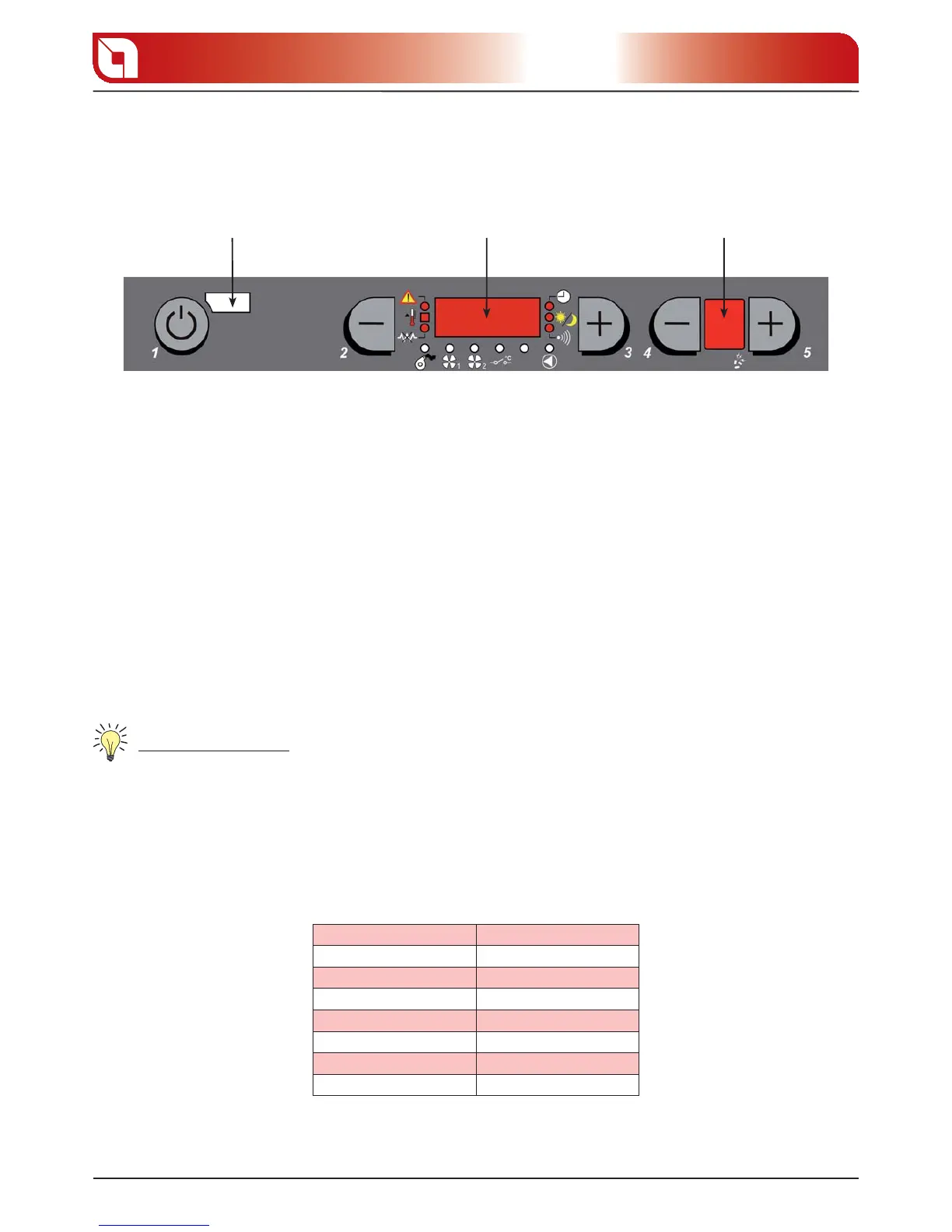
CONTROL BOARD
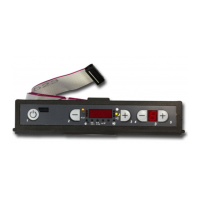
REMOTE CONTROL
SENSOR
D1 D2
1 D ON/OFF BUTTON
By pressing button 1 it is possible to switch the stove on and o automatically.
2-3 D AIR TEMPERATURE SETTING
Buttons 2 and 3 are used to adjust the room temperature inside the house.
4-5 D FUNCTIONING POWER
The heat power can be adjusted using buttons 4 and 5
Display D1 to view the various messages.
Display D2 to view the power set.
CURRENT DAY AND TIME ADJUSTMENT
Controls procedure
Remove and restore the stove power supply using the master switch or using the power supply cable.1.
The stove will rst display the microprocessor version (2. EXTRA_43 or successive), “TIME”, “ LI 3” and then
“O”.
When “3. TIME” appears, press button 5 to access the adjustment mode.
Display D1 will show a day of the week (from 4. DAY1 to DAY7): use keys 2 and 3 to set the current day and
con rm using button 5.
D1 display Meaning
DAY 1 MONDAY
DAY 2 TUESDAY
DAY 3 WEDNESDAY
DAY 4 THURSDAY
DAY 5 FRIDAY
DAY 6 SATURDAY
DAY 7 SUNDAY
gure 5.1



 To Next Page