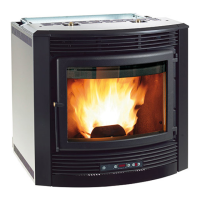
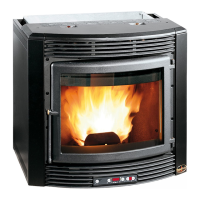
PRODUCT DISPLAY TABLES
41
Chapter 9
LUMINOUS INDICATORS
Signals
Reason Solution
Display
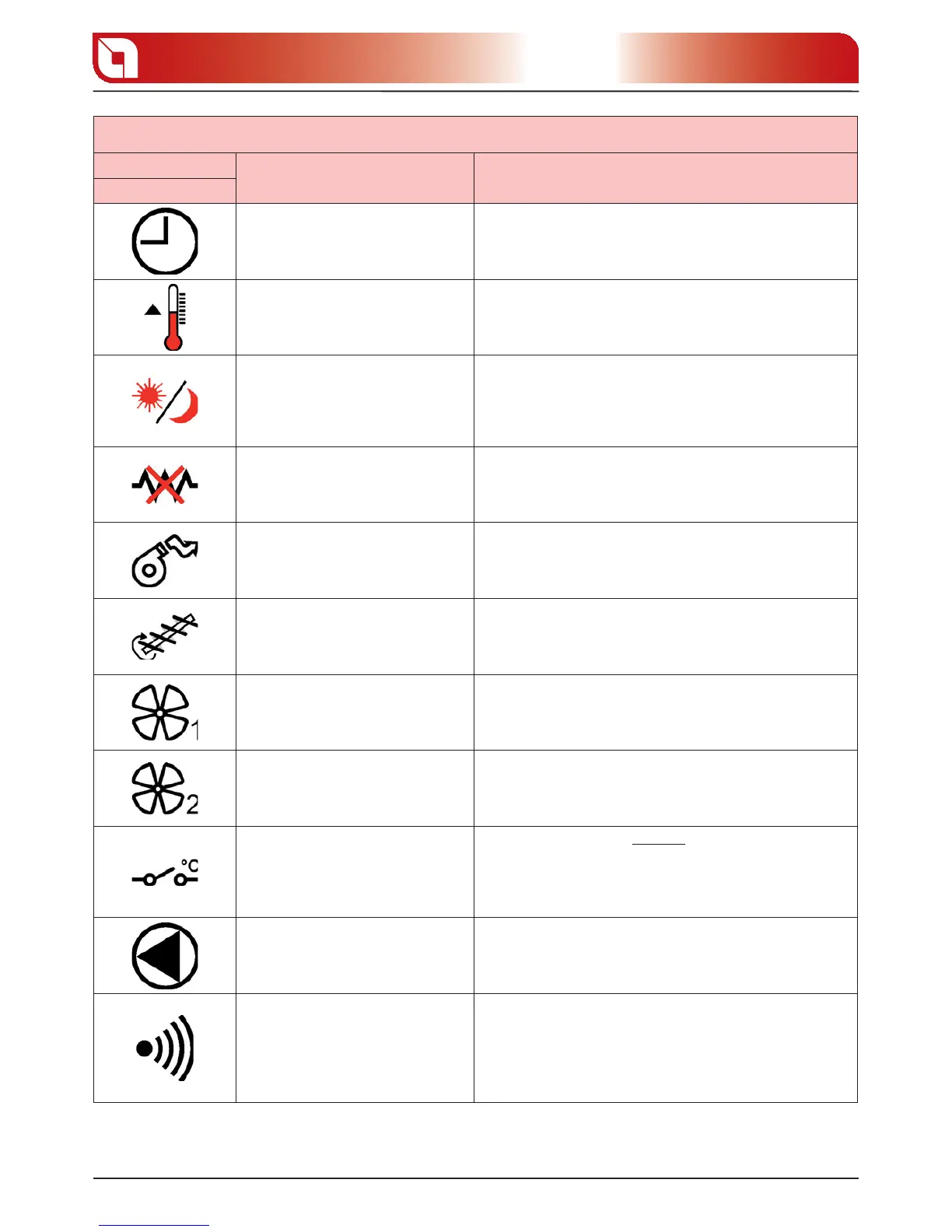
It indicates weekly programmer
functioning
It is on when the weekly programmer is active.
For all settings relative to the following function see the
“Weekly programmer” function.
It indicates the “Room thermostat”
function
It is on/o when the room temperature is below/above the
set threshold.
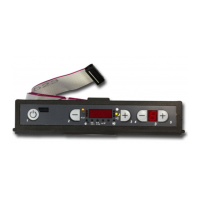
To modify the temperature threshold, use keys 2 and 3 during
normal functioning.
It indicates the “Day-night temperature
function”
It is on when the “Day-night temperature function” is active.
To enable/disable the “Day-night temperature function” just
press button 4, and holding it down, press button 5. For all
settings relative to the following function, see the Day-night
temperature function paragraph.
It indicates deactivation of the ignition
electrode
It is on when the electrode is deactivated.
To restore the functioning of the component, contact an
authorised technician.
It indicates functioning of the ue
motor
It is on when the ue exhaust motor is active.
If it ashes, contact an authorised technician.
It indicates functioning of the pellet
feed motor
It is on when the pellet feed motor is active.
During normal functioning the following indicator switches
on ashing.
It indicates functioning of the
tangential fan
It is on when the tangential fan is active.
It indicates the functioning of the
motor for ducting hot air
It is on when the ducting motor is active.
If ashing, check the “Mechanical thermostat functioning for
ducting motor control” paragraph.
It indicates the functioning of the
feed-box temperature probe
Normally this indicator is ALWAYS o .
The indicator will ash to indicate a fault in the feed-box
temperature probe.
To restore the functioning of the component, contact an
authorised technician.
It does not indicate any functioning This indicator must always be o
It indicates the communication
between remote control and stove
Every time a key is pressed on the remote control the indicator
must switch on.
If the indicator is always on it indicates that the communication
between remote control and stove is blocked.
To restore the functioning of the component, contact an
authorised technician.



 To Next Page