31
USER PARAMETERS
Chapter 7 Chapter 7
USER PARAMETERS
USER PARAMETERS
WEEKLY PROGRAMMER
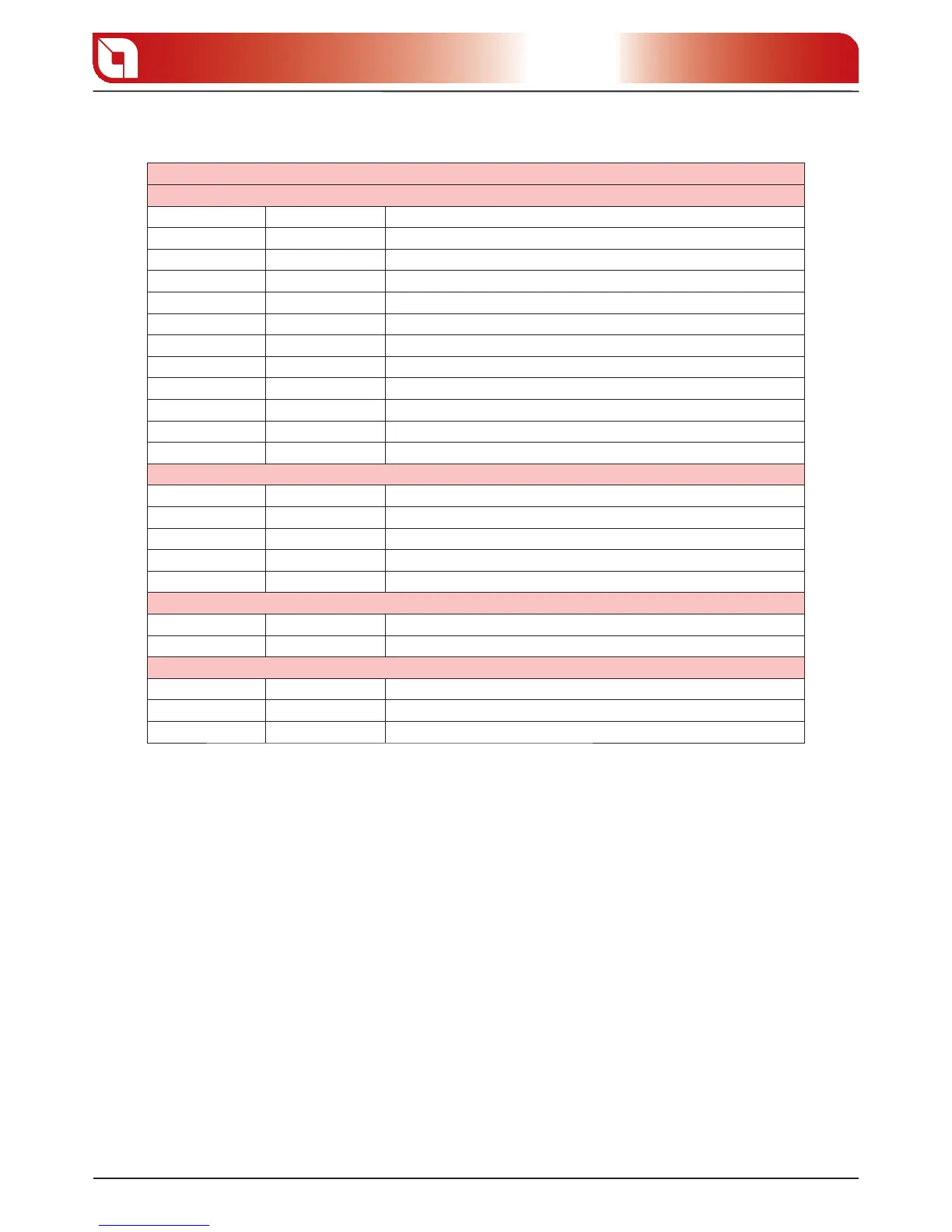
Display D1 Display D2 Function
OFF 0 Activation/deactivation of the weekly programmer
00:00 1 Time 1st switch-on
00:00 2 Time 1st switch-o
OFF 1 3 Ignition/switch-o consents for various days
00 4 Installer parameter
00:00 5 Time 2nd switch-o
00:00 6 Time 2nd switch-o
OFF 1 7 Ignition/switch-o consents for various days
00:00 8 Time 3rd switch-on
00:00 9 Time 3rd switch-o
OFF 1 A Ignition/switch-o consents for various days
DAY-NIGHT TEMPERATURE FUNCTION
Display D1 Display D2 Function
06:00 B Start of day time/end of night time
22:00 C Start of night time/end of day time
25 D Day time max. temperature
20 E Night time max. temperature
PELLET FEED ADJUSTMENT
Display D1 Display D2 Function
00 F % pellet feed adjustment
DUCTING MOTOR % ADJSUTMENT
Display D1 Display D2 Function
ON G Parameter cannot be modi ed
00 H Ducting motor % adjustment
WEEKLY PROGRAMMER
The weekly programmer allows to program 3 time spans within a day to use every day of the week. The
ignition and switch-o times must be within the arc of one day, from 0 to 24 and not over several days:
E.g. switch-on 07:00/switch-o 18:00 OK
switch-on 22:00/switch-o 05:00 ERROR
First of all the current day and time must be set using the “current day and time adjustment” sequence to
give a reference to the function itself.
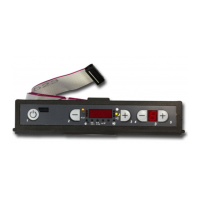
To switch programming on press 3, hold it down and press 5 and then release both keys together. Move
using key 5 until a ashing “0” appears on display D2.
The following table gives all weekly programmer function parameters.



 To Next Page