Colon Insufflator User Manual
Front panel rocker switch
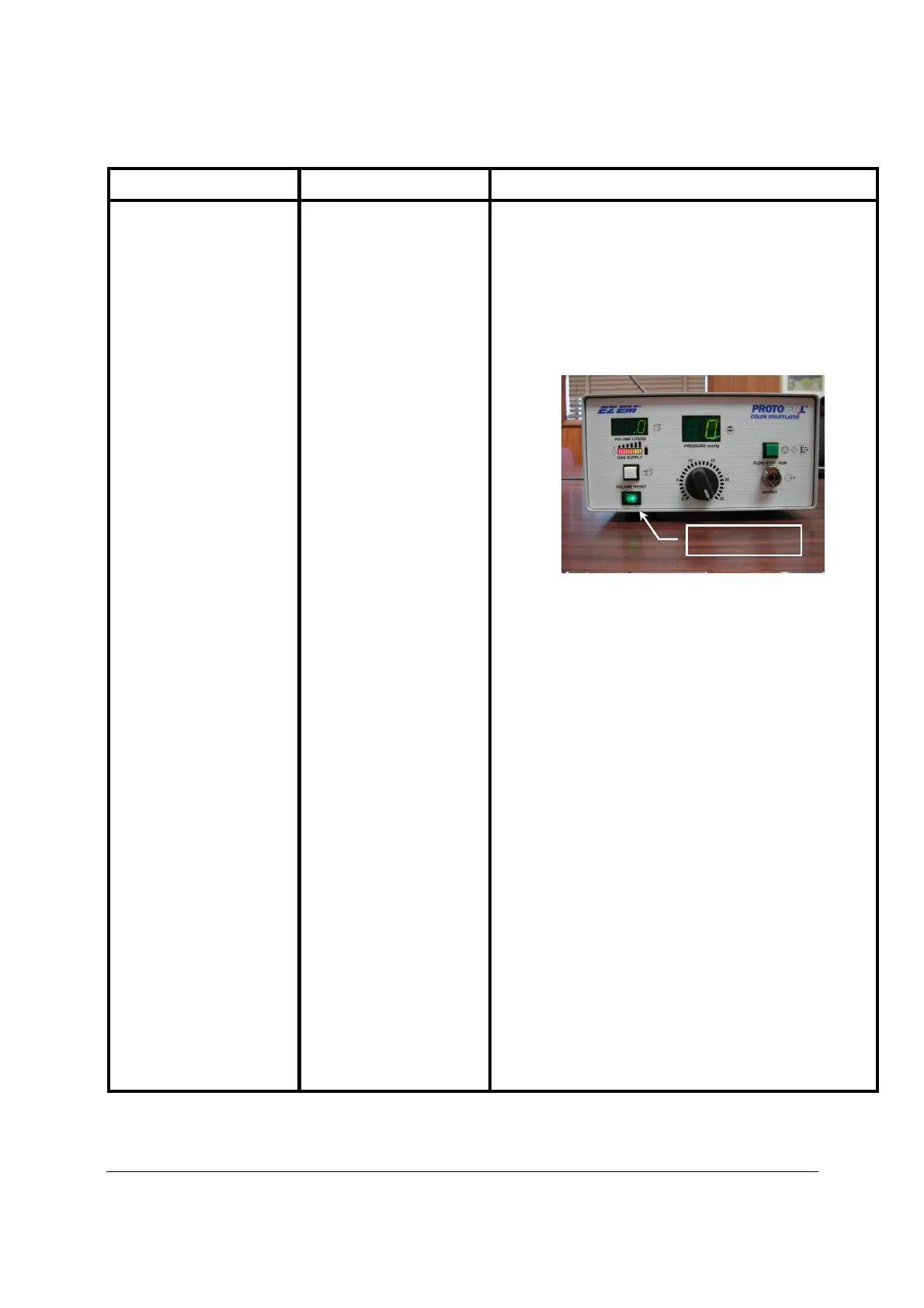
With unit plugged into wall outlet, activate Power Switch to
Upon completing its Power
up sequence, the front panel
should appear as follows:
The power switch should be illuminated with the VOLUME
LITERS and PRESSURE displays both Indicating “0”.
Additionally, the GAS SUPPLY Indicator should also be
illuminated and indicate the current amount of CO
supply tank. The above displ
ay indicates that the unit has
Should the unit continue to fail to Power
panel does not appear as shown above after Power
EM, Inc. Customer Solutions.


 To Next Page