EasyManua.ls Logo

EZ EM PROTOCO2L 6400 - Page 29

EZ EM PROTOCO2L 6400
40 pages
Print Icon
To Next Page IconTo Next Page
To Previous Page IconTo Previous Page
Loading...
PROTOCO
2
L
Colon Insufflator User Manual
Page
28
Condition
Pos
sible Causes
Field Checkout
My
PROTOCO
2
L Colon
Insufflator
does not deliver
CO
2
.
What could be the problem?
Empty CO
2
supply tank or
valve closed
After successfully Powering
-
up your
PROTOCO
2
L Colon
Insufflator
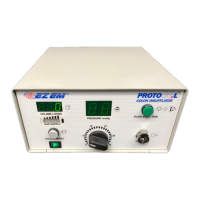
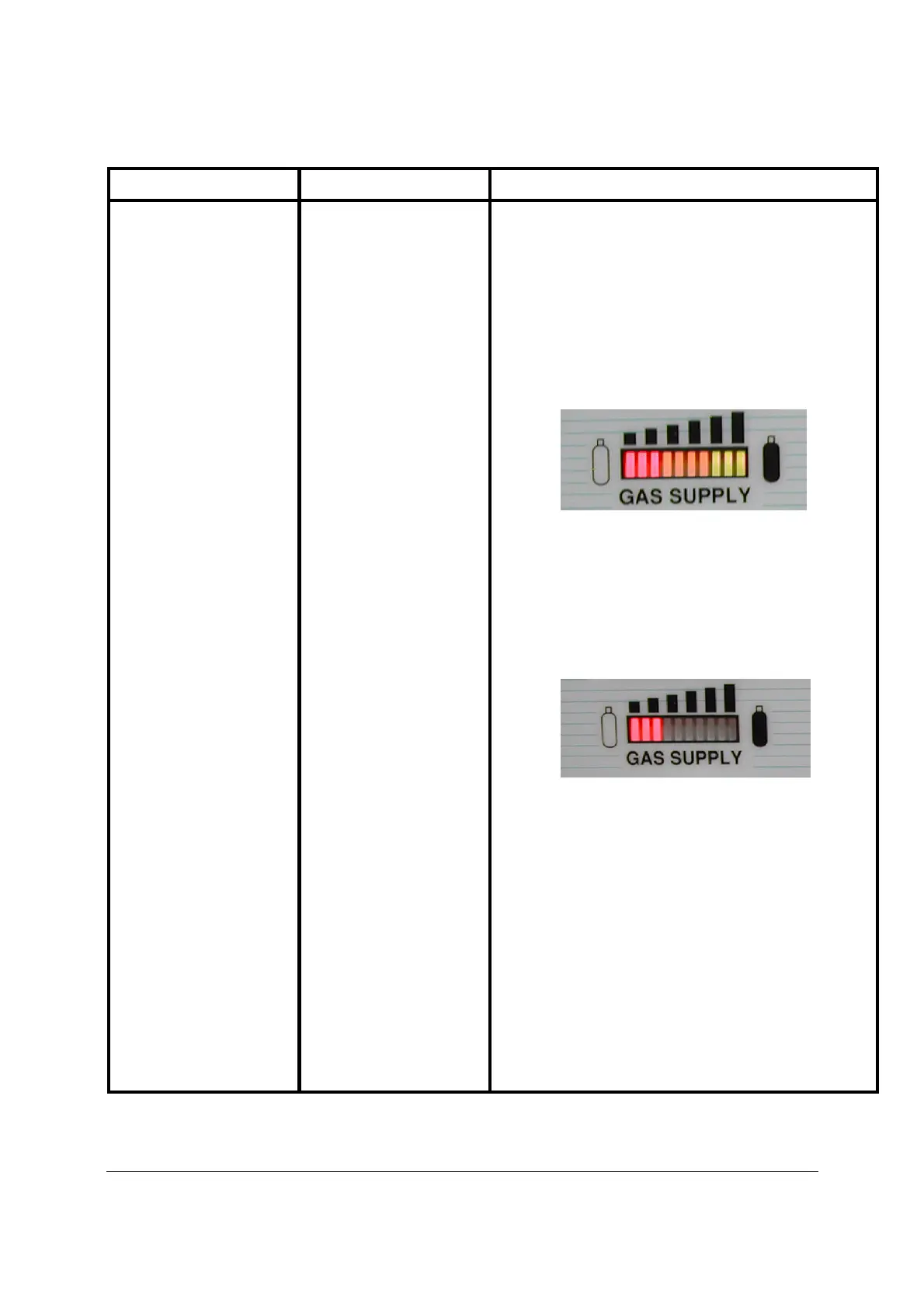
, examine the GAS SUPPLY Indicator on the front
panel.
Make sure that the ta
nk Valve for the CO
2
supply tank is
open. Your
PROTOCO
2
L Colon Insufflator
should sense
the pressure from the CO
2
supply tank and the GAS
SUPPLY Indicator should illuminate as follows: 3 red, 4
yellow and 3 green.
If during Power
-
up or operation of
the
PROTOCO
2
L
Colon Insufflator
, the CO
2
in the supply tank is depleted, the
illuminated GAS SUPPLY Indicator segments extinguish
themselves from the full reading. Once the GAS SUPPLY
Indicator shows 3 red segments, the unit will periodically
beep and no
longer deliver CO
2
. Additionally the 3 red
segments will also blink.
If this occurs, reconnect the
PROTOCO
2
L Colon
Insufflator
to a full CO
2
supply tank to continue operation.
Should the
PROTOCO
2
L Colon Insufflator
’s CO
2
Supply
display fail to ind
icate full after verifying the CO
2
supply
tank is full and the
tank
valve is open, you will need to
contact E
-
Z
-
EM, Inc. Customer Solutions.