BEISSBARTH MT 740/ 745, 741/ 746
2-2
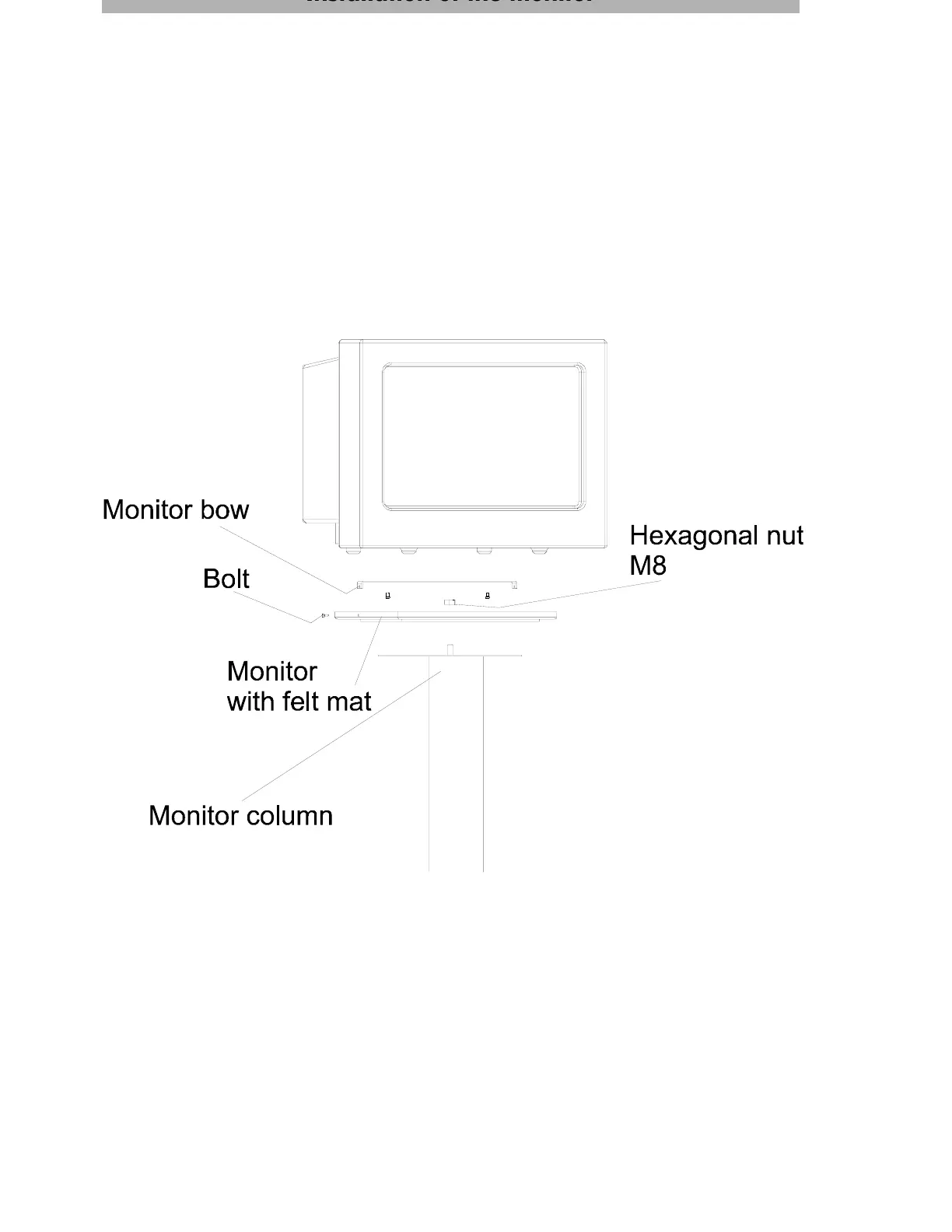
Installation of the monitor
Carefully lift the monitor out of the box, check for any signs of damage incurred in transit and
carefully position it on the monitor column.
Secure the monitor to the column, using the screw and washer enclosed with the lead.
Plug the monitor lead into the socket on the column.



 To Next Page