Mt740/745, 741/746/En/Rev. 002/12/97 * 901.742 002
BEISSBARTH MT 740/ 745, 741/ 746
5-1
WHEEL-RIM DATA INPUT
Procedure for MT 740/ 741
Turn on master switch.
The diagram of a wheel rim appears on the screen.
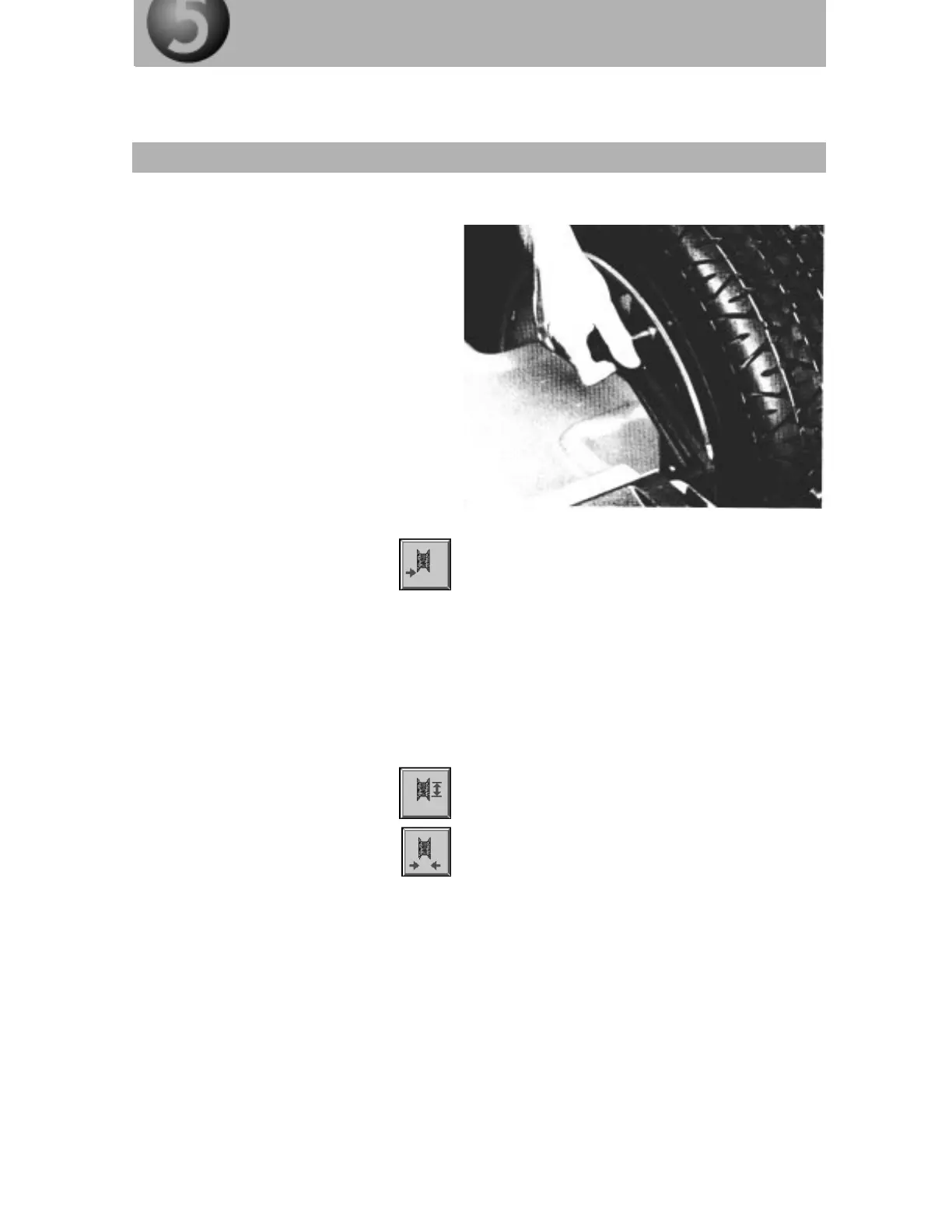
Push the rim distance gauge away from the
zero position and up against the inner rim
flange, then wait for the acoustic signal.
The microprocessor has now stored the
value, which is displayed on the screen.
Note:
Each time a key is pressed, an
acoustic signal is given.
If the rim distance is exceptionally
large, it can be measured with a rod
and the distance entered via the
numerical keypad (14) after the rim
distance key (1) has been pressed.
The distance gauge should be set to
zero and the distance between the
rim flange and the front edge of the
gauge screw measured.
Rim diameter key (2) and rim width
key (3). Each time one of these keys
is pressed, the required rim data can
be entered via the numerical keypad
(14).
All entered values are displayed on
the screen and their plausibility auto-
matically checked by the computer.
Plausibility ranges:
Wheel distance 0-499 mm
Rim width 1-25 inches
Rim diameter 8-25 inches



 To Next Page