Mt740/745, 741/746/En/Rev. 002/12/97 * 901.742 002
BEISSBARTH MT 740/ 745, 741/ 746
8-5
Calibration of wheel-balancing flange
Calibration of the wheel-balancing flange
is required in the following cases:
commissioning, exchange of wheel-balancing
flange or after machine calibration.
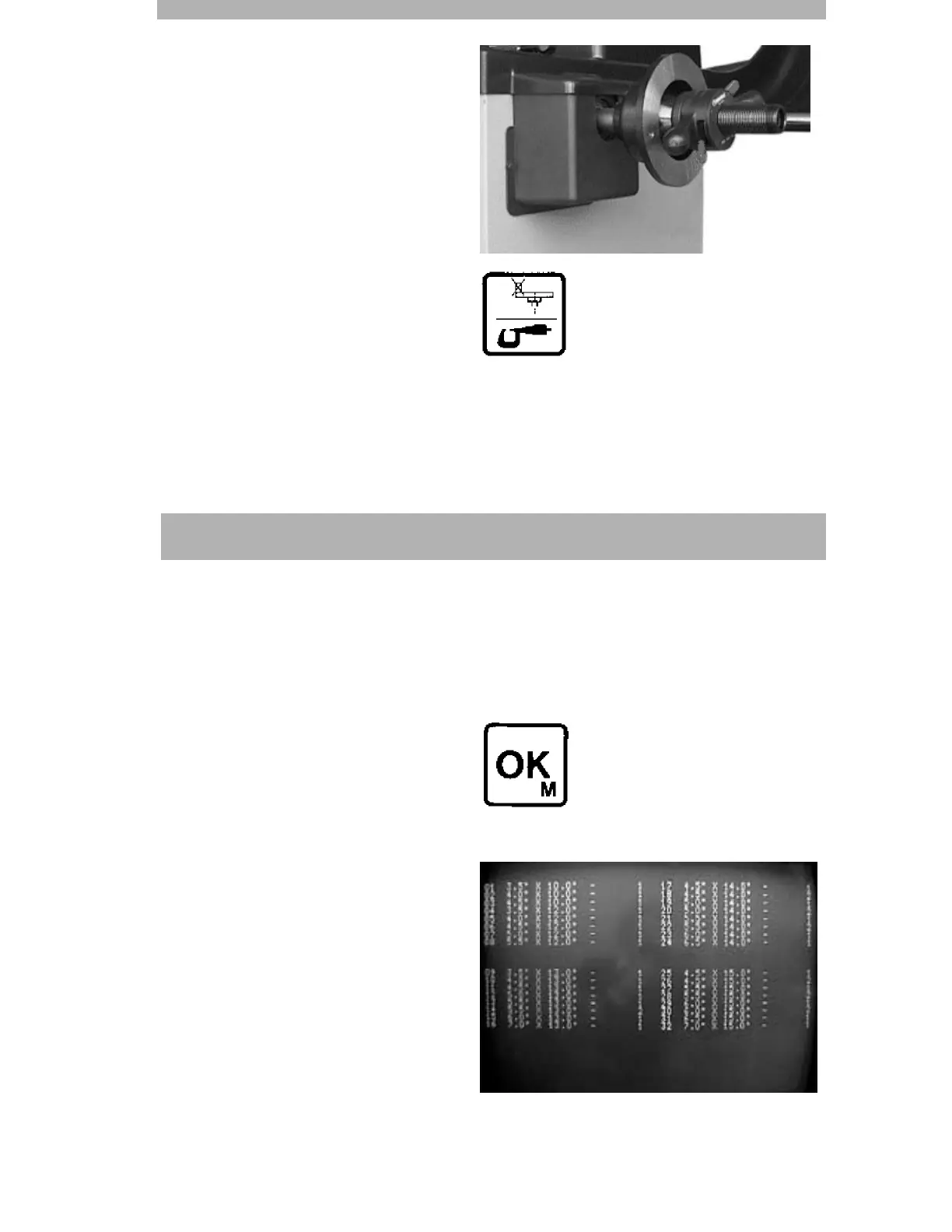
Mount complete wheel-balancing flange
on the machine shaft.
Press calibrating key (11) for approx. 5
seconds until CAL 000 is displayed on the
screen.
Close safety hood and wait until the CAL
symbol on the screen goes out after the run
has been completed (approx. 15 seconds).
Any possible residual imbalance from the
wheel-balance flange is now stored and
compensated.
Rim data menu
The wheel-balancing comuputer have a
facility for entering and storing 64 different
rim data.
Each rim size is assigned a serial number.
Procedure:
Press OK key (13).
The first page of the menu appears on the
screen, with the allocation numbers 1-32.
When the OK key is pressed again, the
second page of the menu appears, with
allocation numbers 33 to 64.
Enter the next vacant allocation number via
the numerical keypad (14). This number is
displayed on the screen along with the rim
diagram.
Program the rim data as described for entry
of rim data and confirm with the OK key
(13).



 To Next Page