BEISSBARTH MT 740/ 745, 741/ 746
8-6
Press the decimal-point/ save key (19).
The input rim data are now stored in the menu
under the allocation number previously selected.
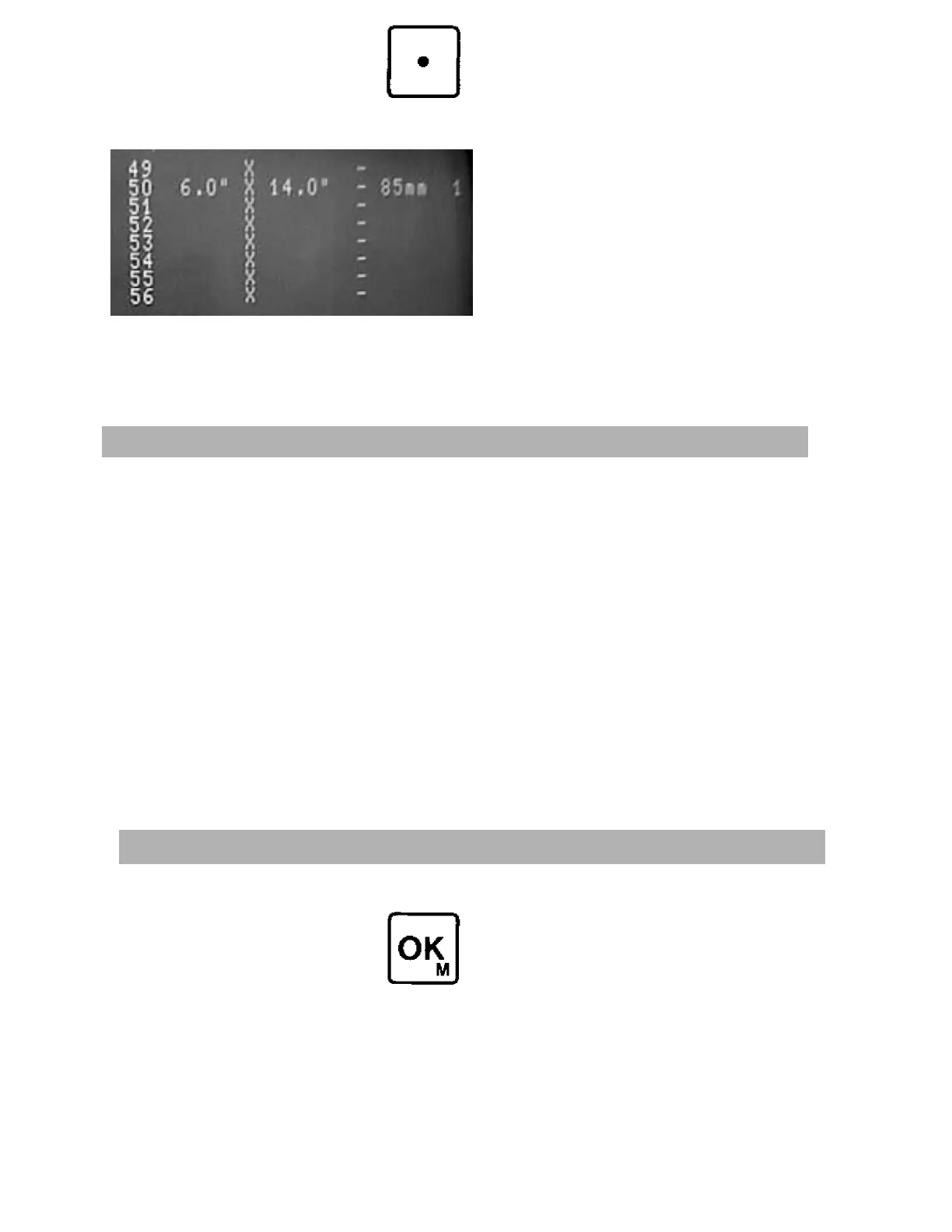
Example:
Allocation number 50
Rim width 6.0"
Rim diameter 14.0"
Rim distance 85 mm
Balancing method 1
Enter the allocation number to be deleted via
the numerical keypad (14).
The rim diagram together with the rim data
and allocation number appear on the screen.
Hold the decimal-point/save key (19) depressed
for approx. 5 seconds, until the rim data are
deleted.
The rim data for the previously entered alloca-
tion numbers in the menu are now deleted
and the menu space is available for new data.
Deleting menu items
Press OK key (13).
The rim data menu appears on the screen.
Select the desired rim data and enter the
allocation number via the numerical keypad
(14).
This number is displayed on the screen in the
rim diagram with the corresponding rim data.
The machine is now ready for wheel-balancing.
Calling up stored rim data



 To Next Page