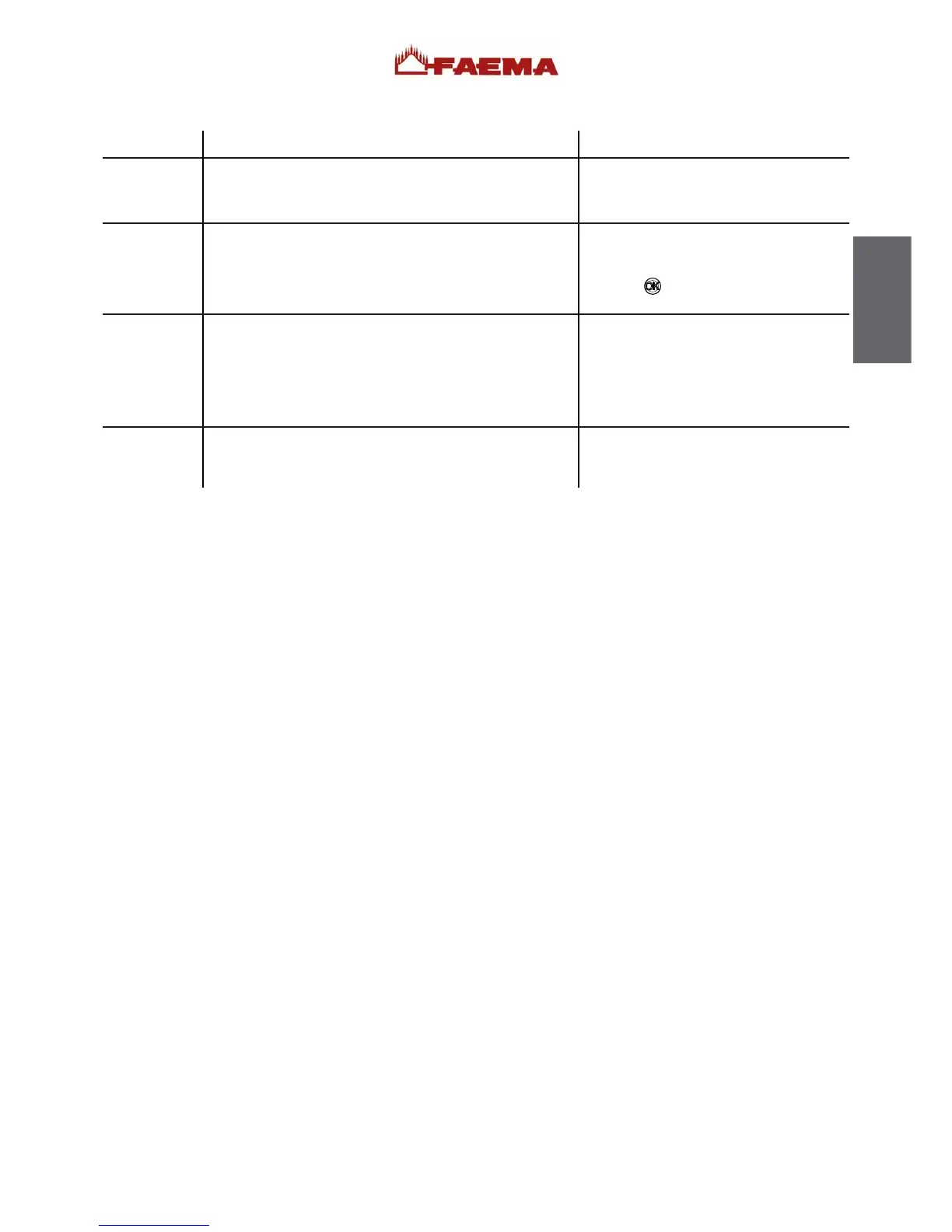
Messages in explicit mode
MESSAGE VERIFICATIONSPOSSIBLE CAUSES: when the message is visualized
Softener
Machine in
stand-by
Blocked key
Messages
about
washings
This message is displayed when the softener resins need to
be regenerated. (Follow the instructions on softener mainte-
nance).
This message is displayed when the machine switch ON/OFF
has been programmed. The message indicates that the ma-
chine is switch-off and is in stand-by status.
During normal use of the machine, sometimes a key may become
mechanically blocked. If this happens and the key remains blocked
for more than 1 minute, this message will appear on the display
screen: Blocked key.
Note: All other keys except the one involved will function
normally.
Once regeneration has been completed, keep
the RESET key pressed for
approximately 8
seconds to cancel out the message.
Refer to the Technician’s Manual to see how
to program the switch ON/OFF of the ma-
chine.
Press the
key for a few seconds to force
the machine on.
To solve the problem, examine the keypad,
identify the blocked key that caused the
message, and follow the steps needed to remedy
the situation.
Please consult this manual at the "Cleaning
operations ".
75
English



 To Next Page