1 2
3a
3b
English
22 EN
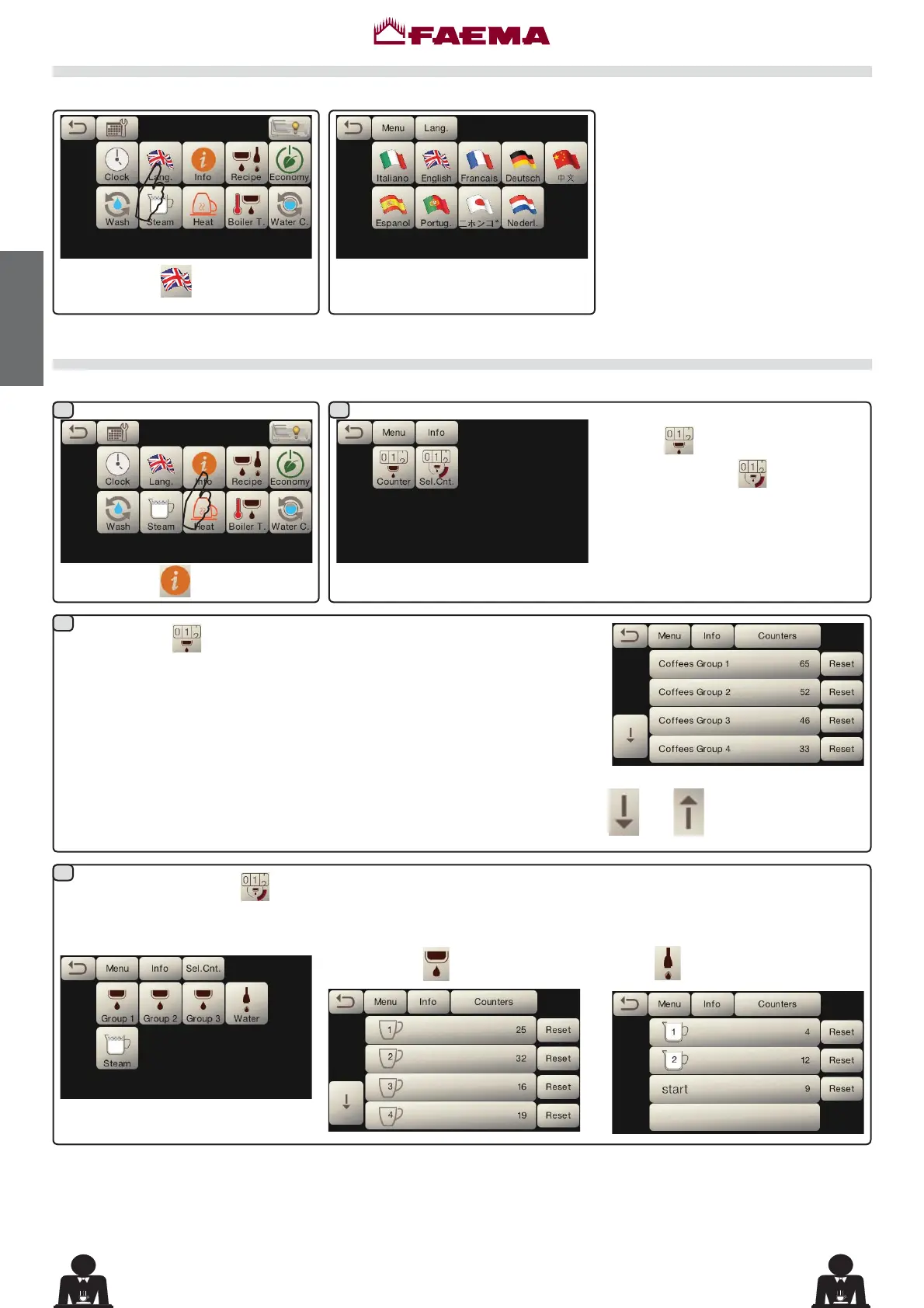
Language selection
Press the icon
.
Press the icon to choose the desired
language.
$
Counters
Press the icon
.
$
Select the type of meter to display:
Counters
or
Selection Counters
.
In the Counters
menu the listed parameters are:
Coffee Group...QXPEHURIFRIIHHEDVHGEHYHUDJHV
WaterQXPEHURIWLPHVWKDWZDWHUZDVGLVSHQVHG
Steam - (number of times that steam was dispensed using the Autosteam
VHOHFWRURQSRVLWLRQ76
Steam + Air - (number of times that steam and air were dispensed using the
$XWRVWHDPVHOHFWRUSRVLWLRQV76·
Hot milkGLVDEOHG
Cold milkGLVDEOHG
Total Coffee - (total number of coffee-based beverages).
In the Selection Counters
menu,
the parameters relative to the individual
keys are the ones that are counted.
Example of counter selection of a
coffee group
:
Example of counter selection of water
doses
:
Scroll through the entries using the
and arrows.



 To Next Page