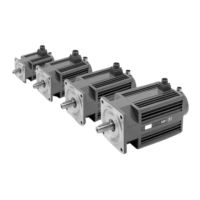
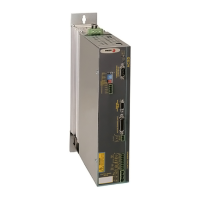
BCSD-80/116 Digital Brushless AC Servo Drive system - Ref. 1809
5.1.3. Basic Mode Selection
The basic modes include status display mode, parameter setting mode, monitor mode, and utility function
mode. Each time the MODE key is pressed, the next mode in the sequence is selected.
Select a basic mode to display the operation status, set parameters and operation references.
The basic mode is selected in the following order.
5.1.4. Status Display Mode
The status display mode displays the servodrive status as bit data and codes.
• Selecting Status Display Mode.
The status display mode is selected when the power supply is turned ON. If it is not displayed, select
this mode by pressing MODE key.



 To Next Page