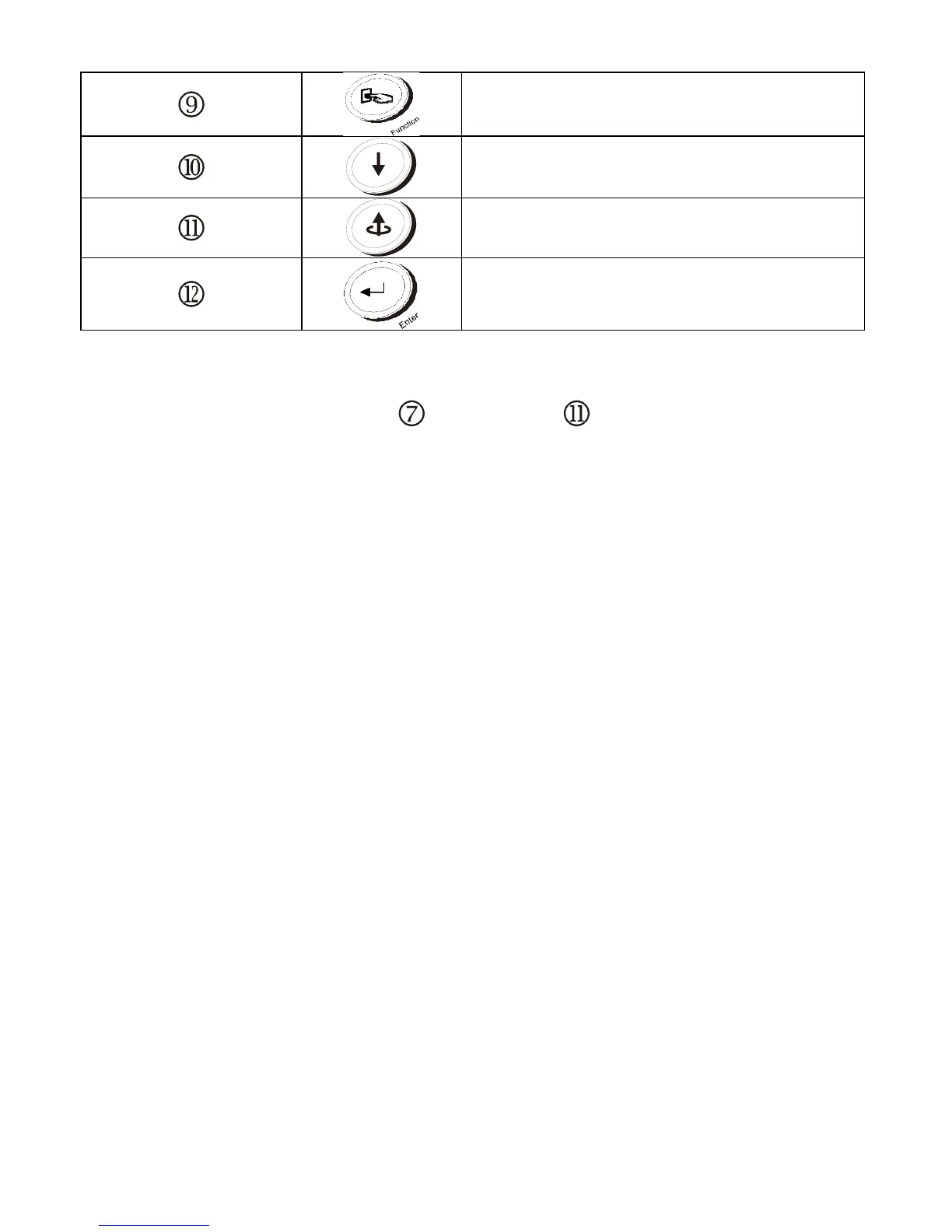
Apply UPS setting change
◎ Manual Bypass: To transfer in and out of bypass mode, verify the UPS is in
online mode, and then press " UPS On” and " Previous Page" buttons
simultaneously for approximately 3 seconds. The bypass LED and audible
alarm will activate approximately every 2 seconds indicating the UPS is in
bypass mode. Battery back-up is not available while the UPS is in bypass mode.



 To Next Page