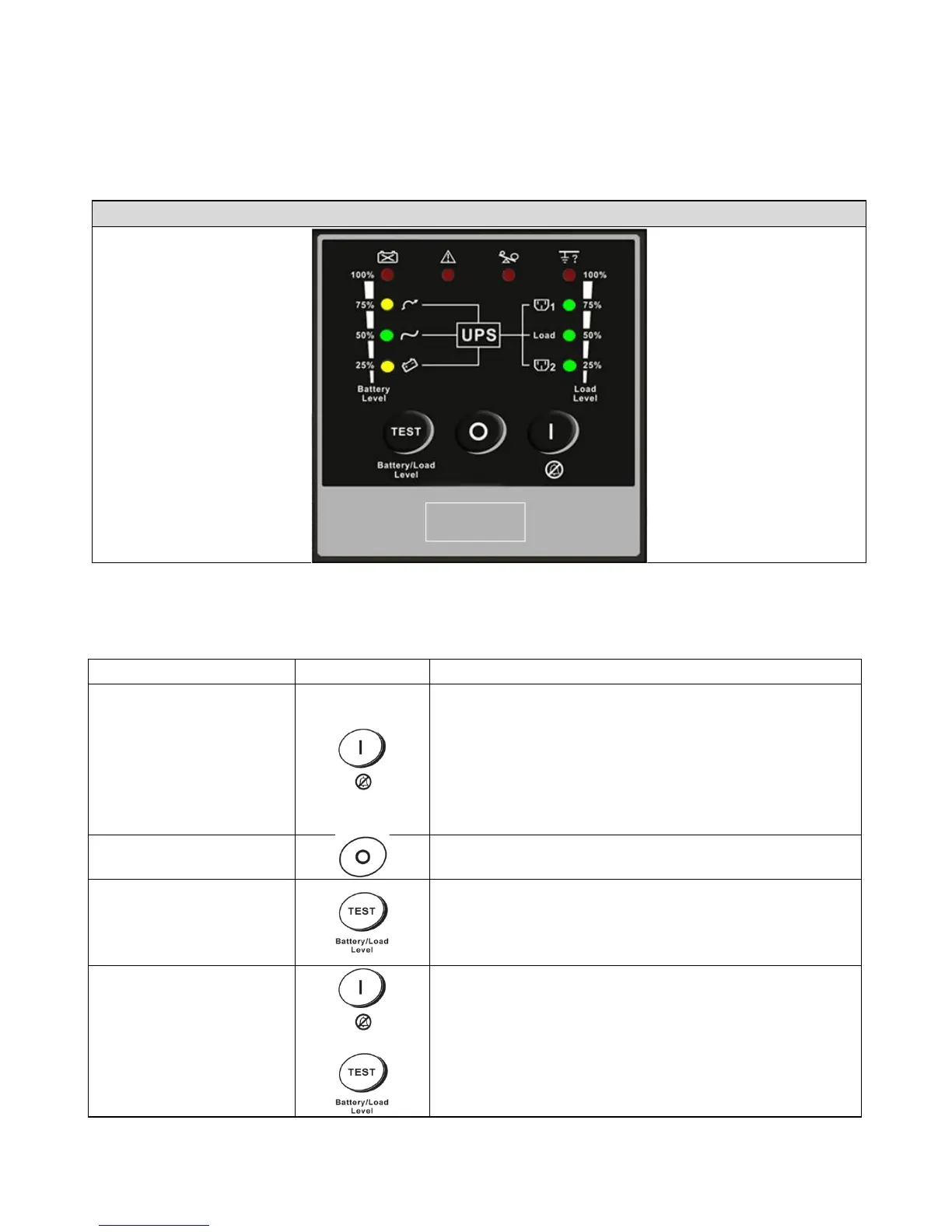
UPS Functional Descriptions
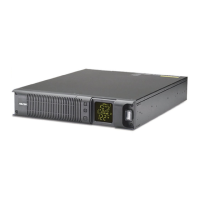
3.1 Front Panel Display
3.1.1 SC UPS< Convertible Type (Rack / Tower)> LED Panel (Optional, Contact
Falcon Electric for availability.)
(Press and hold until the buzzer beeps.)
b. Alarm silence
c. Error Code Display Function Mode.
After an alarm, press to mute the alarm buzzer
and show an Error Code. (Do not hold for > 1
UPS Power-Off Switch
(Press and hold until the buzzer beeps.)
a. Commands the UPS to perform a battery self-
test. (Press and hold until the buzzer beeps.)
b. Battery and Load Display Function Mode
(Do not hold for > 1 second.)
Press the "ON" key and "Self-Test" key
seconds to transfer from
"Inverter to Bypass" (The bypass LED will
continuously blink and the buzzer will beep
intermittently.) or "Bypass to Inverter" when the
UPS is in online mode and the Bypass Voltage



 To Next Page