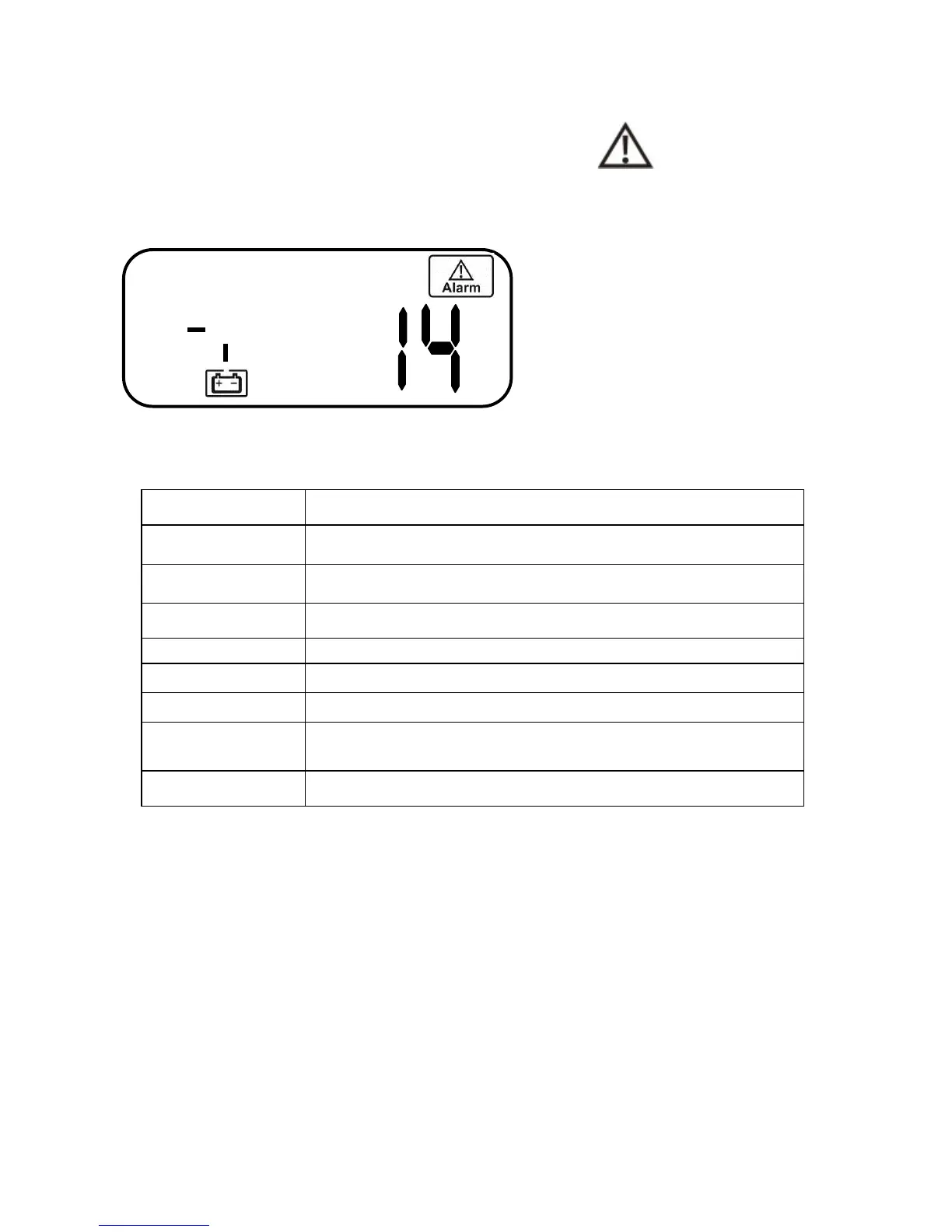
6.1.3 Error Codes (LCD Models)
If the UPS is in abnormal condition, the alarm icon
will light up and
trigger the audible alarm. The LCD screen will show information of the
condition and error code. Please reference section 6.1 for troubleshooting.
6.2 Error Code Definitions
Code Definition
Er05 Battery weak or faulty
Er06 Output short-circuit detected
Er07 EPO mode activated
Battery not present at start up or utility input voltage
is below 90Vac.
Er28 Overload / Bypass condition
6.3 Maintenance
1. Clean dust from the ventilation louvers and fan guards on the rear panel.
2. Turn off the UPS and wipe the casing with a damp cloth.
Be careful to avoid
getting water in the UPS.
3. Periodically perform a battery self-test. (Reference section 4.3.3.13) Be
sure you have saved your data in any open computer applications before
you proceed with this battery test.



 To Next Page