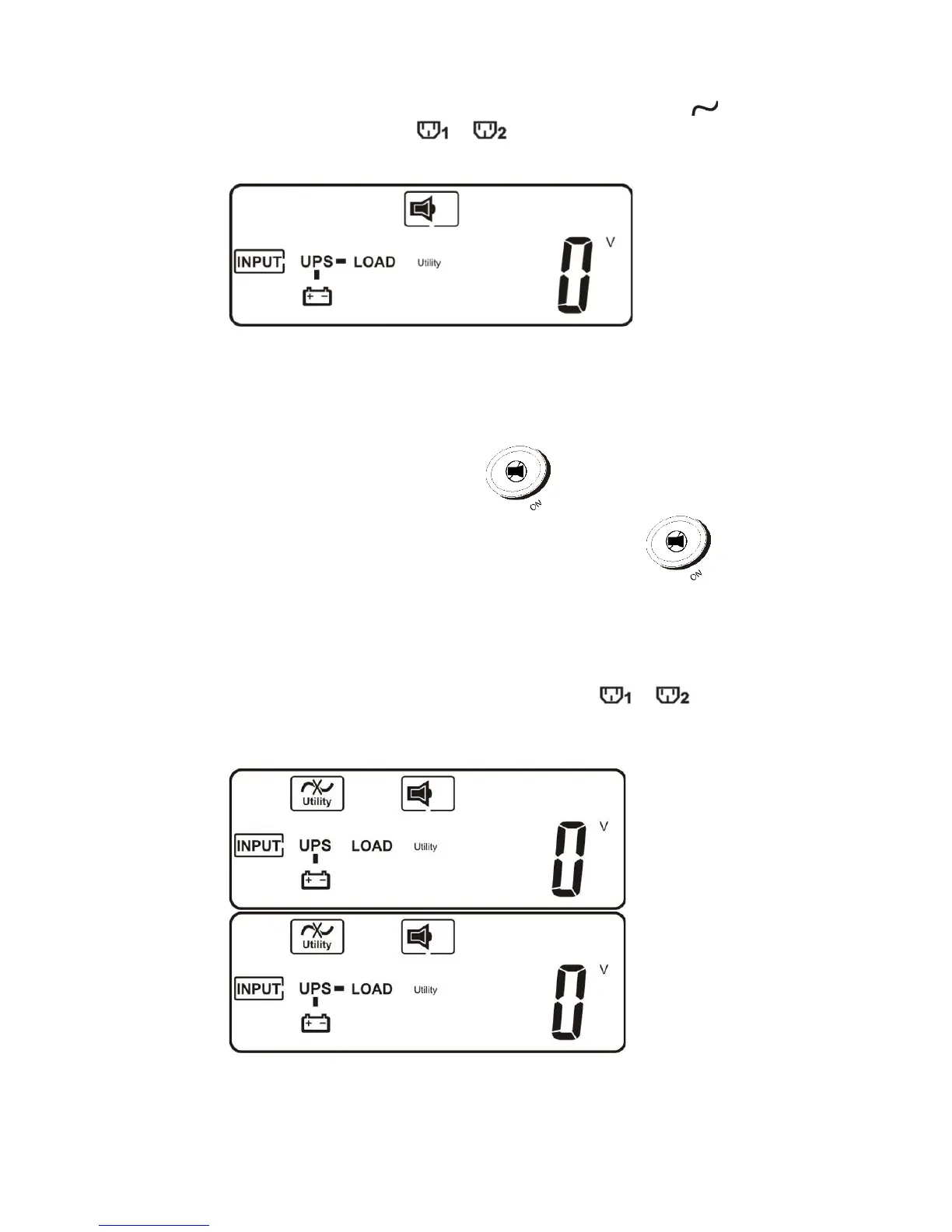
6. Back-up test: Unplug the power cord or switch off power source to
simulate power failure condition. Green LED indicator will be
dimmed and amber LED " "," will be lit. Intermittent audible alarm
will be heard and LCD display shows as below figure-C:
4.3.2.2 DC Start (Cold-start)
1. Ensure the internal battery is available or external battery is connected
to UPS. Press and hold UPS On button for 3 seconds until 2
beeps are heard, release button and press UPS On button for 3
more seconds until 2 beeps are heard again to confirm cold-start procedure.
If the second button confirmation isn’t finished within 10 seconds after first 2
beeps, the UPS will not cold-start and will shut off after 10 seconds.
2. Five seconds after cold-starting, amber LED" "," will be lit,
intermittent audible alarm will be heard and LCD will show, sequentially as
shown below in figure-D and figure-E:



 To Next Page