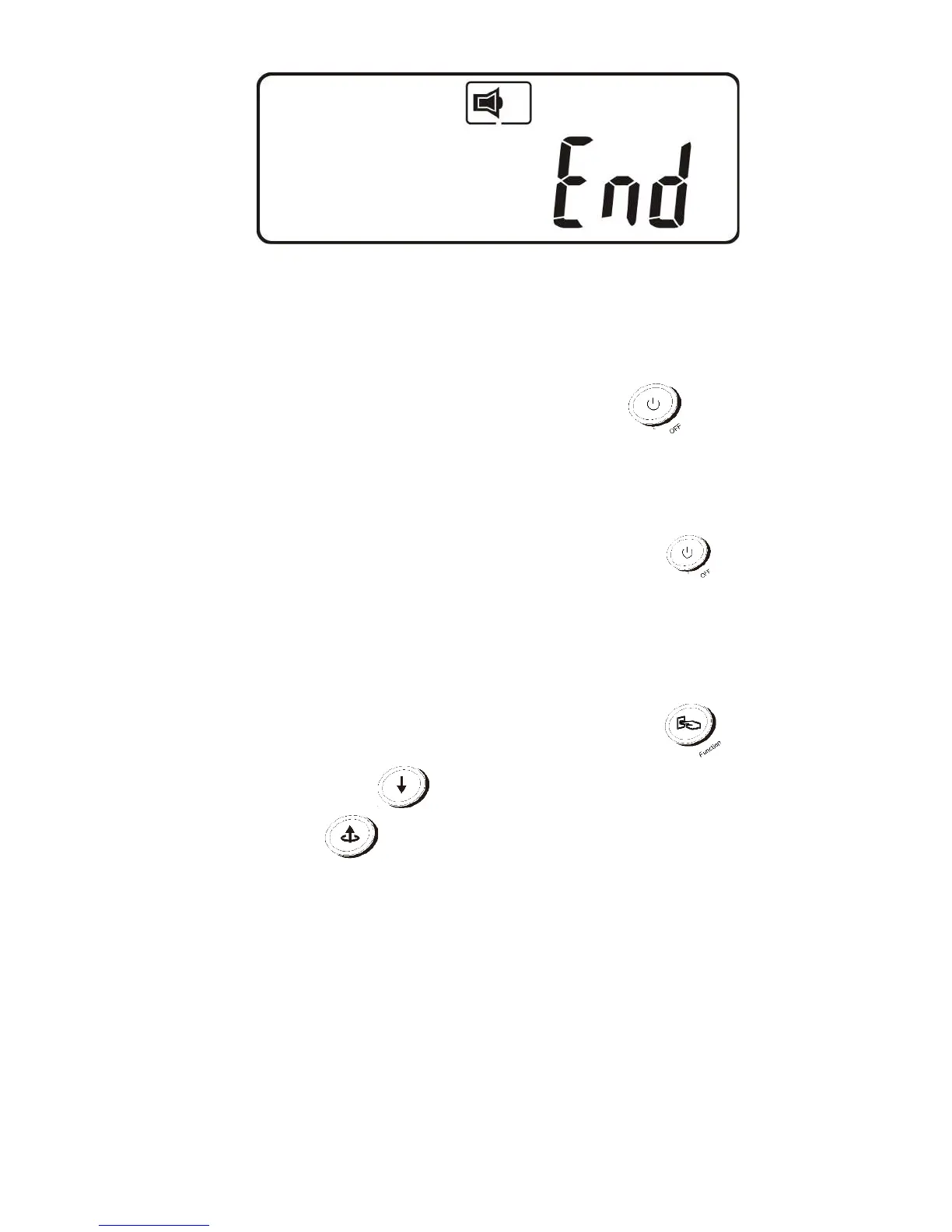
X
4.3.3.10 Turn off the AC power and restart the UPS.
4.3.3.11 Once the UPS is in online mode, the changes will take effect.
4.3.3.12 Turn UPS off
1. Online mode (AC input available) : Press the Off button
and hold
until 2 beeps are heard. The UPS output will shut off. The UPS will stay in
standby mode, fan(s) will keep spinning and the battery will remain
recharging if AC input is still available; otherwise it will shut down
completely.
2. Backup mode (AC input not available): Press the Off button and
hold until 2 beeps are heard. The UPS output will shut off. Ten seconds
later, the fan will stop spinning and UPS will shut down completely.
4.3.3.13 Battery Self-test (Online mode only)
Verify the UPS is in online mode. Press the function button then
press the Next Page button once to select testing. Press the
Previous Page button to begin battery self-test which will last
about 10 seconds then switch back to normal operation. If the batteries
are in poor condition, the battery fault alarm / error code will activate.



 To Next Page