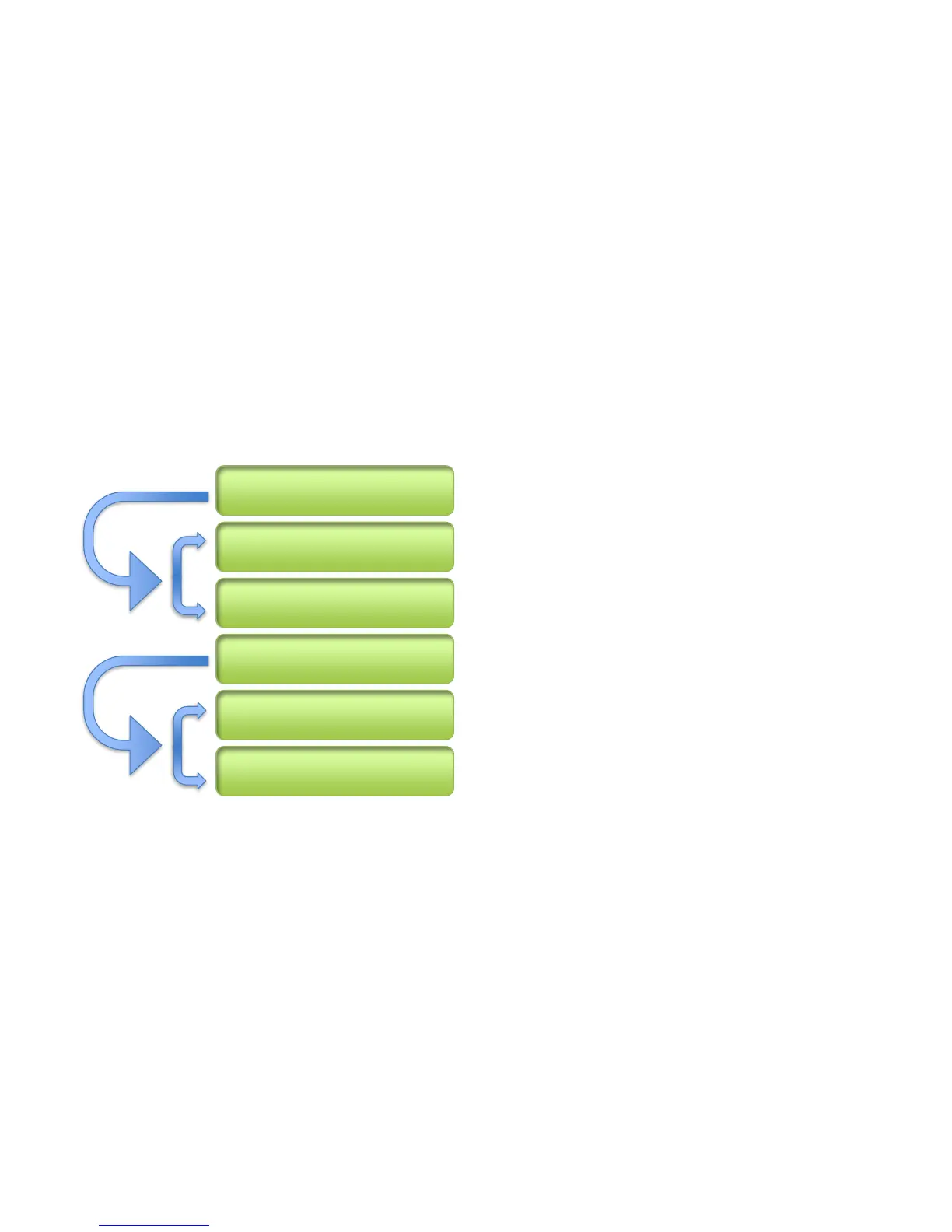
Programming a Preset / IA Slot With Steps
This example will allow a preset (or IA Slot) to initially change its color to BLUE, then activate Page #2. When the user
presses the Preset / IA Slot again, it will change its color to GREEN, and switch to page #1. If the user presses the button
again, it will start over and process STEP 1. This is a simple demonstration to show the use of steps, but its concept
becomes powerful as you add functionality to aid in your work flow. The combination of various midi and special
commands within steps will allow presets and IA Slots to do many sophisticated tasks outside of simple MIDI
triggering. This demonstration (programmed into a preset) uses six (6) commands in total:
Start by defining a first step
Set the Color of the Preset to a dimmed Blue
Activate Page #2
Stop Step 1 commands and start STEP 2
Set the Presets color to a dimmed Green
Activate Page #1



 To Next Page