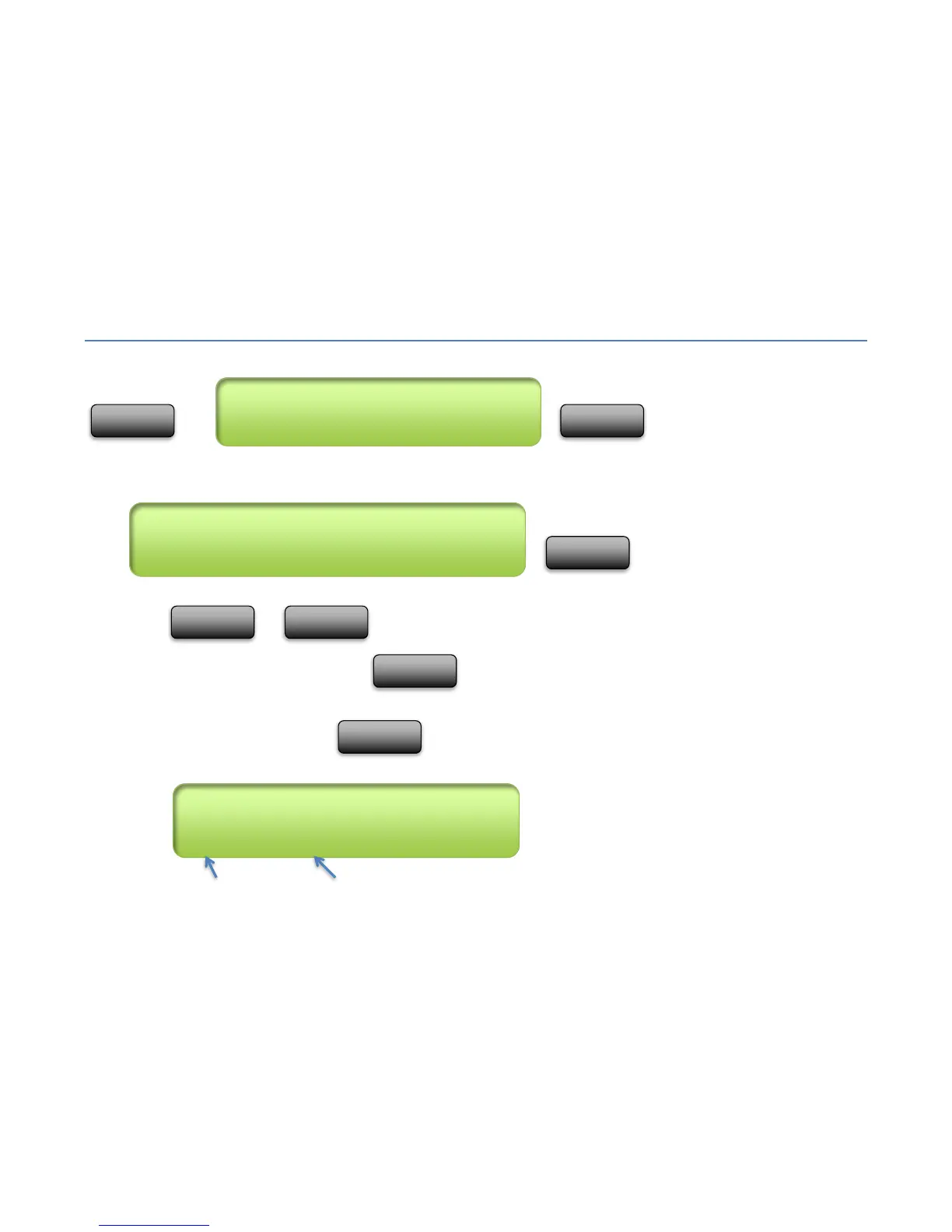
MODE Menu
Enter Mode menu
,
Page
,
Press or to select the page you desire. The screen with show the current page number,
along with the pages full name. Press when you have the desired page highlighted. The selected page
will now be the active page until changed by the user, or by a programmed command within a Song, Preset, IA Slot or
Special Button is executed. Press to abort and keep the currently active page.
Page # Full Page Name



 To Next Page