Preset
Press to immediately activate Preset Mode. Preset mode allows you to select banks, presets and IA
switches based on the page layout that is active. Preset mode ignores Song and Set-list commands. Special commands
BANK UP, BANK DOWN, CONTEXT UP and CONTEXT DOWN are usable while SONG UP/SONG DOWN, SETLIST UP,
SETLIST DOWN are not.
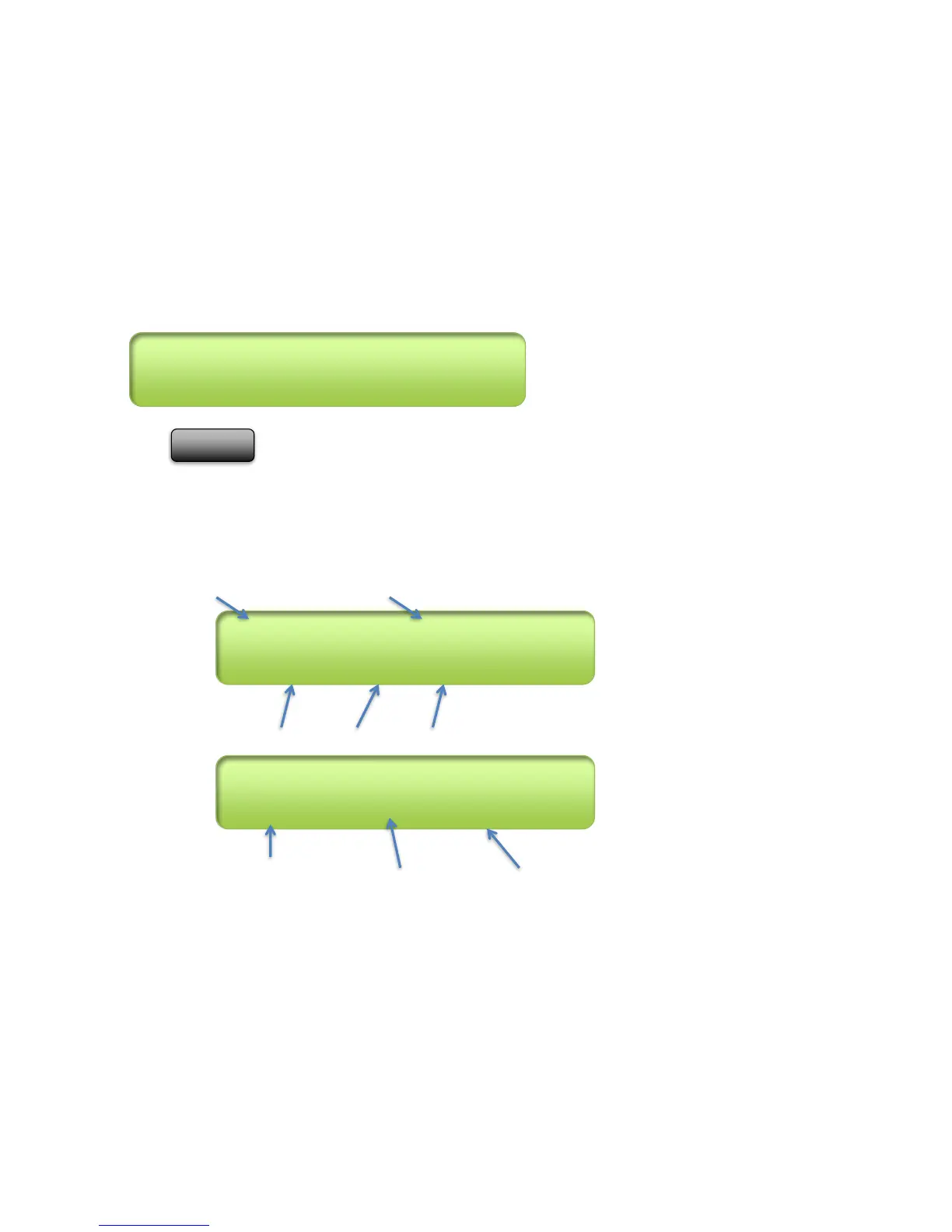
Typical Preset Mode Display:
Current Preset # Preset Full Name
Ex. Status Line when user presses an IA function:
Status Msg (IA turned on) IA # IA nickname
Ex. Status Line when user presses a bank change:
Status Msg (Bank being chosen) Low Preset# in bank High Preset



 To Next Page