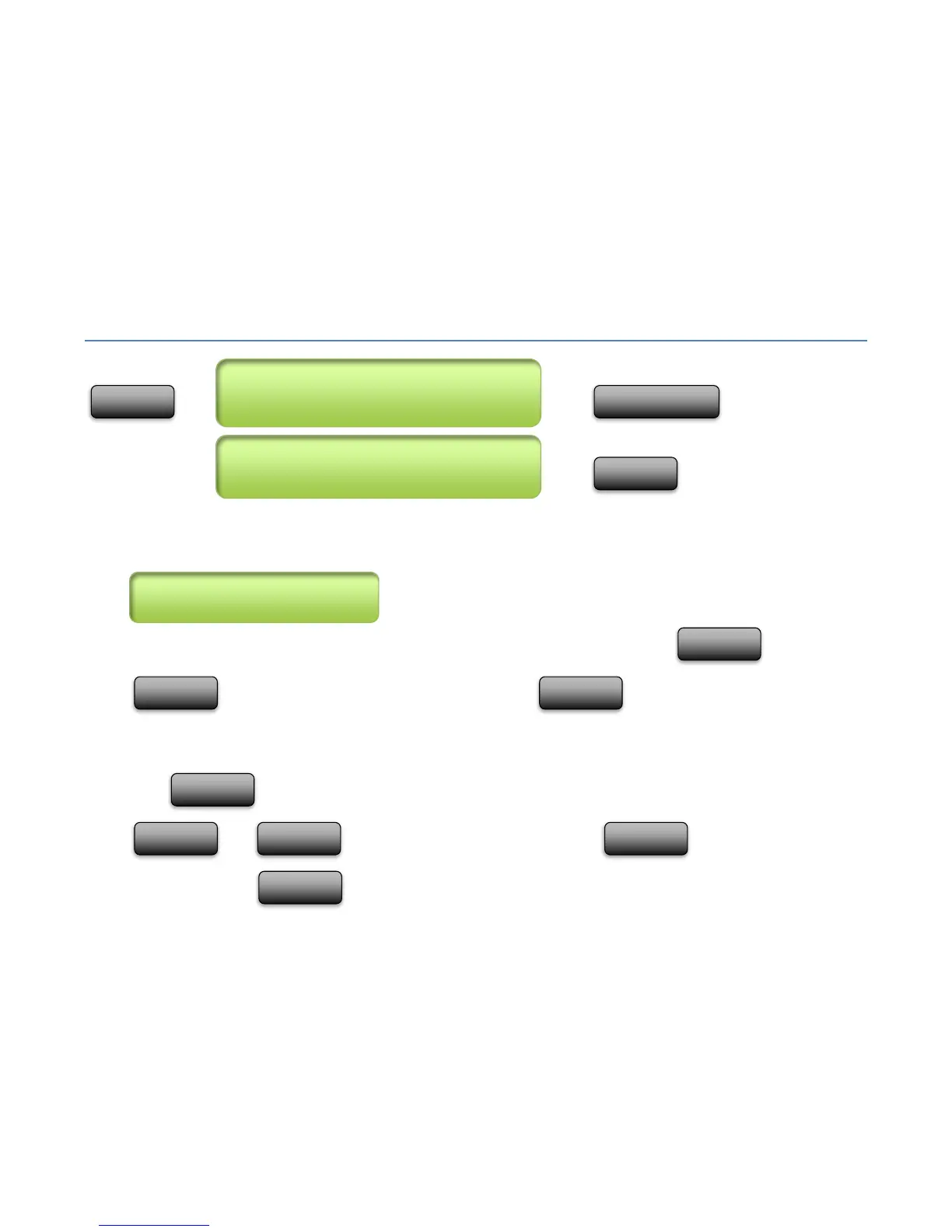
Set-List Menu
, press until
, press
Selecting a Set-List
The set-list menu will allow you to select a set-list to (1) Edit, or (2) Copy/Paste. Use the and
buttons to select the set-list to Edit or Copy. Press when ready to edit.
Copy/Paste
Press to begin Copy/Paste. The first time pressed, you will see “(COPY)” on the screen. Use the
and buttons to select the new location. Press again to make a copy in the
new location (press to cancel the copy operation from continuing).



 To Next Page