ENGLISH
13 / 73
(2) Plug the Wireless LAN USB Adapter (i.e. FANTEC Wi-Fi USB Dongle) to
the USB HOST port of the player.
(3) Please refer to ‘3.5 Changing Network Settings’ for more details about
wireless setup
Note: The FANTEC Wi-Fi Dongle is an optional accessory sold separately. In
order to avoid incompatibilities with Wi-Fi adapters, it’s recommended to use
“FANTEC WF-300MWLAN Dongle”. The accurate function of non-FANTEC
devices cannot be guaranteed.
1.5 Power On / Off
Power On
After connecting the DC IN jack and pressing the power button on the front
panel, the player will soon enter the home screen, and the power indicator will
turn blue.
Power Off
After pressing the power button on the front panel, the player will soon enter
standby mode, and the power indicator will turn red. Then unplug the power
cord to cut off the power supply.
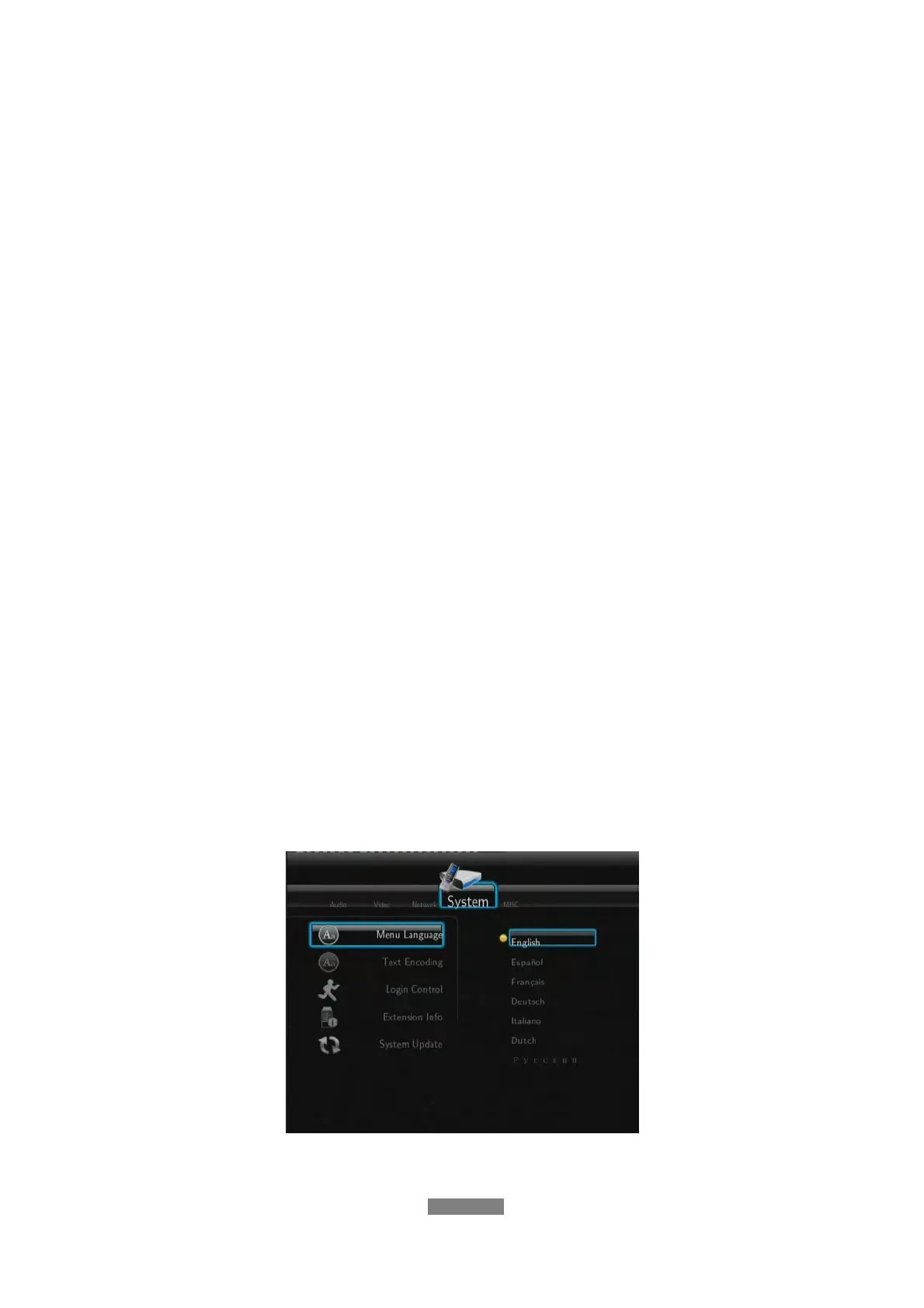
1.6 Menu Language
The system language of this player can be set to English or other languages.
Change the language you wish to use in the setup menu and the selected
language will take effect immediately.



 To Next Page