ENGLISH
59 / 73
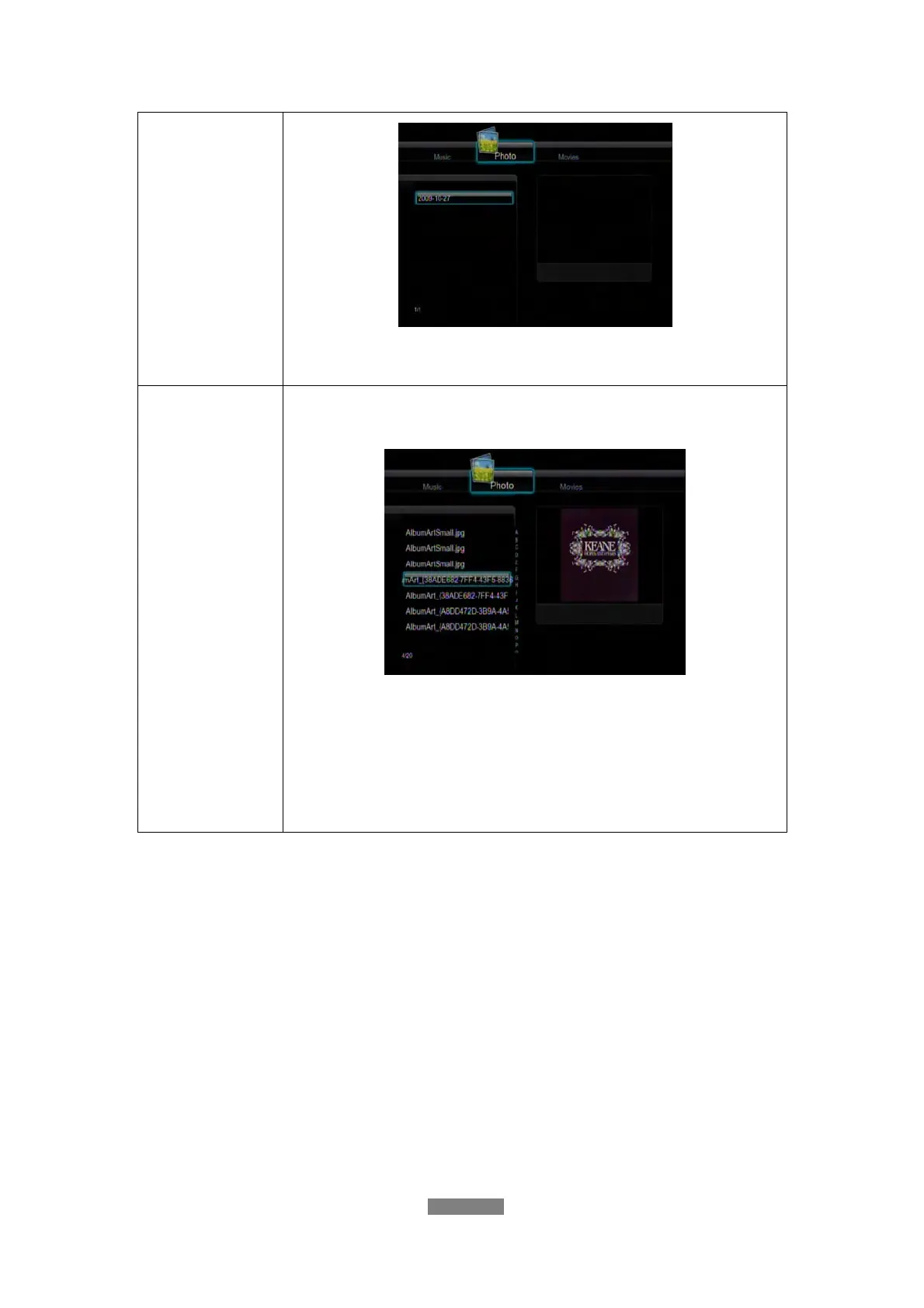
Press the up / down button to select the date, and press the
enter button to confirm.
Quick-Search
You can also press the right button to turn on a
Quick-Search bar while previewing photos in the library.
Press the up / down button to select characters on the
Quick-Search bar, and press the enter button to confirm.
The photo files with the specific characters will be displayed.
Press the left button to delete characters, and press the
return button to close the Quick-Search bar. Finally press
the enter button to start playback.
11.3 Movie Library
Use the left / right button on the remote control to select the Movies tab.



 To Next Page