ENGLISH
39 / 73
7. Browser Menu
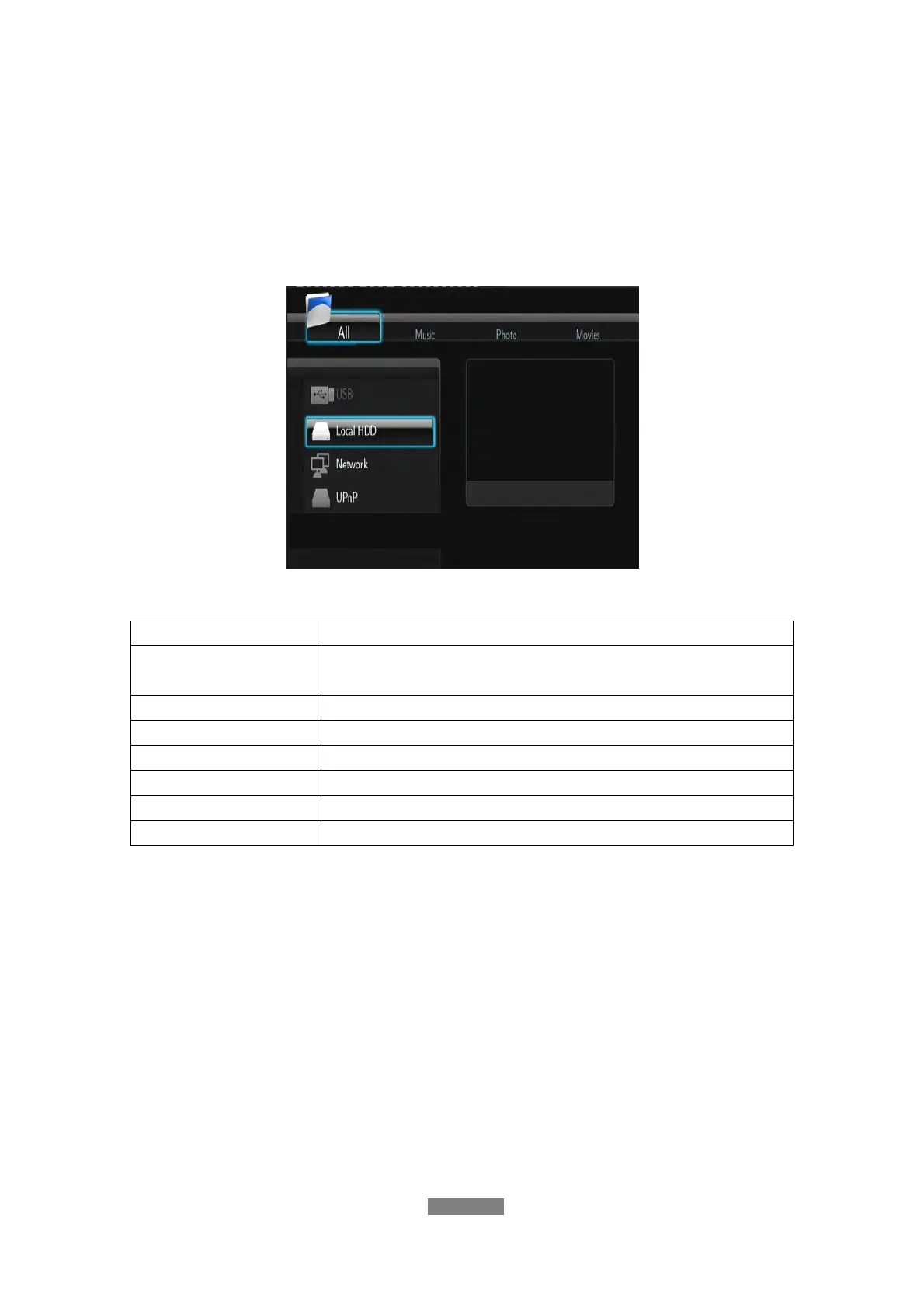
The browser menu allows you to browse and play media files stored on
Removable Devices (USB Pen Drive, USB Disk Drive), HDD, Network,
UPnP-server, and Playlist. To enter the menu, select the Browser icon on the
home screen, or press the BROWSER button on the remote control.
The following buttons can be used while navigating the browser menu.
Button Function
UP / DOWN
Move cursor up / down to select devices, folders, or
files.
LEFT / RIGHT Select filter options: All, Music, Photos, and Movies.
PREV / NEXT
Go to previous / next page.
ENTER
Enter or confirm the selected item.
RED Select files under Browser -> HDD menu.
GREEN
Add the selected files to the playlist.
RETURN
Return to the previous menu.
7.1 Browsing All
In this mode, all folders and supported contents (music, photos, and movies)
will be displayed.



 To Next Page