ENGLISH
49 / 73
8. File Copy Menu
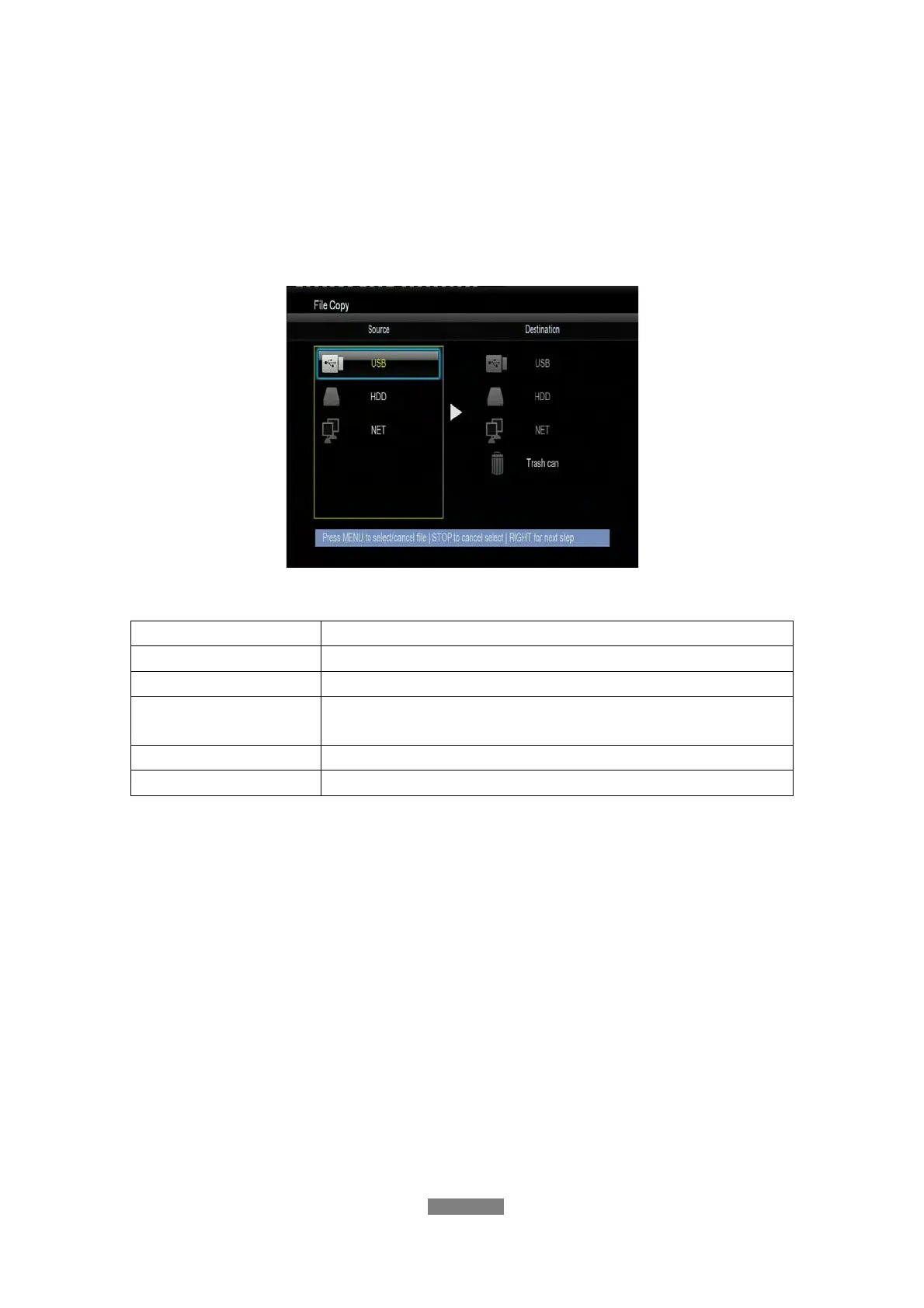
Select the File Copy icon from the home screen to enter the File Copy menu
or press the COPY button on the remote control, which allows you to copy files
and folders between Removable Devices (USB Pen Drive, USB Disk Drive),
HDD, and Network.
The following buttons can be used under the File Copy menu.
Button Function
UP / DOWN
Move cursor up / down to select devices, folders
RIGHT
Go to the next step.
MENU
Select (or cancel) folders or files (The selected items
will be ticked).
STOP
Cancel all selections.
ENTER
Confirm the selected options.
Please refer to the following operations to copy / move folders / files between
devices.
- Step 1: Select the source device and destination device.
- Step 2: Select the source files or folders you want to copy.
- Step 3: Choose the destination folder for the selected files or folders.
- Step 4: Select Copy or Move to proceed.
9. Internet Radio
This player integrates the SHOUTcast free Internet radio function. Select the
Internet Radio icon on the main interface to enter this menu.



 To Next Page