ENGLISH
48 / 73
7.8.2 Browsing the playlist
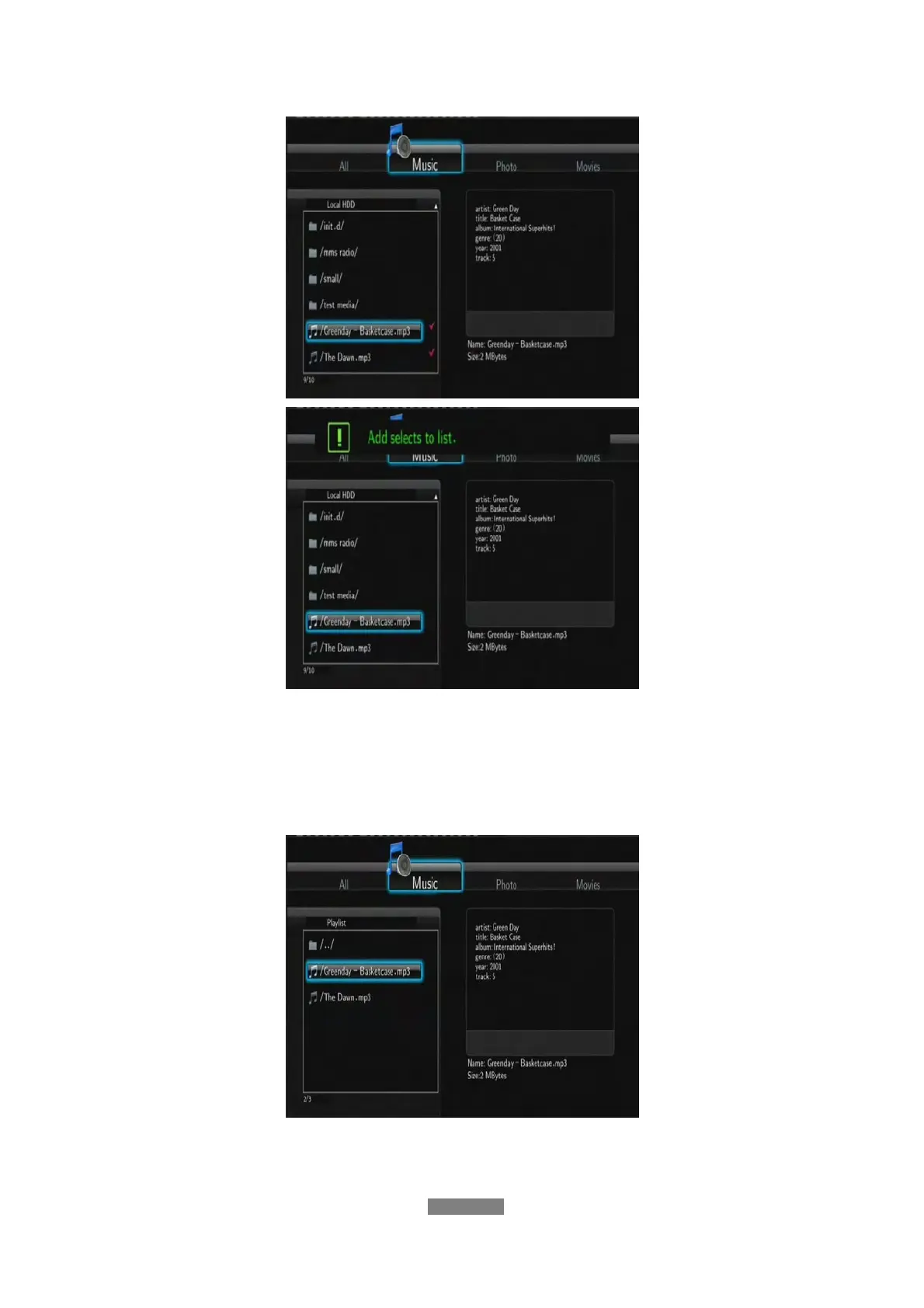
Press the UP / DOWN buttons to select Play List in the browser menu. Press
the LEFT / RIGHT buttons to select between All, Music, Photos, and Movies.
And press the ENTER button to confirm. Then you will enter the playlist.
If you wish to delete a file from the playlist, press the RED button to select, and
then press the GREEN button to confirm.



 To Next Page