ENGLISH
36 / 73
6. Timer Record Menu
The Timer Record menu allows you to create, edit and delete recording
schedules and view all schedule status and history.
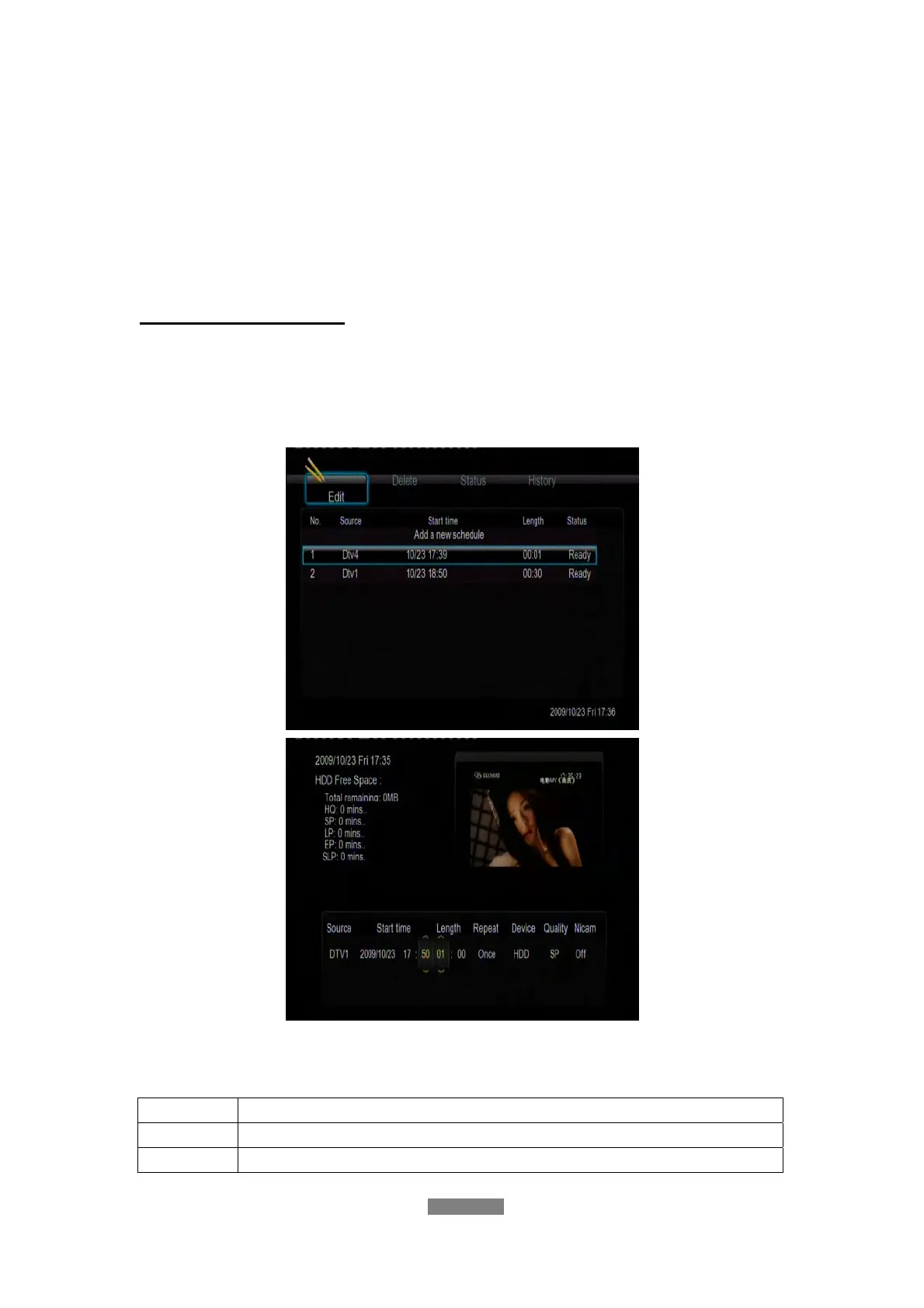
Create a New Schedule
Press the left / right button on the remote control to select the Edit tab from
the menu bar.
Select Add a New Schedule and press the enter button. The schedule setting
screen appears.
Use the left / right button on the remote control to move between fields and
press the up / down button to adjust each setting.
Source
Select the video source or TV channels for the recording.
Start Time
Enter the date and time of the recording.
Length
Enter the length of the recording.



 To Next Page