ENGLISH
62 / 73
Press the up / down button to select the year, and press the
enter button to confirm.
Quick-Search
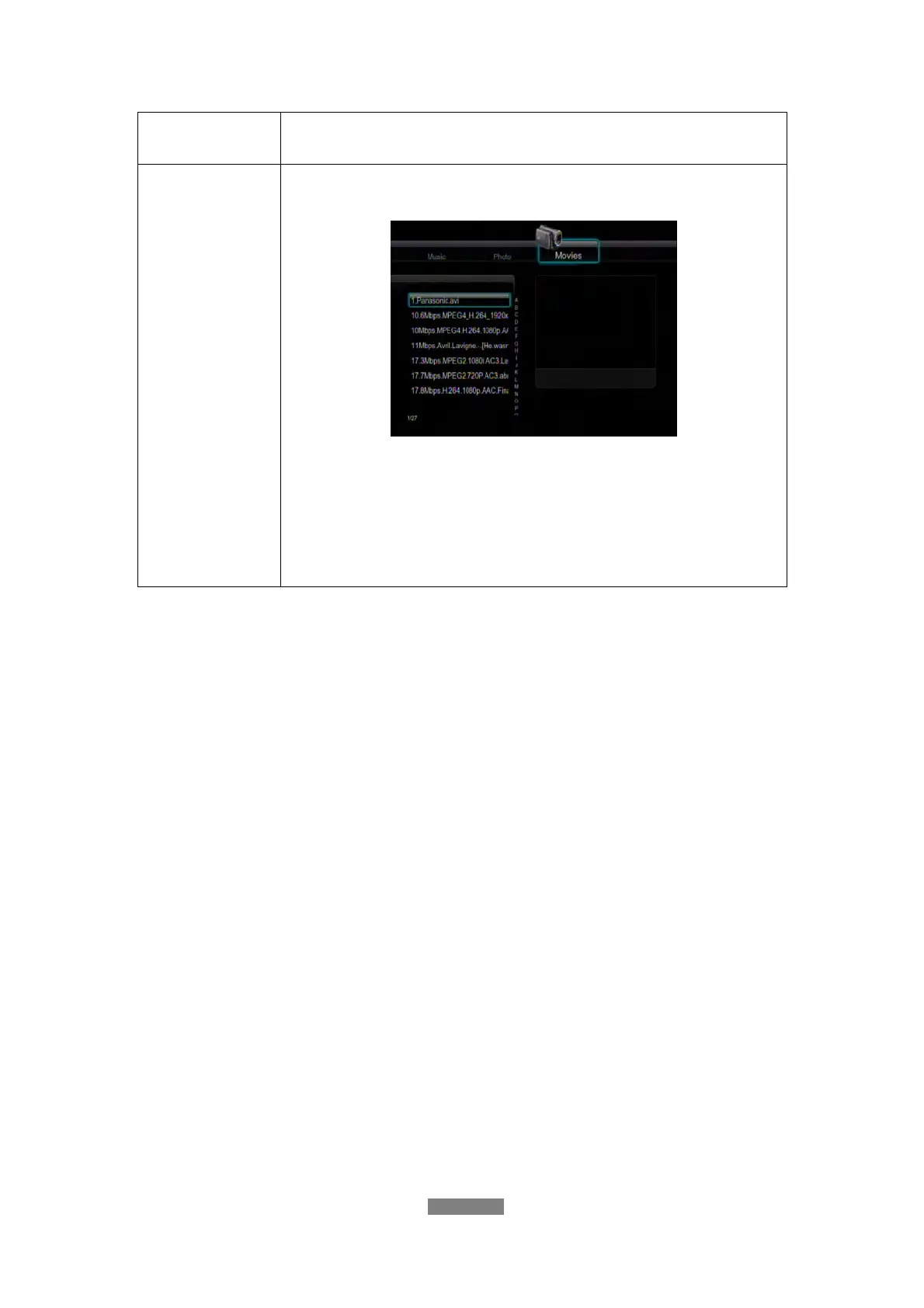
You can also press the right button to turn on a
Quick-Search bar while previewing movies in the library.
Press the up / down button to select characters on the
Quick-Search bar, and press the enter button to confirm. The
movie files with the specific characters will be displayed.
Press the left button to delete characters, and press the
return button to close the Quick-Search bar. Finally press
the enter button to start playback.
Note:
In order to use the search function more efficiently, you are encouraged to use
the following rules to name the movies stored on the internal HDD.
Syntax: [Name][Actor][Genre][Year].extension
Examples:
[Pretty.Woman.CD1][Richard Gere][Love][1990].avi
[The.Dark.Knight.CD1][Christian Bale][Action][2008].mpeg
12. Upgrading the Firmware
The firmware is the operating system (OS) installed on the device. Firmware
upgrades can bring new features, improvements and bug fixes.
(1) Copy ‘install.img’ or extension files to the root directory of a USB stick, and
connect it to the USB HOST port of the player.
(2) Press and hold the power button on the front panel, and do not loosen.
(3) Plug the power cable into the DC IN jack, wait for about 15 seconds or
more, and then loosen your finger from the power / standby button.



 To Next Page